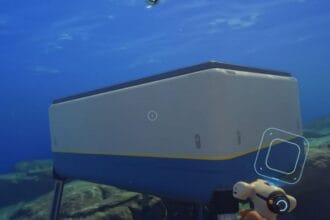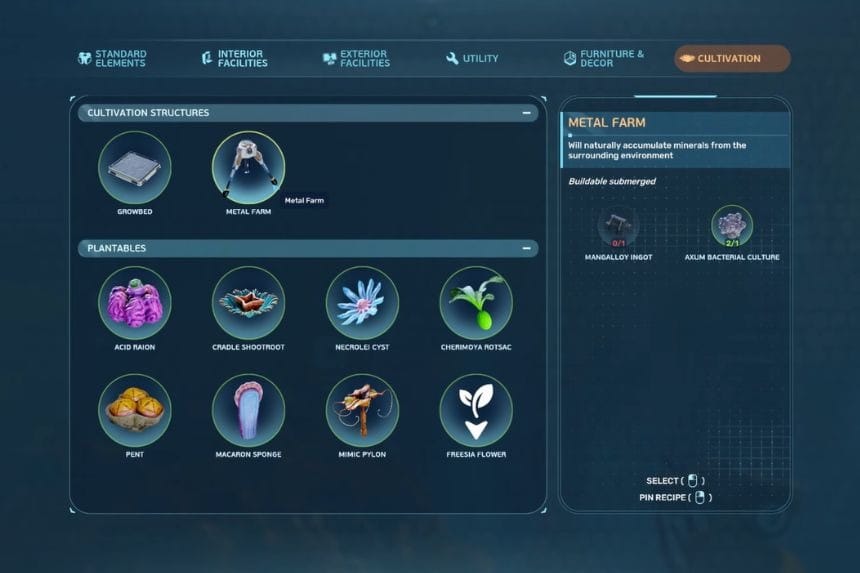
The Metal Farm in Subnautica 2 is a way for players to produce metal resources automatically instead of having to find them manually. Once a power supply is connected to the structure, the Sonic Resonator will be able to generate a continuous supply of various types of materials from it. Here is a detailed breakdown on how to set up the Metal Farm, how production works, and how to collect the resources.
Place and Power the Metal Farm
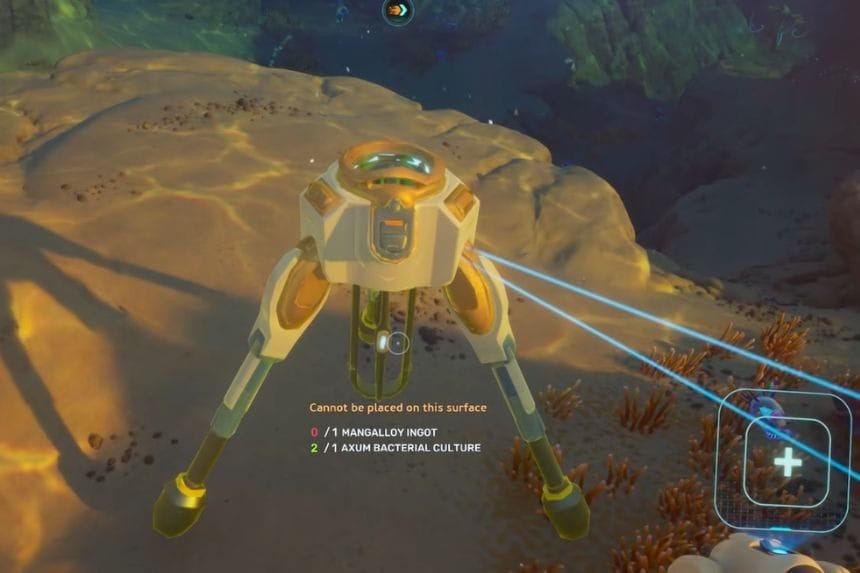
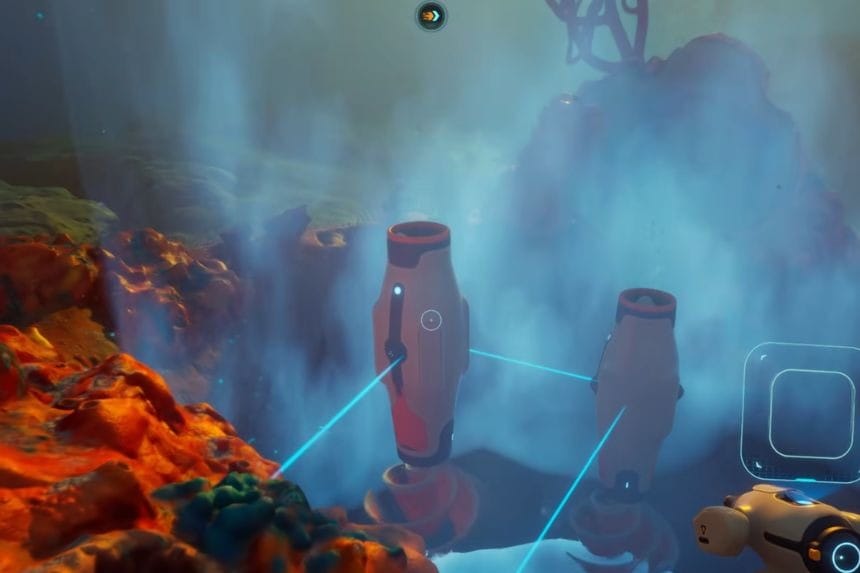
Instead of finding metal manually, you can generate metal resources using the Metal Farm over time. The Metal Farm will gradually create materials for you to collect through the Sonic Resonator after you have placed and powered it with a power source.
Place the Metal Farm in any location of your choice and connect it to a power source so that it can function properly. You can place it close to a hydro electric air structure for power. If the distance from the structure to the power source is too much, you can use a Power Transmitter as a form of connecting power to the Metal Farm.
Insert Materials and Start Production
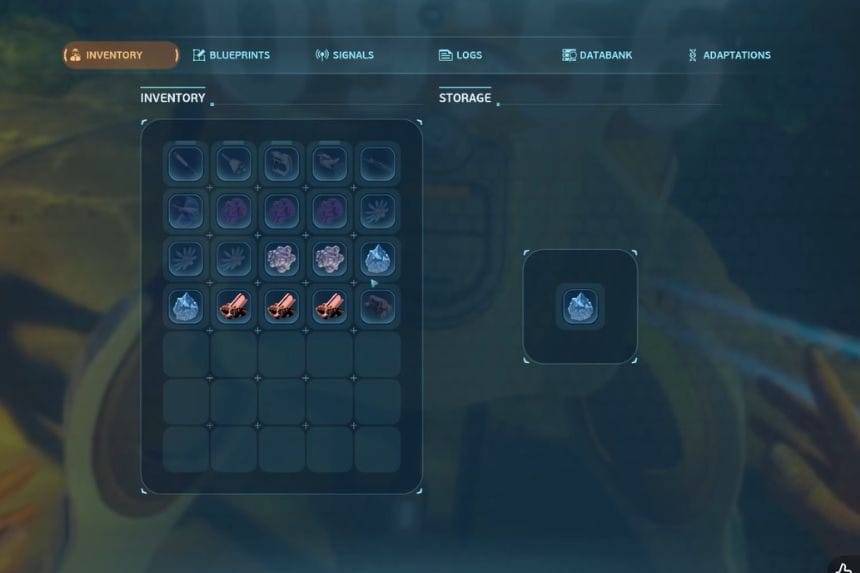
Once you have powered the Metal Farm, you will need to interact with it to find out which items you can add inside. Some items can be used and others will not be able to be placed in the farm at all. The Metal Farm seems to primarily work with metals. Whenever you place an item into the Metal Farm, the machine will show you how long the resource will take to grow.
Use the Sonic Resonator to Collect Resources
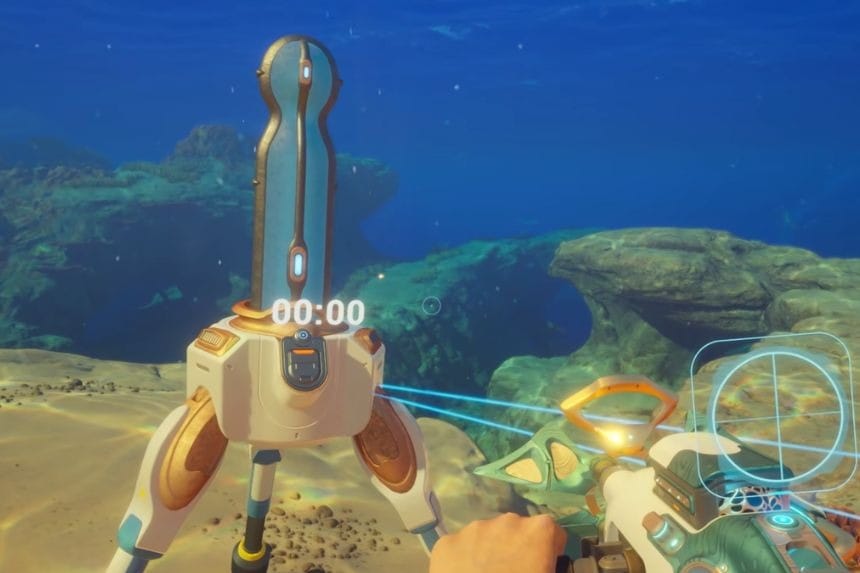
It will take around 10 minutes per metal resource to appear. Metal Farms can be placed in any biome including the starting biome, and does not seem to produce different results based on location.
Upon the timer hitting 0 you will need to have the Sonic Resonator equipped and then use it on the resource that is growing on top of the Metal Farm. This will help you collect the resource. After having collected the resource, the timer will automatically reset, this will allow you to continue the process again.