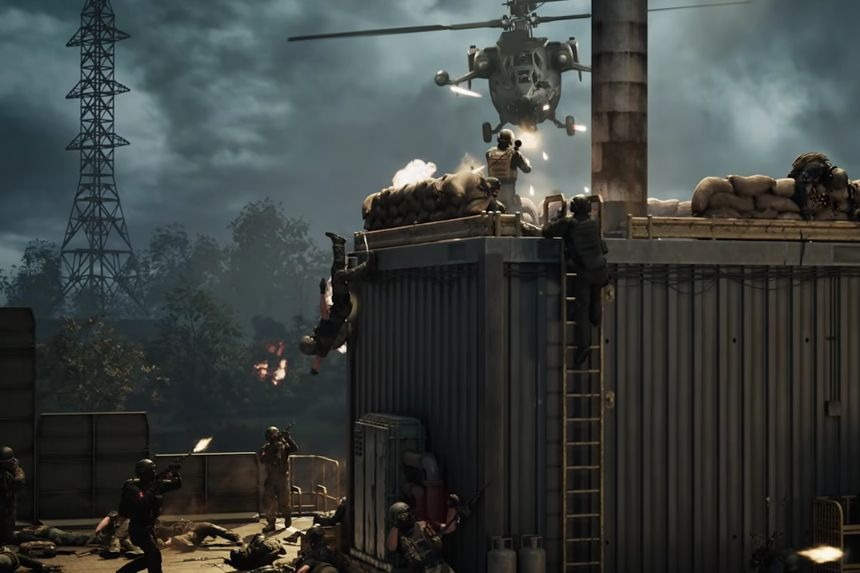
Flying a helicopter in War Dogs may be challenging initially due to unfamiliarity with the controls. Nevertheless, once you have learned how to operate the settings and move it around, flying will become quite easy for you. You can test yourself in the Firing Range first. In this guide, we will tell you the best helicopter settings, basic controls, takeoff, flying, and landing.
How to Fly Helicopters in Wardogs
The best location to use your flying skills is the Firing Range. The location can be accessed by using the bottom left corner of the main menu. As soon as you get into the firing range, go towards the vehicle vendor. Start from the spawn point and take two left turns.
The vehicle vendor gives you the opportunity to spawn any vehicle that you need for free, hence allowing you to practice without having to lose anything. Go to the air vehicles and select the helicopter that you would like to practice with.
Helicopter Controls and Settings
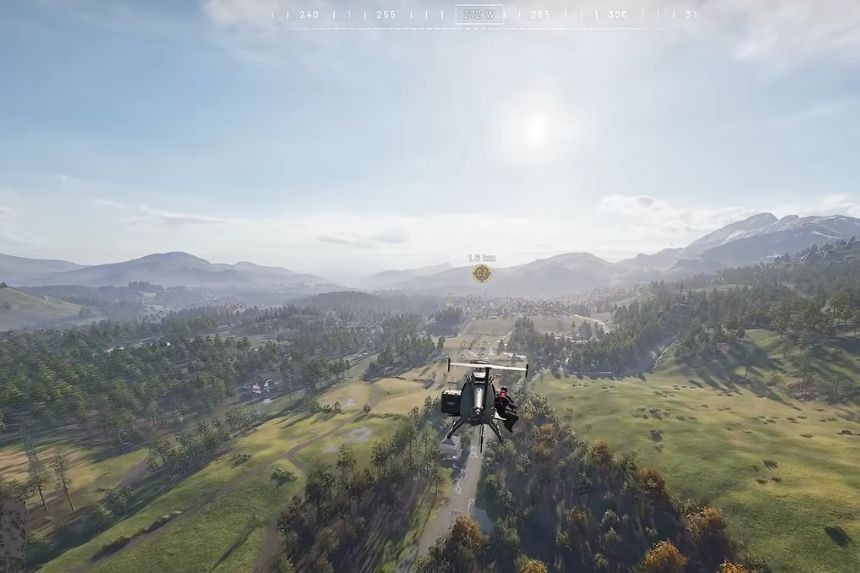
It would be wise to make some changes before taking off. Navigate to your settings and find the Controls tab. Look down the list for the air vehicle settings.
- Start by turning on the option called “Rotary Vehicle Mouse Control”.
- Set “Helicopter Mouse Swipe Left/Right” to yaw and “Helicopter Mouse Swipe Up/Down” to pitch.
- Set sensitivity options to the following: 80% for “Helicopter Mouse Pitch Sensitivity” and 80% for “Yaw Sensitivity”.
- Air Vehicle Multiplier should be at 1.0.
- Set “Helicopter Mouse Axis Isolation” to 70%.
- Also, you have to change some key bindings: set “Collective Raise” to spacebar, and “Collective Lower” to left shift.
- If the keys you chose interfere with your parachute’s controls, you may use other keys.
- As for the cyclic controls, you need to set the following options: increase cyclic X to W, decrease cyclic X to S, increase cyclic Y to D, decrease cyclic Y to A, yaw left to Q, and yaw right to E.
- Turning on Stability Assist and Envelope Limits will automatically rectify your helicopter’s angles while flying.
How to Take Off and Fly
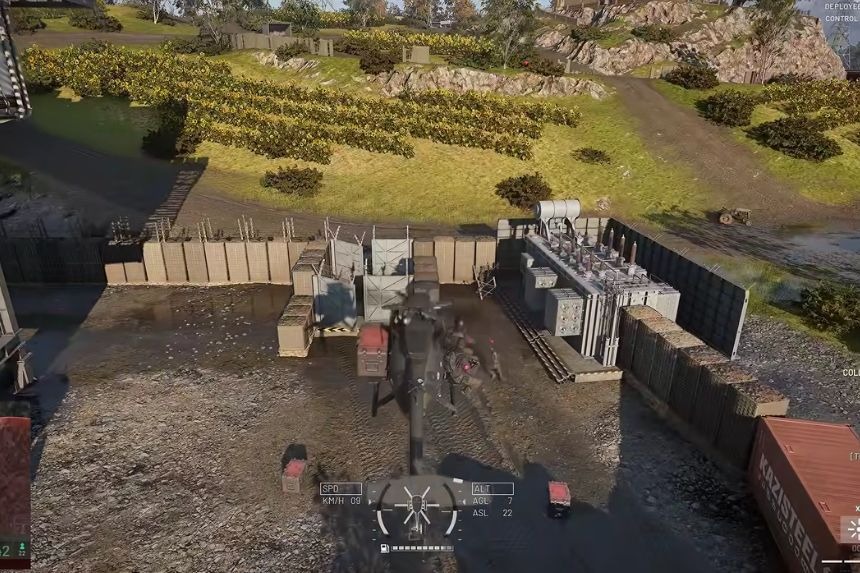
To initiate the helicopter, press the Spacebar key. The power of the collective increases, and you can notice this by observing the indicator situated at the bottom of the screen. Press the key until the helicopter is capable of ascending from the surface.
After you have taken off, releasing the Spacebar will allow the helicopter to hover automatically, provided that you have activated the corresponding function. This feature will give you a safe start while learning how to use other controls. To descend, press the Left Shift key and the helicopter will begin losing altitude.
Landing the helicopter might be dangerous, as pressing Shift until you touch the ground might result in a hard landing and damaging of your helicopter. Unfavourable terrain might cause the helicopter to topple. It is recommended that you slow down your descent before touching the ground.
It is possible to use the Q and E keys for turning the helicopter to the left and right, respectively. Using the mouse, you will be able to manage yaw. In case of large turns, using Q and E will be easier.
Basic Flying
When you have managed to learn how to lift off the ground and hover, the next step is to learn how to move forward. For that, you should press W to tilt the helicopter forward. It will give you the necessary forward speed, and the helicopter will fly in the direction you are facing. You should only make small corrections at first.
When the helicopter tilts too much forward, it will go down very fast, resulting in an accident. To pull it up and slow down, you can press S. At first, you should fly straight, then turn back using the Q and E buttons and fly in the opposite direction.
Landing
Once you have become used to flying, try landing several times. As you are getting ready for the landing, lean your helicopter backwards so that you lose forward momentum. Now press Shift Left to start descending. It will be better if you don’t push Shift Left very hard until you reach the ground. On the contrary, you should release Shift Left or press it intermittently as you near the landing place.
You can monitor your height from the ground using the right-hand side of the screen. A sample exercise could be: take off, move forward, reverse the direction of movement, slow down and land. Repeat until you can do it without crashing. In case your helicopter does get damaged, a simple repair kit will take care of that.
Furthermore, you can use this time to practice dropping off your allies without landing completely. Try hovering your vehicle a few inches off the ground, then wait for everyone to hop off. That way, you can still use your helicopter if you need to go somewhere instead of starting up again.