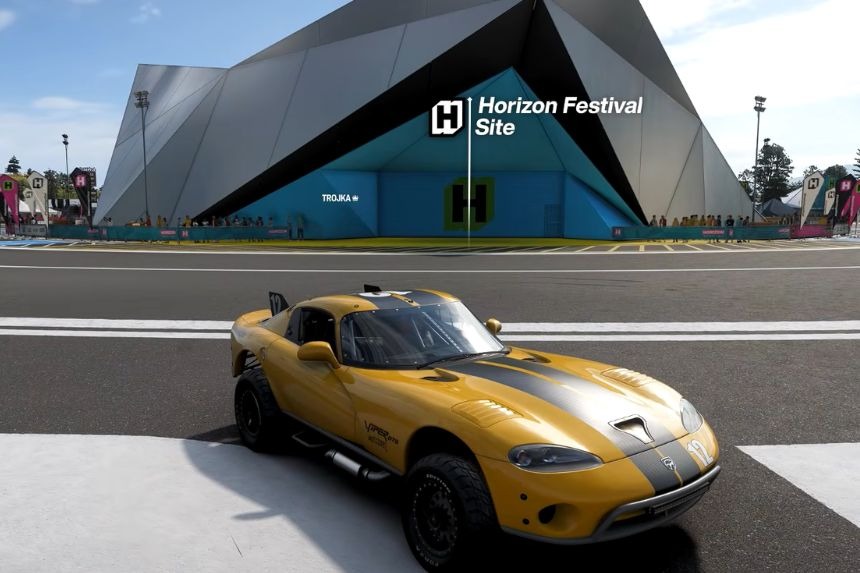
Players in Forza Horizon 6 will be able to modify their character name as well as the license plate for their car in the garage menu. While these options are accessible to use, they may be difficult to locate at first when you first start the game. This guide includes details on where to find and how to personalize your in-game identity in only a few steps.
Go to Your Home or Festival Garage
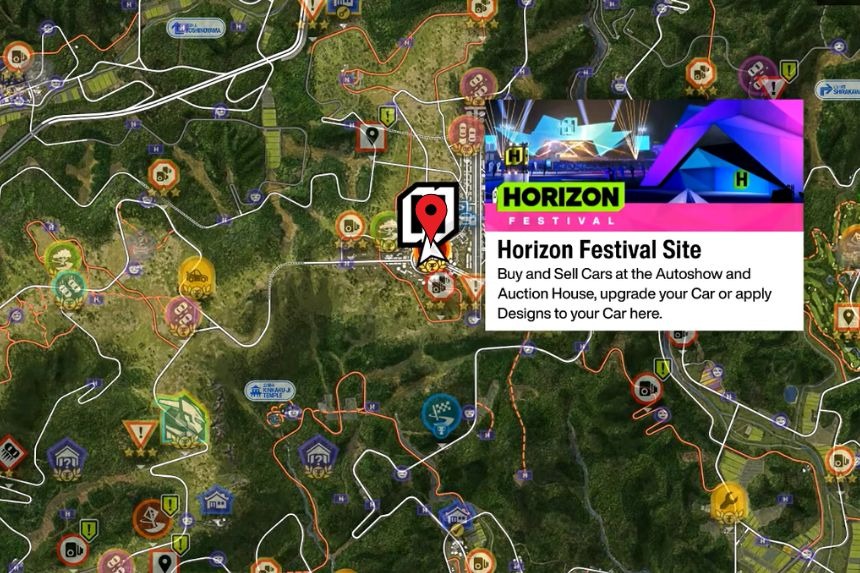
It’s really easy to change your name and number plate when you know where to look. The first thing you need to do is go into the Options menu and click on My Horizon, then click on Return Home. If you haven’t bought a house yet, go to the Forza Horizon Festival site instead as the Festival garage will be available after completing the first three or four races in the game.
How to Change Your License Plate
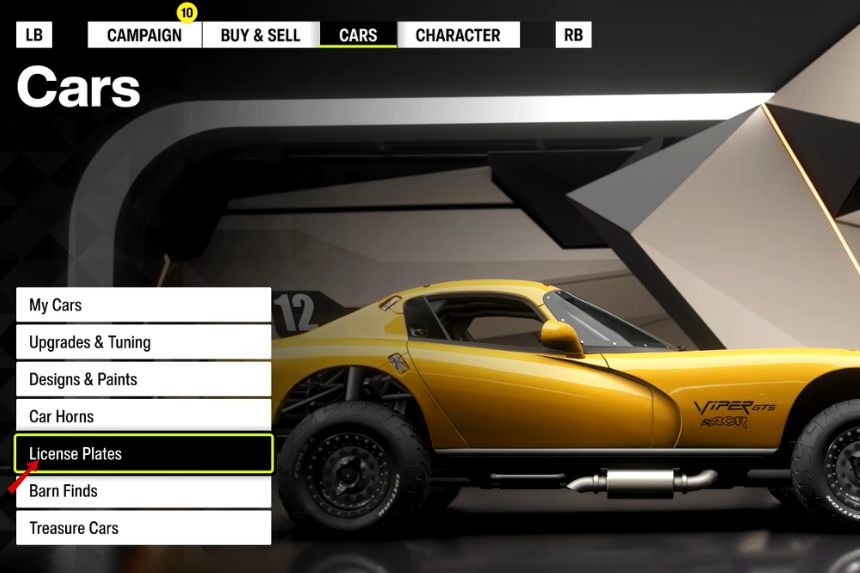
Inside the garage, selecting the Cars tab will allow you to see the License Plates option. Once selected you’ll be able to begin creating your own unique license plate with a combination of letters, numbers and special characters.
How to Change Your Character Name
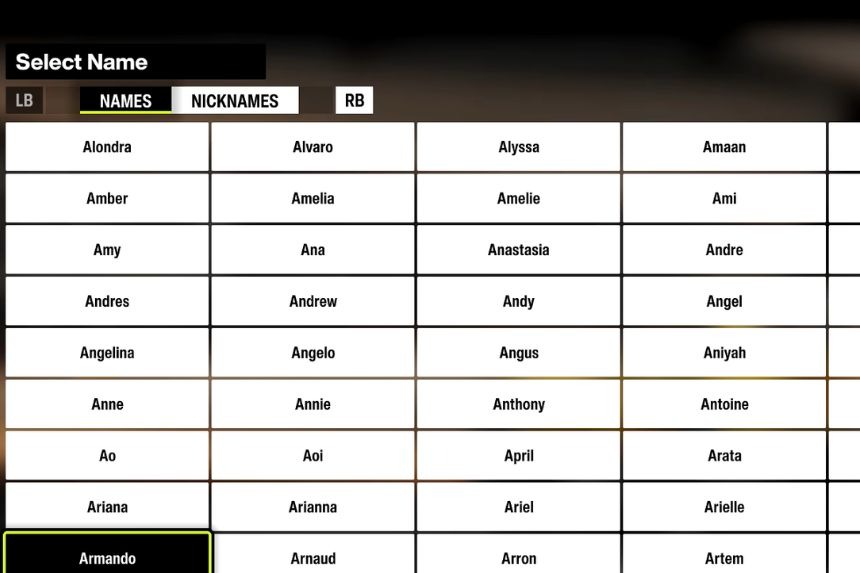
To change the name of your character you will need to go to the Character tab and select the My Name option. In this section you will be able to search for one of the hundreds of names that the NPCs can use when within the game. If you prefer to use something different, you can select an alternative nickname.