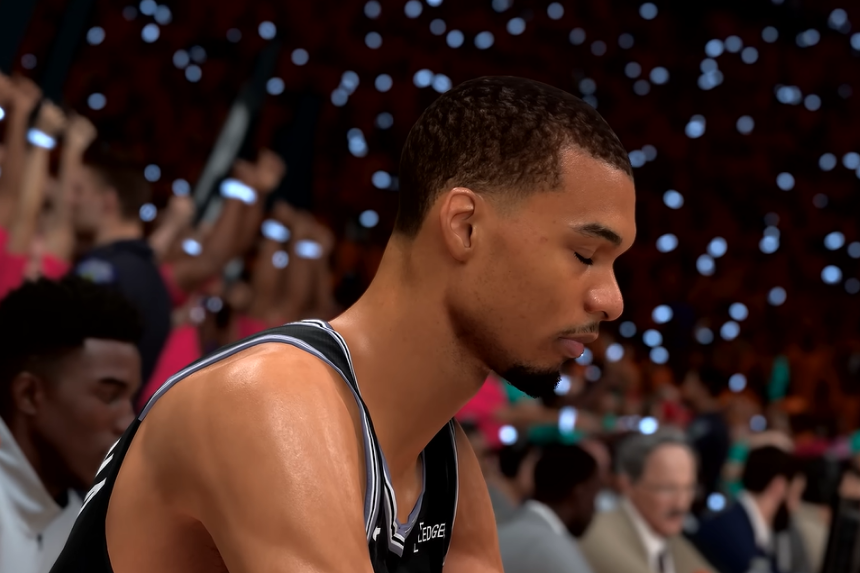
If you want to improve your dribbling and create more space in NBA 2K27, learning the L2 cancel is a great place to start. This move can help players change their pace, get past tight defenders, and create better opportunities to shoot. You need to remember that the timing is important. Also, once the animation and timing are understood, it becomes much easier. In this guide, we will show you how to perform the L2 cancel in NBA 2K27.
The L2 Cancel in NBA 2K27
The L2 cancel is one of the most useful moves to learn in NBA 2K27, especially because defence is much stronger. Once a lockdown defender gets in front of a player, it can be difficult to create space. The L2 cancel helps by changing the player’s speed and direction. So, it becomes easier to throw the defender off.
In real basketball, players do this by changing their pace rather than constantly moving left and right. In 2K, the same idea can be used through dribble moves and quick changes of direction. For players who like to create space and shoot a lot of threes, the L2 cancel is one of the most important moves to learn.
The main dribble style needed for this technique is Scoot Henderson. The other important move is Pro Escape. Those are the only two moves players really need to learn the L2 cancel.
Controller Setup for Competitive Play
A regular controller can be used to perform the L2 cancel, but a controller with back paddles can make the move easier and more comfortable.
The controller being used here is the Flydigi Vader 5S. Its paddles can be mapped to different controls, including LT/L2. This makes quick stops, L2 cancels, dunk meter inputs, and tempo shooting easier to perform.
Understanding the L2 Cancel
Tap L2 at the correct moment during the dribble animation.
Escape → Run → Tap L2 → Crab Back → Run Again
After performing an escape, the player should start running diagonally. Once the ball reaches the player’s other hand, L2 should be tapped.
This timing is important in NBA 2K27. Players should not immediately start running after the escape. Instead, wait for the ball to reach the other hand. Once that happens, you can start running and then use the L2 cancel.
The biggest mistake is tapping L2 too early and immediately trying to perform another dribble move. Doing this can cause the player to get a sliding animation instead of the clean L2 cancel. The key is to let the animation develop before starting the next movement.
The Most Important Visual Cue
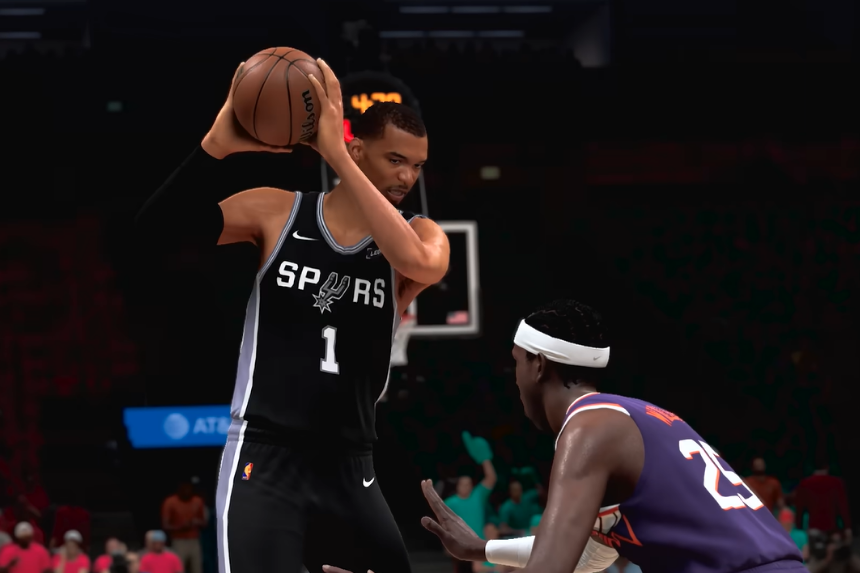
The most important thing to watch is the basketball itself. Players should tap L2 when the ball is actually in their player’s hand, not while the ball is still moving through the air.
- Perform the escape.
- Start running diagonally upward.
- Watch the ball.
- When the ball reaches the player’s hand, tap L2.
- At the same time, release the left stick.
- Perform the crab-back movement.
- Once the crab animation starts, immediately run diagonally upward again.
Releasing the left stick is important. If the player continues holding the left stick while tapping L2, they may get a sliding animation. The timing should look quick and smooth. The player should not hold L2 for a long time.
Another important thing is the direction of the next speed boost. You should generally move diagonally upward rather than directly to the side or diagonally downward. Sideways or downward movement can sometimes produce a slower animation.
If the crab-back animation feels slow, the timing is probably off. The movement needs to be quick. The best way is to start slowly. Once the timing becomes comfortable, you can gradually increase the speed.
The Complete L2 Cancel Combo
To perform L2 Cancel, you need to follow an entire sequence:
1. Perform a Pro Escape.
2. Run diagonally upward.
3. Wait for the basketball to reach the player’s hand.
4. Tap L2.
5. Release the left stick at the same time.
6. Perform the crab-back movement.
7. Once the crab animation starts, immediately run diagonally upward while holding RT.
Remember, you need to wait for the ball to reach the player’s hand before tapping L2. If L2 is tapped while the ball is still in the air, the player can get a slow animation.