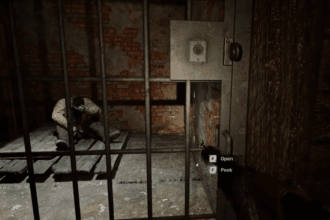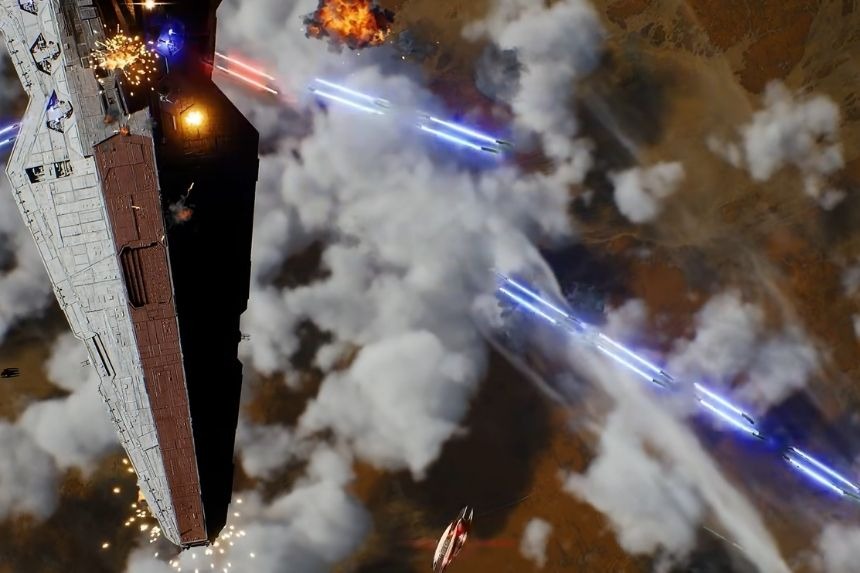
The Holotable in Star Wars Zero Company features a number of available activities; however, Missions, Operations, and Cycles are the three key systems that you need to grasp first. These systems are closely connected to each other and yet each one of them deals with a different aspect of the campaign. It is important to understand the interaction between these units because some activities will no longer be available as the campaign advances forward.
How Cycles Work
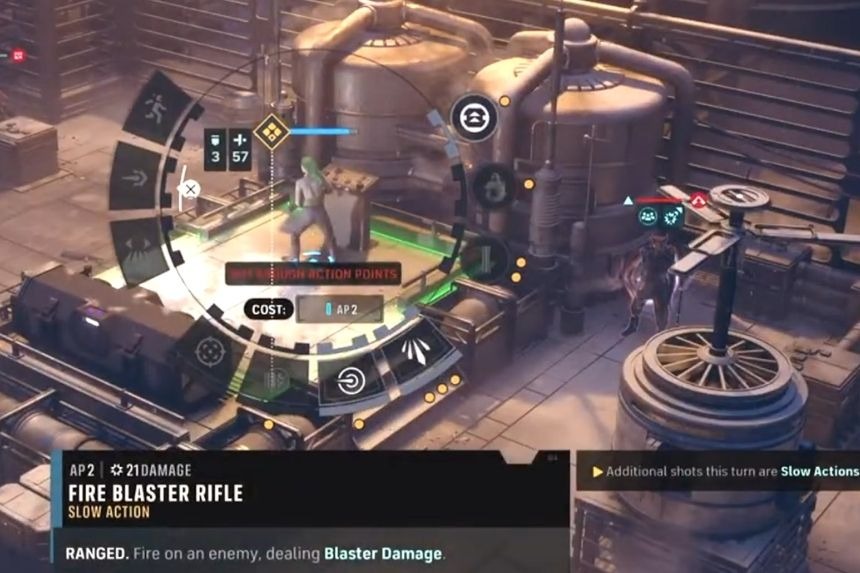
The Cycles are the backbone of the campaign’s time system, where each new Mission represents another Cycle.
Because certain Holotable activities can expire after a certain number of Cycles, it is necessary to follow where the timing for Cycles stands. Before starting any Mission, check that the Cycle count is fitting enough for the respective activity, especially if there is an optional Side Mission due for its last Cycle.
You will also need to make proper use of the time before the main activity runs out. Keep in mind that some actions, such as treating an injured Operator in the Medbay, also consume a Cycle.
How Missions Work
Missions are described as the game’s combat-based activities and they include Main, Side, and Regular Missions, which differ in terms of objectives, complexity, and rewards like credits, contacts, or items. When achieving a Mission, the player acquires Intel and Influence while also passing the campaign forward by one Cycle.
In order to Cycle progression, it is essential to search for Tactical Missions on the Holotable. In your Den, go to the Mission tab to clarify which of the nodes are marked with red hourglass icons. Once you have found the Tactical Mission, you can start advancing it. Even if there are several Tactical Missions to do, performing only one of them is enough for you to proceed to the next Cycle.
What Operations Do
Operations refer to text-based, choice-based actions that can be executed using Intel through the Holotable. There are three types of Operations:
- Critical Operations are part of the main storyline
- Choice Operations involve various ways of completing the Operations with different outcomes and risks.
- And then there are regular Operations.
Some Operations may involve assigning Operators, who are at risk of injury from the assignment. Your decisions regarding Operations may also affect various features in Den, available Tactical Missions, the level of Influence on the race, Exotic Weapon Mods, Bonds, and rewards.
Operations do not impact the Cycle the way the Missions do; hence, there can be many completed Operations within the Cycle if you have enough Intel.
Managing Missions and Operations Together
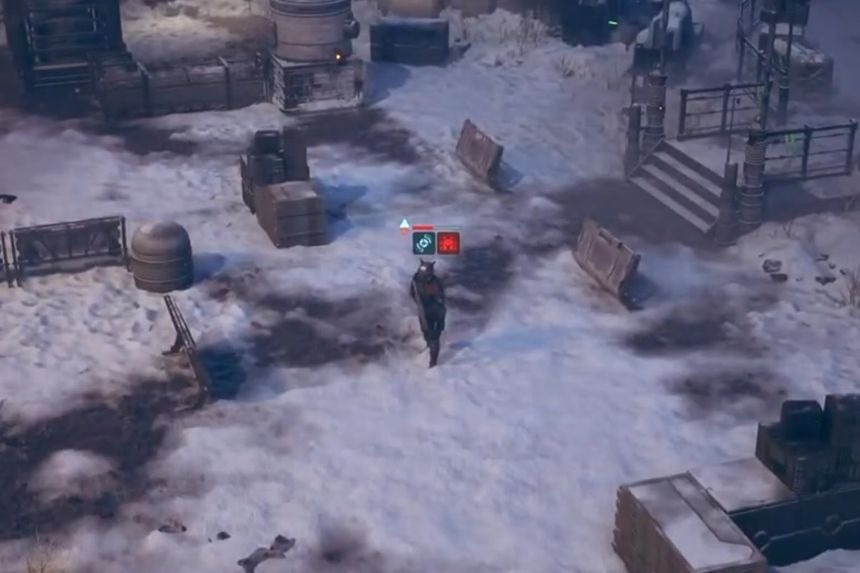
Missions and Operations are created so that they are linked together. Missions provide the Intelligence needed to perform an Operation. Also, once you complete a Mission, it sends the campaign to the next Cycle, potentially bringing other activities closer to their expiration point.
Thus, it is advisable to always check the Holotable to see whether there is any Operation that you want to perform instead of the Mission you want to undertake. There might also be an optional Mission which needs your attention before its expiration. The basic relationship is:
Mission → Intel + Influence → Operation
while completing the Mission also causes:
Mission → Next Cycle
When you take those two effects into consideration, it becomes easier to manage Holotable. You can complete Missions to earn medals and get some resources, use Intel for Operations without advancing the clock, and observe Cycle limits so that you do not miss crucial activities.