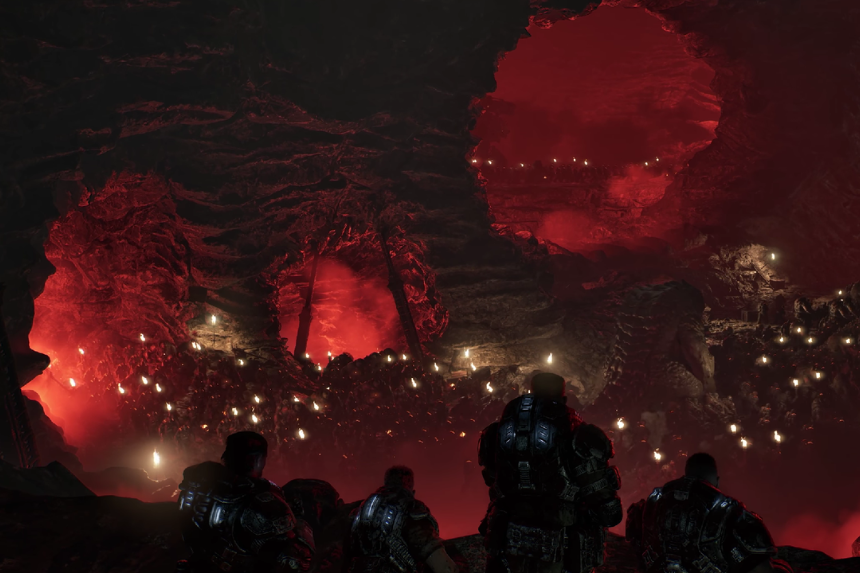
Gears of War: E-Day allows you to join with your friends to play the game together via the online gaming modes that include multiplayer and co-op features. You can engage in the campaign along with other gamers, defend RIGs against Locusts in Horde Siege or Versus modes. This guide explains how multiplayer works, what game modes you can play, and how to invite your friends and start a match.
Multiplayer And Co-Op Guide
Prior to beginning the multiplayer game in Gears of War: E-Day, you have to select the mode of gameplay you prefer. Once you pick a mode, you are placed in a lobby where you can customize various settings for your team.
Campaign Mode
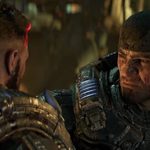
In Campaign Mode, there are options for playing the game story either via online gameplay where you have four players or split screen with two players. In the campaign, players will have the choice to be any of the Bravo Squad members such as Marcus Fenix, Dominic Santiago, Mags Carter, and Lucas Reyes.
Horde Siege Mode
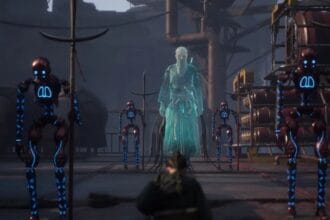
Horde Siege Mode requires players to cooperate to protect and secure R.I.G.s from Locusts. Each individual player has the option to play as another class that will assist the group as a whole. It is possible to have another two groups around with their own set of tasks.
Versus Mode
In Versus Mode, players get to compete against others in smaller maps in Kalona. There are four modes to select for PvP gameplay, and you have the option to either rank or play socially.
After entering the lobby, you get to invite your friends to become part of your squad. Choose a character and then proceed to invite any of your friends who are part of your Xbox or Steam friends list. The maximum number of players for each squad is four.
Once all the members are invited into the squad, hit Ready Up for matchmaking. Remember that matchmaking will not be possible if even one member of the squad is not ready. The time taken for matchmaking is dependent on various factors, and it could take anywhere between a few seconds and a few minutes.
How to Play Local Co-Op
Split screen multiplayer is allowed in Xbox consoles, and you and a friend can join in a two player tag-team. All you need to do is connect your second controller after launching the game to connect it. The game will then detect the second controller, and in case it doesn’t, then the second player needs to create an account, log in, and try again.
If you and your friend have successfully joined in, you can start a new session in multiplayer campaign mode and enter split screen while playing. Do note that Versus and Horde don’t support split screen, but only allow crossplay and online multiplayer.