The Prismana in Aniimo can be in various colours, but sometimes it may not come out in the colour that you want. If you don’t like your Prismana’s current sparkling colour, you can change it using a Sparkling Pigment. The pigment gives your Prismana a new random colour, so you may need to try it more than once. In this guide, we will tell you how to change the sparkling colour in Aniimo.
How to Change Prismana Sparkling Colours
To change it, you would need a Sparkling Pigment to reroll its colour. Go to the Outpost at Idel, where Jeff awaits you. Talk to him, then pick the Trade button instead of Shop. Then, choose the Item Exchange option. The Sparkling Pigment will be available there. A Sparkling Pigment is applicable only to a Sparkling Prismana. This pigment changes the colour of the Prismana at random, so you will never know what colour you are going to get.
Each Sparkling Pigment needs 5 Sparkling Sigils. Should you save Sigils to convert an ordinary Prismana to a Sparkling Prismana, you might need to rethink your decision to spend Sigils in such a manner. Yet, if you already own a Sparkling Prismana with a colour you are unhappy with, this is the easiest way to change it.
How to Use Sparkling Pigment
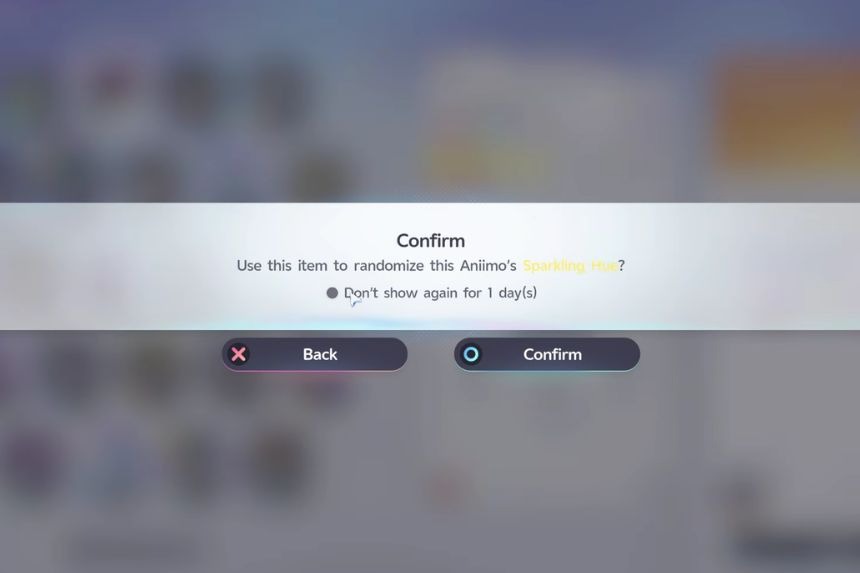
After purchasing the Sparkling Pigment, you need to check out your inventory and click on the Pouch tab. Find the Sparkling Pigment that you have recently purchased. Remember not to click on the Sparkling Sigil but the pigment itself.
Click on Use and then pick Sparkling Prismana, which you would like to recolour. The thing that you should know about this process is that the new colour is selected randomly. This means that you may get a colour you will like or, conversely, some other colour that you did not expect at all. After applying the pigment, your Prismana will sparkle in a new colour.