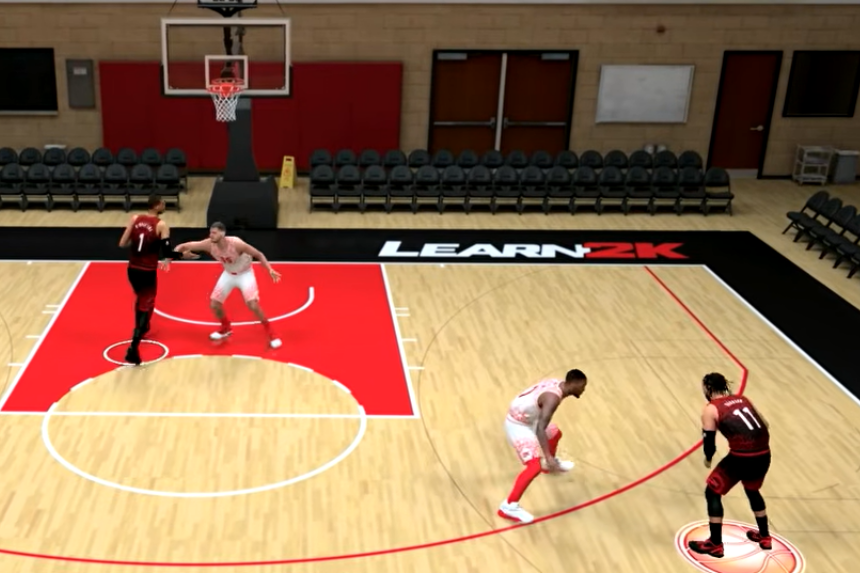
In NBA 2K27, moves like the “Pick and Roll” and “Pick and Fade” are important for you to master. They can be easily accessed through the Advanced Tutorial and practicing them is fairly simple. If you’re confused regarding the button or screen controls, then this guide is all you’ll need to understand everything and perform both moves efficiently.
How to Do Pick and Roll
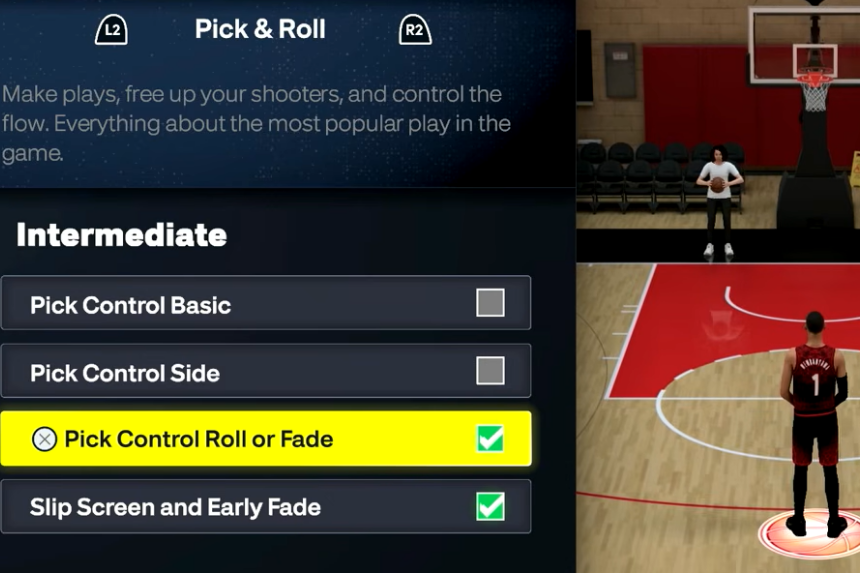
Go to the Pick and Roll section in the Advanced Tutorial and select Pick Control, Roll, or Fade.
To perform a Pick and Roll, press and hold L1 as your teammate comes over to set the pick.
Keep holding L1 and move the Left Stick to the right to go around the screen. Once you have moved through the screen, pass the ball to your teammate. The input sequence is hold L1, move the Left Stick right, then pass.
How to Do Pick and Fade
To perform a Pick and Fade, press and hold L1 when your teammate comes over to set the pick. Then press R1 once to switch the play to a fade.
After switching to the fade, move the Left Stick to the right to go around the screen. You can then pass the ball to your teammate, who can take the shot. The basic sequence is hold L1, press R1 once to switch to fade, move the Left Stick right, then pass and shoot.
How to Do the Pick and Roll Combo
After your teammate sets the screen, move to the designated spot and make the pass that’ll be shown at the bottom of the screen. The pass can be a regular pass, bounce pass, or alley-oop. Once the pass is complete, step fully into the marked shooting spot until the circle fills, then move to your preferred position and take the shot.