This guide will assist you in obtaining a copy of the Geological Survey at the Station. The steps for completing this task are relatively simple to follow; however, there are a number of structures surrounding the area, which may result in some confusion regarding where the correct location will be. By following the below directions carefully, you should be able to complete this objective within a short amount of time.
Finding Station on the Perimeter Map
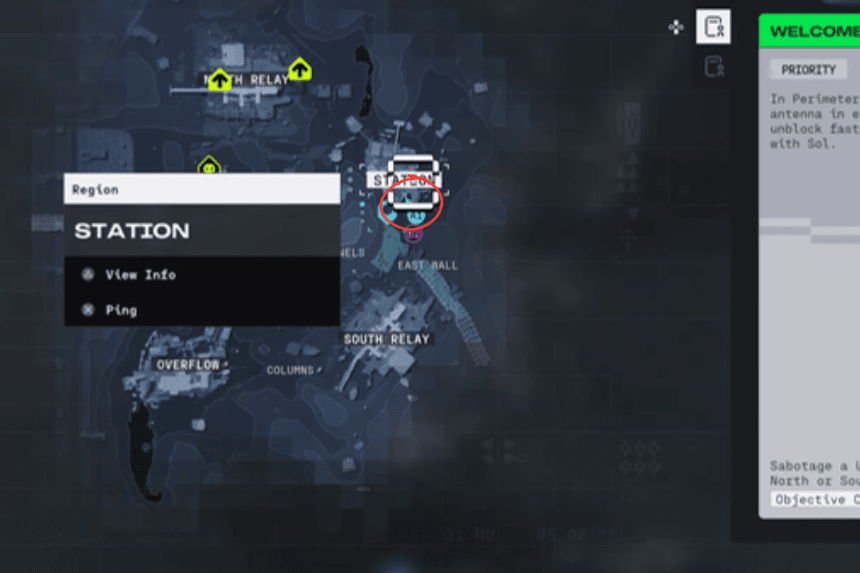
First, bring up your map and locate the Station, which is one of the locations on the perimeter. You will have to complete the mission by downloading the data from the southeast building of this location. According to the map, the Station is just to the east of the wall but actually, Station is the next location over, and that is where you need to go.
Identifying the Correct Building
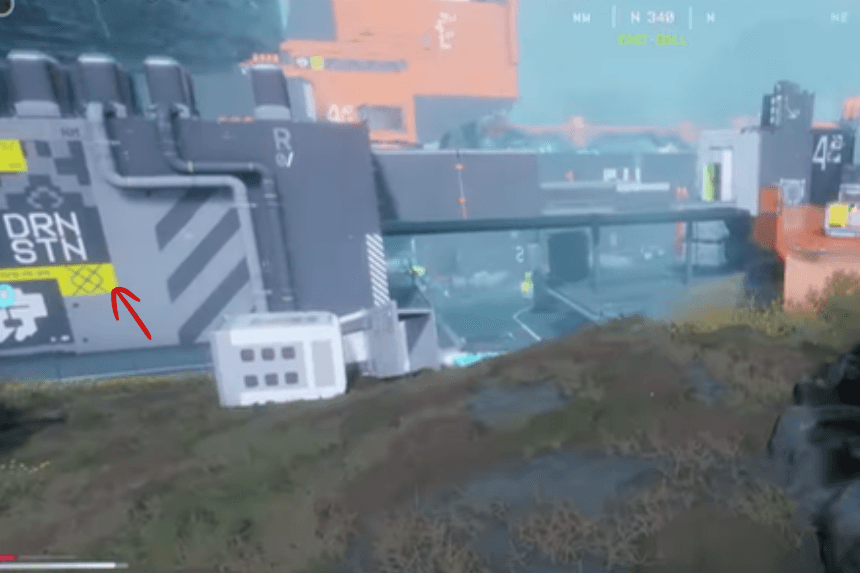
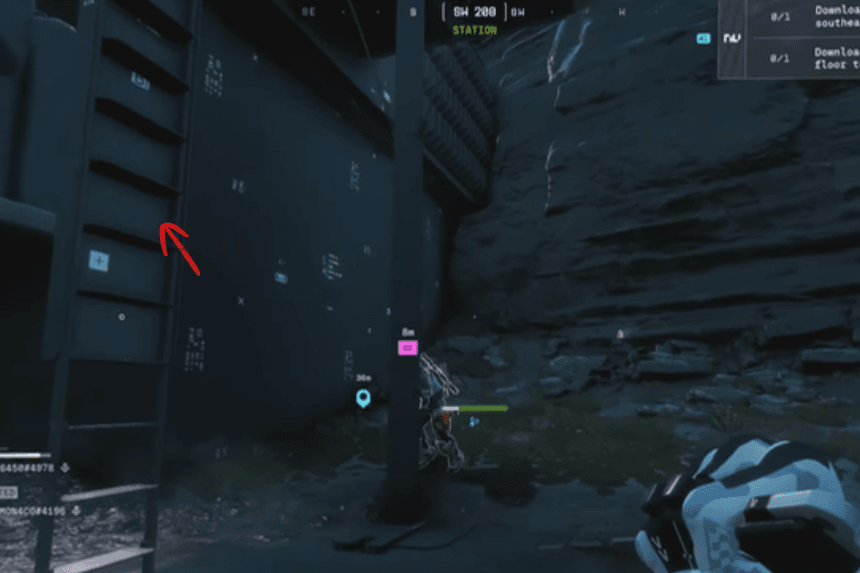
As soon as you arrive at the station, you will find many buildings in the vicinity. To find the correct one, look for two buildings that are next to each other. The building you are looking for is the DRN Station, and this will be the building that you need to go into for the Geological Survey needed for your quest.
Accessing the Terminal and Completing the Objective
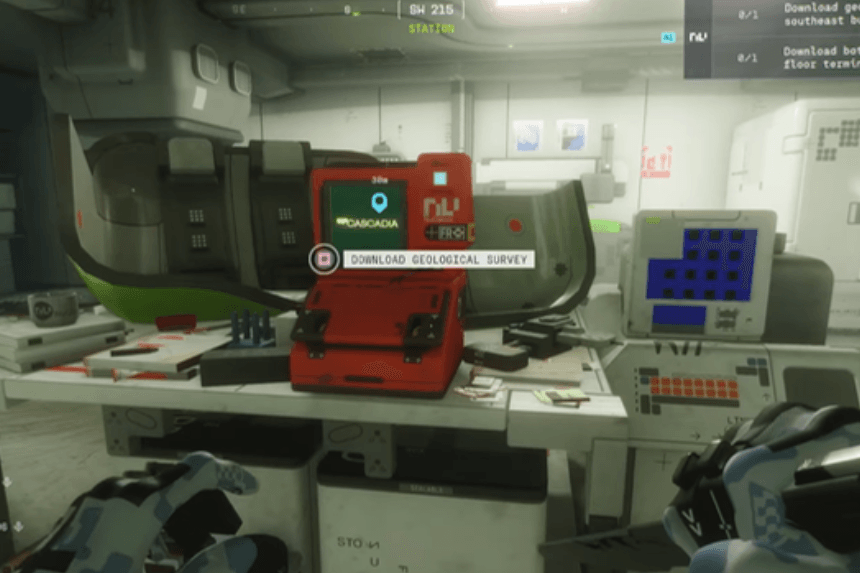
To find the entrance of the DRN Station, go to the back of the building and locate a ladder. Climb these ladder steps to gain entry into the station. Then, upon entering, you need to locate a terminal computer and scan it. Once you have successfully scanned the terminal computer, you will have downloaded the Geological Survey and completed this portion of your run. After scanning the terminal computer, you are finished with this objective and can proceed to the next one.