Running logistics in Wardogs is all about getting the right supplies to the FOBs that need them. By using the correct vehicle and cargo, you can ferry weapons, construction materials, fuel, etc. across the map. Here’s how to choose your load, deliver it safely, and complete the transfer so your team can use it.
Know What Your Team Needs
Before spending money on a shipment, determine which resources are useful at the destination. Wardogs has four main supply categories:
- Ammo Supplies: Support weapons and emplacements.
- Build Supplies: Used for FOB construction, walls, and defenses.
- Fuel Supplies: Keep vehicles and fuel-dependent structures running.
- Mechanical Supplies: Used for repairs and vehicle support.
Crates can hold different types of supplies, while pallets are built around a particular resource type. If you already know that an FOB needs one specific resource, a pallet can be a straightforward way to deliver it. The important thing is to avoid transporting supplies without knowing where they are going to be used.
Match the Cargo to Your Vehicle
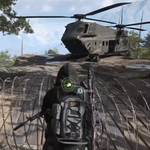
Given that not every vehicle is appropriate for transporting logistics cargo, make sure to inspect its capacity before proceeding with a shipment purchase. The Ural is made for supply loads while Humvees and Kodiaks can carry smaller crates rather than full pallets. The MH-6 can be filled with a Small Crate and still have space left for five people.
Armed vehicle variants don’t have added cargo capacity simply because they are equipped with weapons. For a small logistics operation, MH-6 is very handy since it can deliver the cargo to places unreachable by ground vehicle.
What You Can Carry
One Small crate pricing at $75 provides generic storage facilities of logistics materials. It may contain ammunition, construction materials, petroleum, mechanical items, explosives, signal devices depending upon the requirement of delivery.
Unlike crates, pallets are used for very specific purposes. Choose the cargo based on the requirement at your destination rather than automatically filling the available space with a mixture of resources.
Set Up the Run at Your Main Base
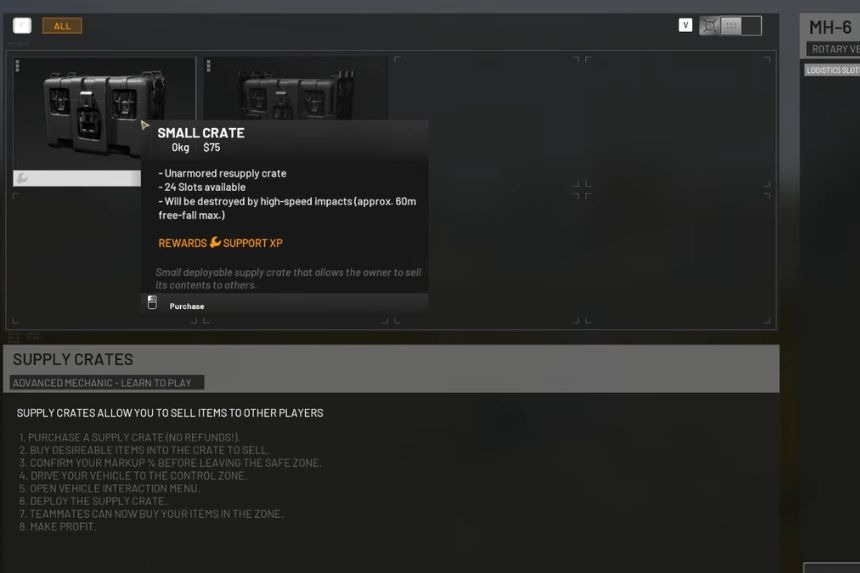
After choosing the right vehicle, you will need to head back to the main base of your team. While in a vehicle, you can access all available purchasing options of logistics.
Press B to open the purchasing menu. From there, you will get all logistics options with the purchase menu for ammunition and vehicle countermeasures.
Make sure to buy the crate or pallet you wish to transport and confirm your purchase. Now that your goods are loaded, look at the map and determine which friendly FOB should receive them before setting out.
Get the Shipment to the FOB
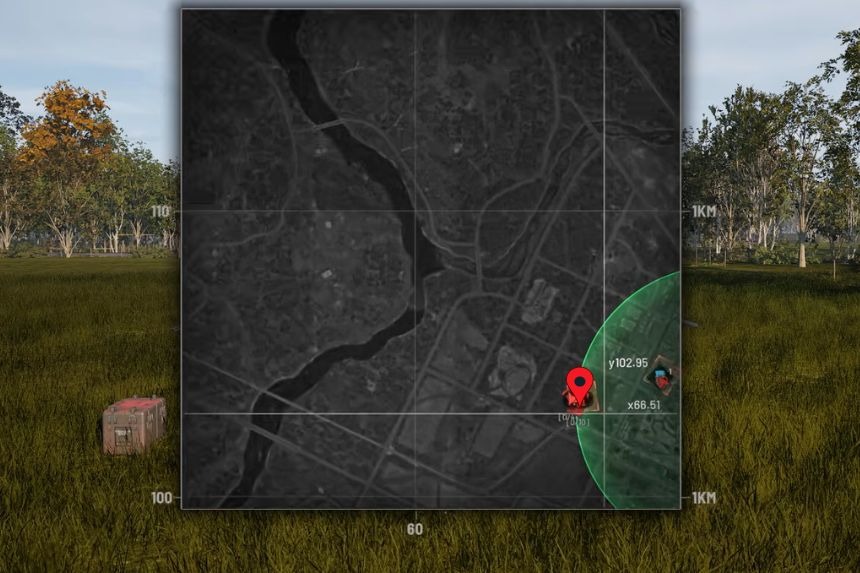
To transport the cargo to the specified FOB, your route depends on the vehicle you selected, with helicopters able to bypass terrain that could slow down ground transport.
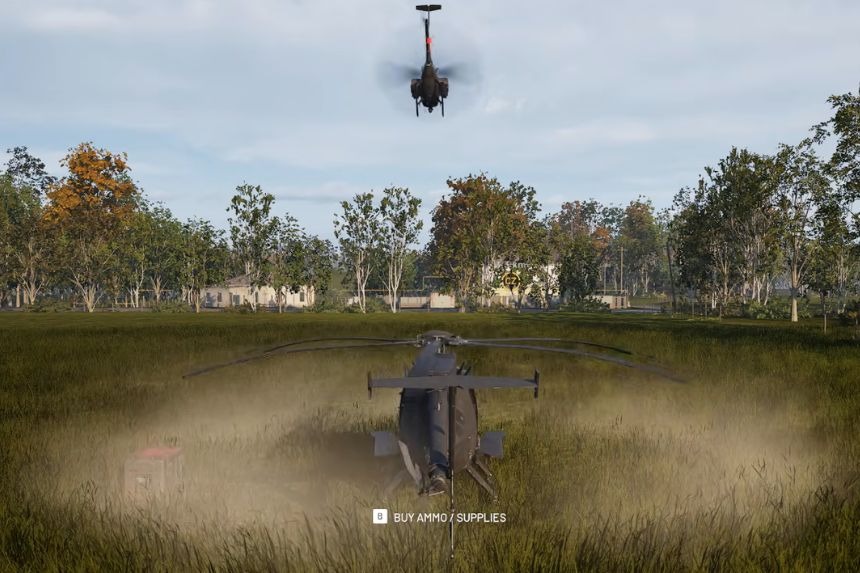
As soon as you arrive at the delivery destination, drop the goods using G. In this way, you place the cargo on the ground, so that it can be delivered to the FOB. However, dropping the container is not the final step.
Complete the Delivery
The completion of a logistics run is only achieved when the supplies have been transferred into the FOB’s usable supply pool.
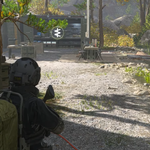
Interact with the cargo at a valid FOB, and when the transfer icon pops up, press F to transfer the equipment to the base and not leave it sitting on the ground.
If it is impossible to reach the final destination with your vehicle, a Small Crate can be placed in your backpack to carry it even though it will take up some inventory space and you will have to continue the way on foot.
After loading the supplies, come back for a new supply run if your crew still needs resources.