Searching for the last couple of undiscovered roads in Forza Horizon 6 can be tedious because most of them are hard to see on the map. Luckily, there is a very easy way to find missing roads by utilizing the fast travel method to help get you more quickly to your location.
Use the Fast Travel Indicator

If you are almost done discovering all roads in Forza Horizon 6 and want to know what roads you still need to find you may be able to use this technique to your advantage.
To use this technique, first open your map and start moving your mouse around each of the different map sections. The idea behind this technique is that you can fast travel to roads you have discovered. However, you cannot fast travel to roads that you have not yet driven on.
Watch for Menu Flickering
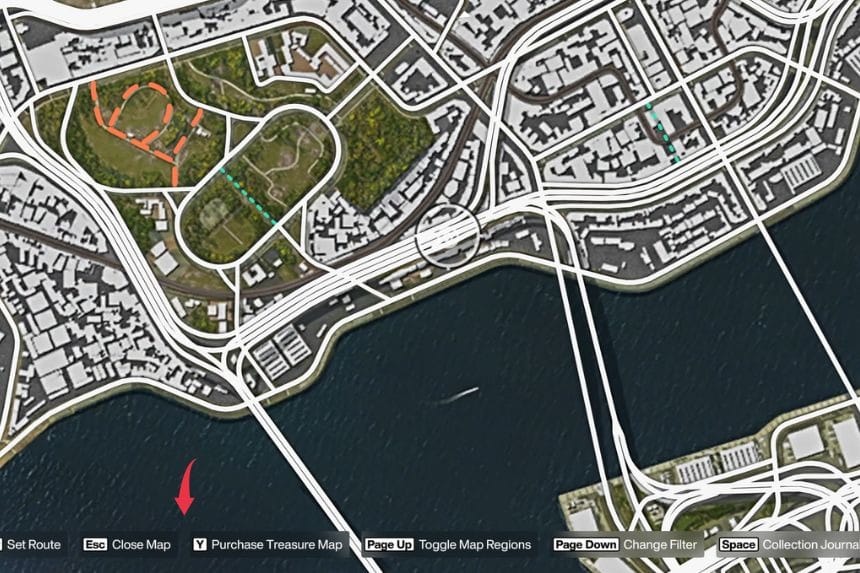
As you navigate the map with your cursor, keep an eye on the bottom menu. When the cursor goes over any undiscovered road, the fast travel option disappears which causes a flickering of the menu. This can be useful for finding any areas in which you need to uncover roads.
To do this, zoom out and move your cursor slowly across the entire map. Every time you see the menu flickering, take a moment to look closely at that portion of the map because there is likely an undiscovered road nearby.
Check Areas with Overlapping Roads
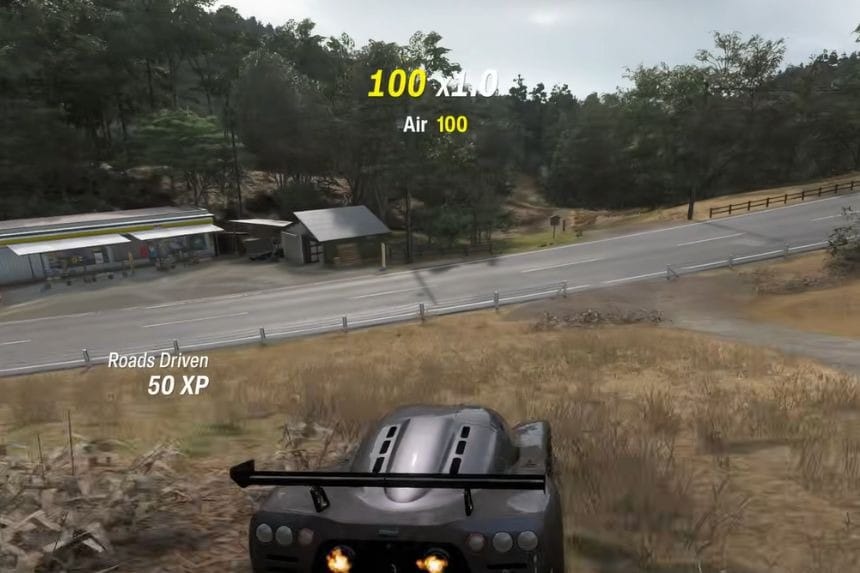
When driving along a street which has an overlap with another road, you’ll need to be cautious. There are areas that are often hidden or obscured beneath elevated highways. In these cases, you may only be able to spot a small edge of the road on the map.
Continue to scan and search via flickering menus to locate and complete the remaining roads. Using a mouse makes this process quicker while controller users might have to spend more time due to the inability to move their cursor around on the screen very quickly.