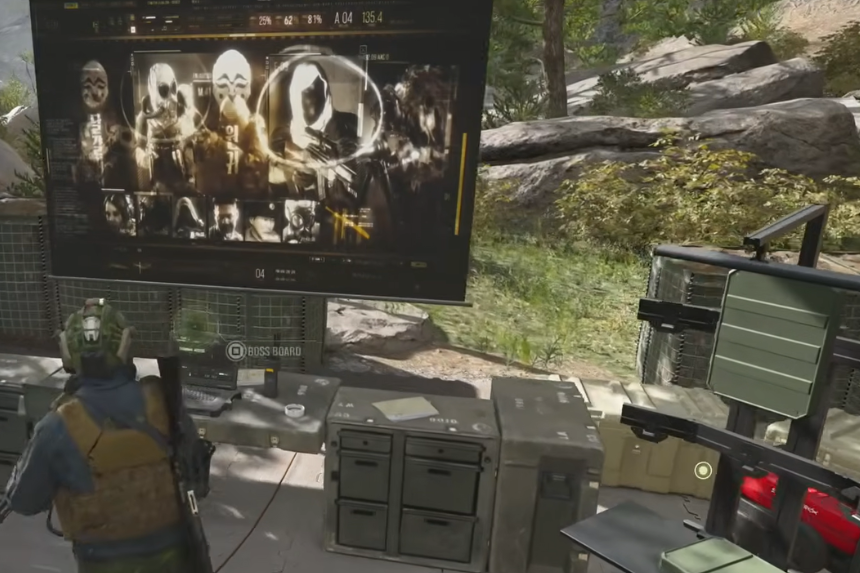
In MW4 DMZ, you can upgrade your bank to increase its maximum cash capacity; it has multiple tiers of upgrades that you can choose from. The initial upgrade comes at a price of $20,000 and is accessible at the Home Base before launching into a game. Here’s how to upgrade your bank and earn enough cash to unlock additional tiers.
How To Upgrade Your Bank
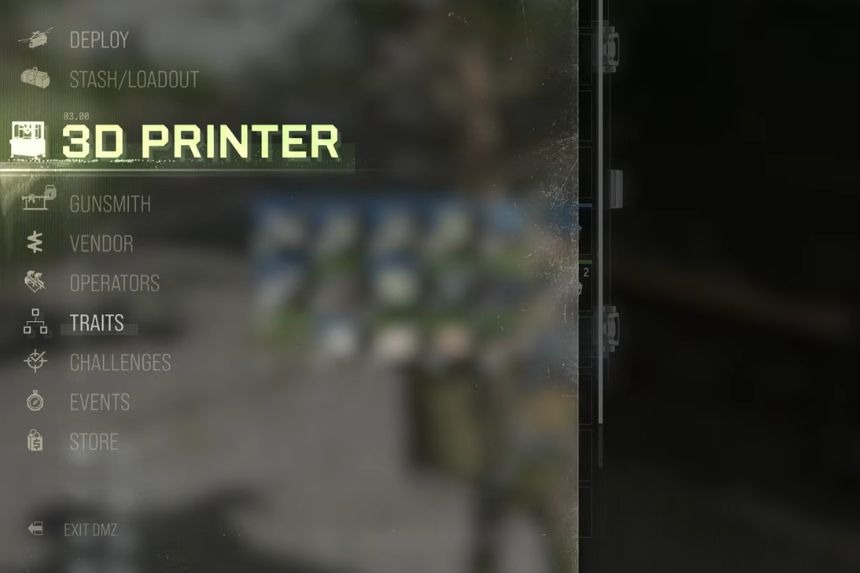
In order to level up your bank in MW4 DMZ, go to the Home Base location before launching into a game. Once there, either go to the 3D Printer or exit the vicinity to open up the menu to select the 3D Printer option. From there, find the upgrades tab which will then direct you to decide the bank upgrade you want. If you don’t have the 3D Printer unlocked yet, you can get one after unlocking rank 2 by playing the game.
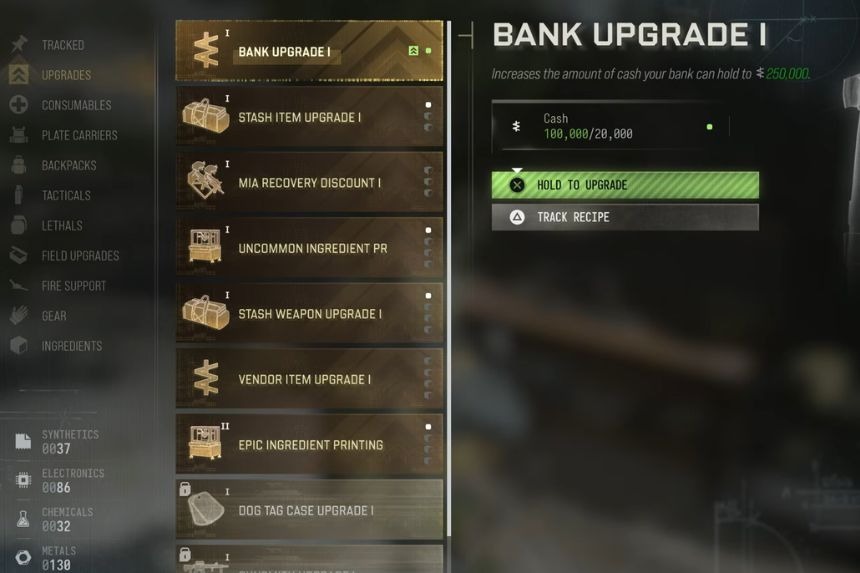
You can buy the first upgrade for $20,000. After that, you can raise your bank to a maximum of $250,000 and keep upgrading further by unlocking additional upgrade tiers. Each time you upgrade the bank, you can increase the amount of money you can store in it. But you can’t unlock all upgrades together, so you need to unlock the previous tier first before you can go ahead with the next unlocks. Of course, all upgrades will require cash, and there are a few different ways to collect money.
How To Get Cash For Bank Upgrades
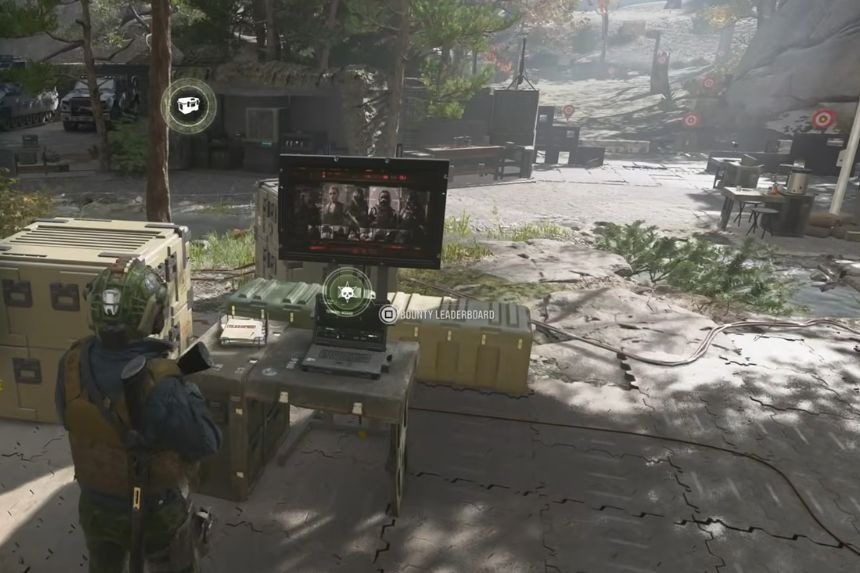
Collecting cash is essential for upgrading the bank’s services. One way to make money is by extracting cash from previous games. You can also complete challenges, loot cash registers, and collect cash while exploring the map. As the bank has a number of upgrade tiers, it makes sense to save some cash for more advanced upgrades and raise the bank’s capacity beyond the initial upgrade.