The helicopter is an important part of Hell Let Loose: Vietnam, regardless of whether you wish to travel through the map fast, do reconnaissance on the enemy positions or destroy their aircraft. Nonetheless, flying and landing may prove to be difficult for new players. In this guide, we’ll tell you the basics of flying, making quick turns, landing safely, scouting enemies, and destroying enemy helicopters.
- How to Fly a Helicopter
- How to Control Your Speed
- How to Roll
- How to Turn
- How to Make Quick Turns
- How to Land a Helicopter
- Watch Out for Trees and Poles
- How to Make an Emergency Landing
- Don’t Dive Straight Into the Landing Spot
- How To Scout Enemies Using the Helicopter
- How to Drop Supplies from the Helicopter
- How to Use Machine Guns from the Helicopter
- How to Destroy Helicopters
How to Fly a Helicopter
Helicopters are only available for players who have picked the US side of the battlefield. Within that, you need to pick the role of the Logistics Officer or Pilot to gain control of the vehicle. Check your map to find out where the Helicopter is located and make your way over there to take flight.
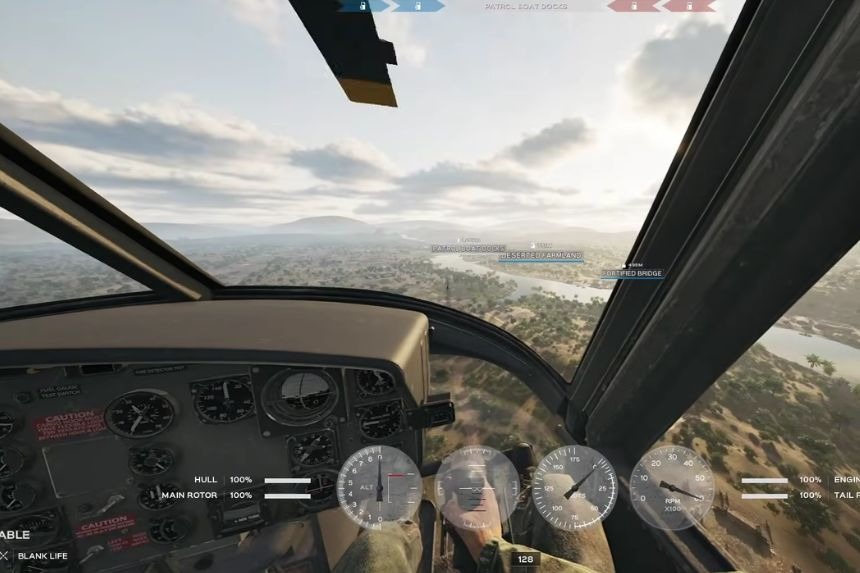
Before takeoff, it is always wise to know what the various gauges on your screen are trying to show you. One gauge tells you the revolutions per minute of your engine and rotors. You will also find a gauge that will indicate how fast your helicopter is moving. There is also one that lets you know whether you are leaning forward or backwards and rolling to the right or left. Your altitude indicator shows how high or low you are.
Here is a quick guide on all Helicopter controls for each console:
- Engine On/Off – E (PC)/ X (PS)/ A (Xbox)
- Pitch Forwards and Backwards – W and S (PC)/ Left Stick (PS and Xbox)
- Ascend – Space (PC)/ R2 (PS)/ RT(Xbox)
- Descend – Ctrl (PC)/ L2 (PS)/ LT (Xbox)
- Auto Level – Shift (PC)/ L3 (PS)/ LR (Xbox)
How to Control Your Speed
As you push the helicopter forward, the helicopter will start to gain speed. The farther forward you go, the faster the helicopter will get, but it will start losing altitude as well. The further you push the helicopter backwards, the more you will lose your forward speed, which means you will start going backwards. Just try to maintain balance and make little corrections while you are flying. Thankfully, the helicopter has some assistance that helps it return to a more balanced position when you release the controls.
How to Roll
Rolling and turning are not the same things. Rolling is when you tilt your helicopter in one direction or another. For instance, rolling to the left will allow you to move left while still pointing forward. Rolling can also help you achieve quite some speed, and therefore you need to be careful not to roll for too long. If you need to reduce your speed or balance yourself again, you should roll in the opposite direction. The keys to use here are A / D (PC) and moving the left stick (console).
How to Turn
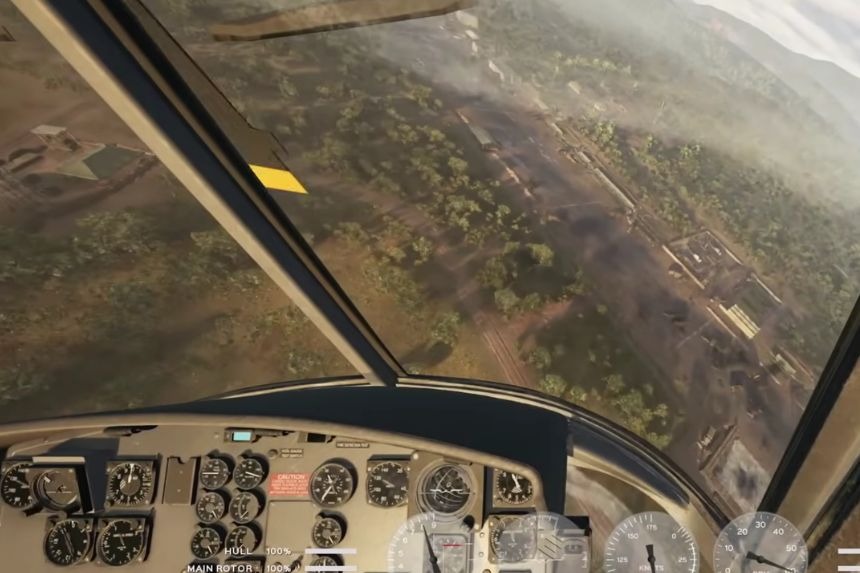
Yaw will be used whenever you want to move the helicopter to either the left or the right side without increasing speed. Yaw will prove helpful when all you wish to do is to change your direction of travel before you increase your speed again. Yaw differs from rolling in that it is more concerned with rotating the helicopter than moving it. After learning about pitch and roll, we can begin to use them in combinations. The keys to Yaw are the left and right mouse buttons (PC) and the right stick for consoles.
How to Make Quick Turns
You can combine forward movement, rolling and yawing to make much sharper turns. You can fly forward, roll to one side and use yaw at the same time. This allows you to turn much faster than simply using yaw on its own. However, be careful because combining these controls can also make you lose altitude.
When making a tight turn, use the backward pitch control to help keep the helicopter from diving too far forward. This is especially useful when you want to turn around quickly while staying in roughly the same area. Just make sure you have enough altitude before trying this. If you make a mistake, having some extra height gives you time to correct the helicopter before you hit the ground.
How to Land a Helicopter
Landing is probably the part that new pilots struggle with the most. The good news is that you don’t need to rush it. When you’re approaching a landing zone, slow the helicopter down and gradually lower your altitude. Use small backward movements to adjust your position and keep the helicopter under control.
If you’re still learning, there’s nothing wrong with taking your time. A slow and controlled landing is much better than trying to land quickly and crashing. Once you’re close to the ground, keep making small adjustments until the helicopter is positioned over the landing area. With enough practice, you’ll be able to land smoothly without having to think about every movement.
Watch Out for Trees and Poles
One of the things that you need to keep an eye out for when flying is things like trees, poles, antennas, and other such structures. Helicopters are known to be very sensitive to all of these things. Even coming within close proximity of a pole or tree could result in damage to your helicopter, so it’s always better to leave yourself some extra space. If you’re going to land near trees or other buildings, always ensure that you go slowly and leave yourself some room to manoeuvre.
How to Make an Emergency Landing
However, there are cases when there will not be sufficient time to complete a perfect landing. In case the helicopter needs to land as quickly as possible, reduce the speed and pull back slightly. Your task is to descend but to remain controllable while doing so.
It is okay if the helicopter gets damaged during an emergency landing; this is definitely better than having it crash into a tree or some other obstacle at full speed. Trees in particular should be avoided since crashing into them may do substantial harm. When the health of the helicopter equals zero, the helicopter crashes.
Don’t Dive Straight Into the Landing Spot
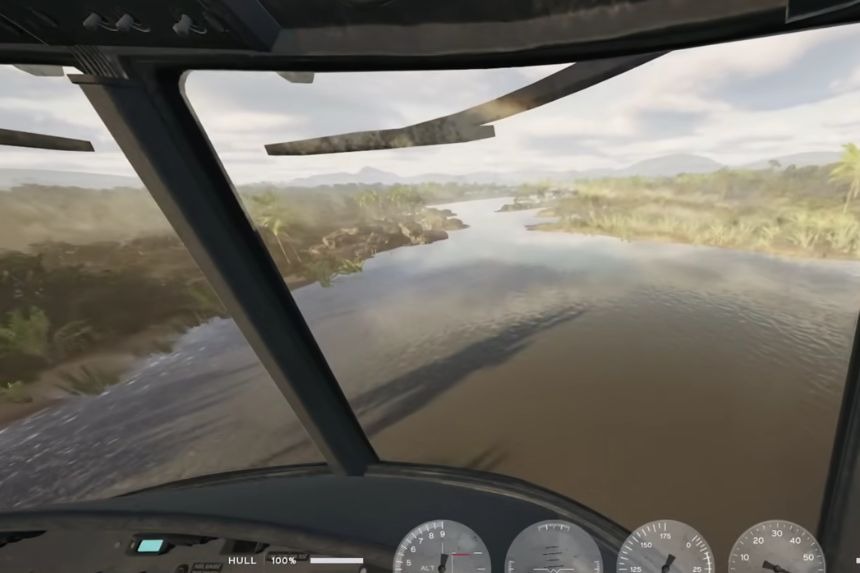
One of the biggest mistakes you can make is flying directly towards the landing spot at high speed and then suddenly trying to drop down. Instead, start slowing down early. Keep the helicopter balanced as you approach the ground and gradually reduce your altitude.
When you’re only a short distance above the ground, use the appropriate control to slow your descent and bring the helicopter down gently. This helps you land with the helicopter’s belly flat on the ground instead of hitting the surface at an angle.
How To Scout Enemies Using the Helicopter
One of the most useful things you can do with a helicopter is scout enemy positions from above. To do this, first fly the helicopter up and keep it hovering in the air. Once you’re in position, switch to the co-pilot seat. From there, press SPACEBAR to deploy a Recon Flare.
The flare scans a small area around it and reveals nearby enemies. After deploying it, open the Tactical Map by pressing M. You’ll then see the enemies within the flare’s range marked on the map, making it easier to spot enemy positions and share that information with your team.
How to Drop Supplies from the Helicopter
If you are piloting the Supply Heli, change into the left co-pilot position to supply the Supply Boxes. You have to drop the boxes from a lower height, so ask the pilot to fly nearer the ground for dropping the supplies. This will help ensure that they fall at a point where your team can collect them.
With the help of these supplies, your team will be able to construct defensive buildings and also place other necessary items on the battlegrounds. Once you are done with your supplies, you should head back to the Helipad to replenish and then come back to the frontline.
How to Use Machine Guns from the Helicopter
To use the machine gun of the helicopter, it is necessary to move into the gunner seat first. By pressing F, the radial menu will appear where you have to pick the gunner seat. After changing seats, you automatically get control of the machine gun. Using it is pretty simple. Right-click (RMB) to aim and left-click (LMB) to fire. Just keep an eye on your ammo, as the machine gun has a limited supply. You can see your remaining ammunition on the right side of the screen.
How to Destroy Helicopters
If you’re playing as the NVA, one of the best ways to deal with enemy helicopters is by building an anti-air gun (AA). The Machine Gunner at Level 2 is the only role that can deploy one on the battlefield. First, unlock the Utility slot and equip a wrench from the Barracks menu. If the wrench puts you over the weight limit, you can drop your secondary weapon or grenade to make room.
Once you have the wrench, you can place an AA blueprint wherever you want. You’ll need 50 supplies to build it. The Machine Gunner already has a hammer by default, so as long as someone provides the supplies, you can build the AA yourself.
While the Machine Gunner is the only role that can build the anti-air gun, any role can use it once it’s built. It’s usually a good idea to work with a Specialist player, as they can bring supplies to the location where you want to build your AA.
Where Should You Build an AA
The location of your anti-air gun can make a big difference. Building it on a hill or other elevated position gives you a better view of the sky, making it easier to spot and shoot down helicopters. You can also take the opposite approach and hide the AA among trees and bushes. This makes it harder for enemy pilots to spot the gun before you start firing.
Use Boat Machine Guns
You don’t always need an AA gun to deal with helicopters. The machine guns mounted on boats can also damage them. These guns can deal a significant amount of hull damage, so if a helicopter gets within range, you can use the boat’s machine gun to force it out of the sky.