Fishing in Diablo 4 Lord of Hatred can feel overwhelming initially because there is not much instruction within the game about how it works. This guide covers all aspects of the entire process of accomplishing your goal of catching your first fish and putting it into your collection.
Where to Start Fishing
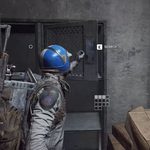
To start the fishing introductory quest, head over to Scoos and speak to the NPC there. After this conversation, your goal will be to catch a fish and add it to your collection. Many players find themselves quite confused at this stage, as the game doesn’t provide enough information about how to do this.
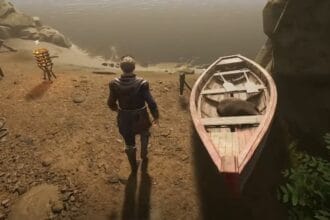
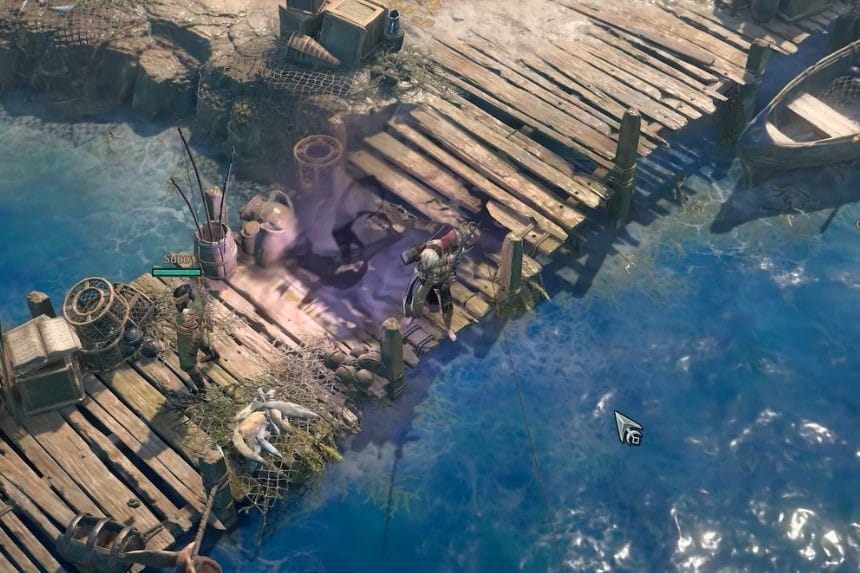
You can fish in any place where there is a body of water. As you are standing right near the NPC, you will be able to start fishing right away, and you won’t have to turn your character toward the water in order to fish.
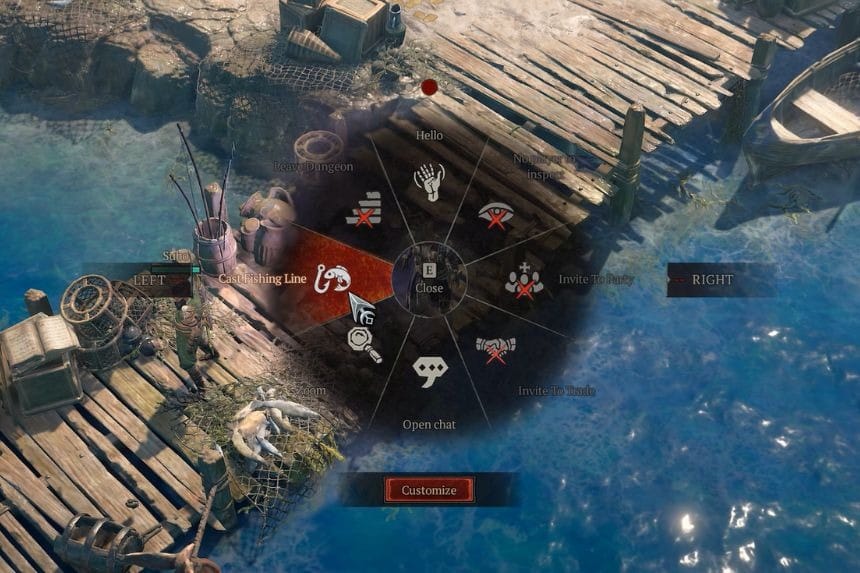
To begin fishing, you will need to open your action wheel (the same one you use to perform emotes). The default hotkey to open this menu for PC players is E. Once you have this action wheel open, select the “Cast Fishing Line” action, and immediately upon completion of this action, your character will start fishing.
How to Catch a Fish
To fish, listen for the sound of a splash or look for the blue fish icon above your character. When you do, push any skill key to catch the fish. If you time it just right, you could get a bonus for doing so.
After catching the fish, the loot will drop near your character’s feet. Pick it up and it will go into your inventory.
Note: Open your inventory and locate the fish you caught. Right-click the fish to add it to your collection and complete the introductory fishing quest.