In Marathon, to complete the bounty where you have to retrieve the NuCal Employee ID Card and download the Employee Data, you will have to clear out an Infested Building (in Columns on the Perimeter Map), an area filled with many enemies, so knowing where to go and what exactly to do can make this task a lot easier. In this guide, we have outlined everything you need to know to complete the objective with ease.
Reach the Infested Building in Columns
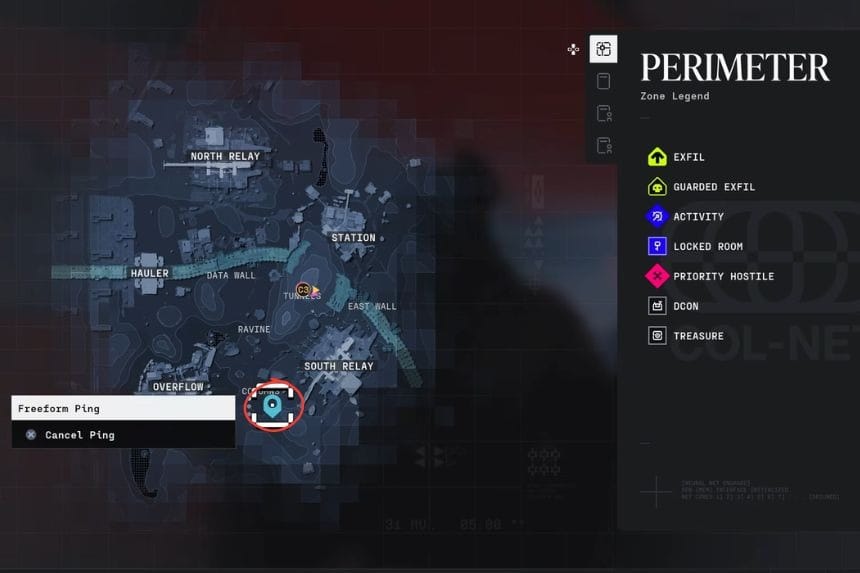
Once you have spawned onto the Perimeter, check your map for an area called Columns. It will be helpful to get to Columns as soon as possible if you have collected enough ammo and supplies beforehand.
You will see a large structure with a number “2” sign on it and a red infestation sign. This is the structure that will need to be cleared to complete the challenge.
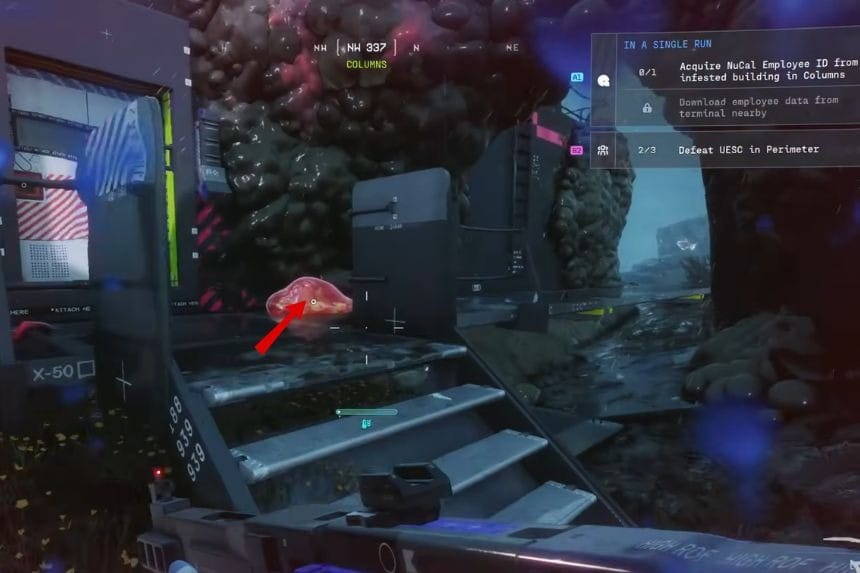
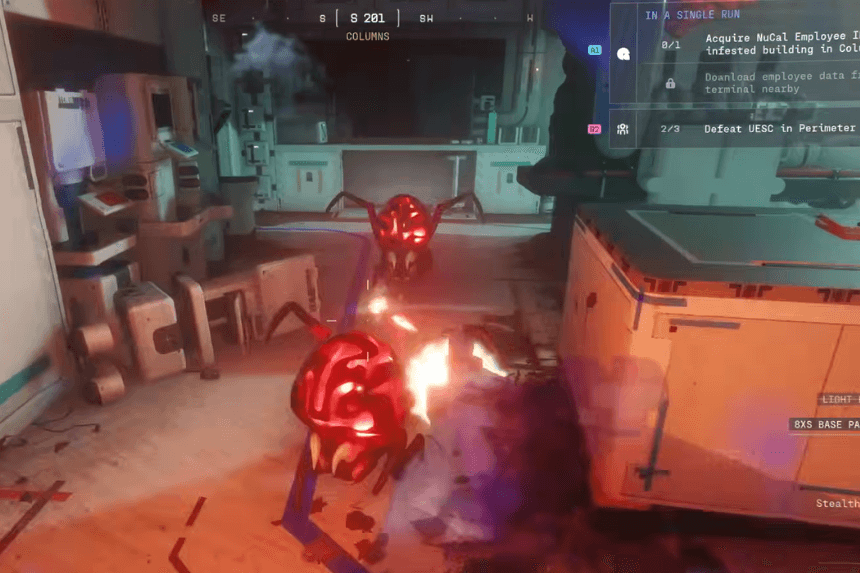
As you walk around the surrounding area, you might notice a number of clusters. They serve as a bunch of spider spawners, and breaking them will cause spiders to appear. Therefore, unless absolutely needed, it is best not to destroy these clusters because you might have to deal with endless spiders.
Enter and Clear the Building
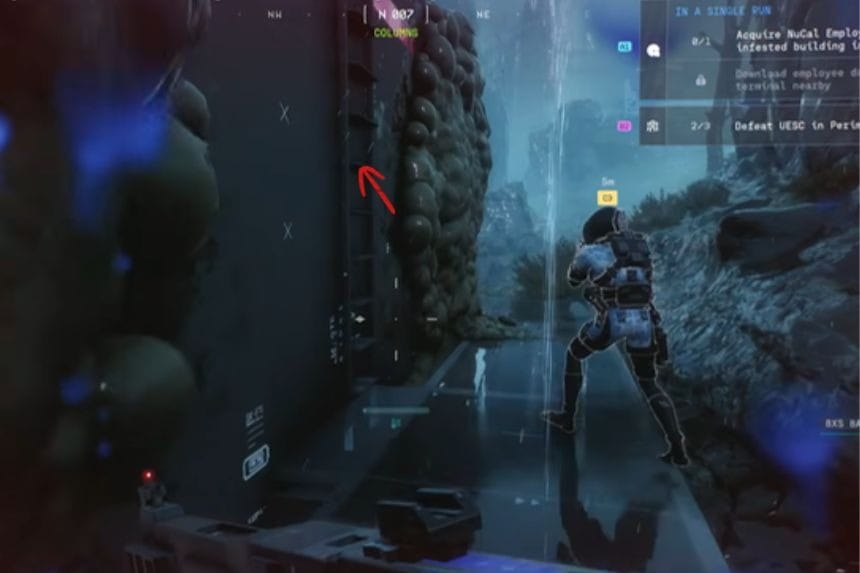
The main door will initially be locked, so you’ll need to enter using the ladder you’ll find on the right side of the building. While moving around the building, eliminate the spawners you encounter.
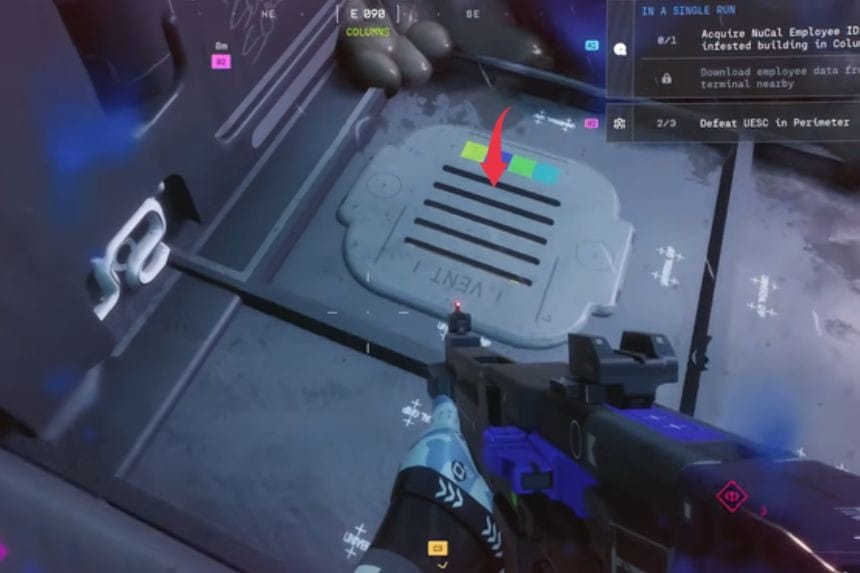
To access the interior, break open the hatch using a melee attack. After that, turn on the power using the nearby control panel. Once the power is restored, the door should unlock.
Inside the building, expect a large number of spiders to spawn continuously. The spawning clusters inside are particularly important to deal with, but be careful because they explode and cause area-of-effect damage when destroyed.
Find the ID Card and Download the Data
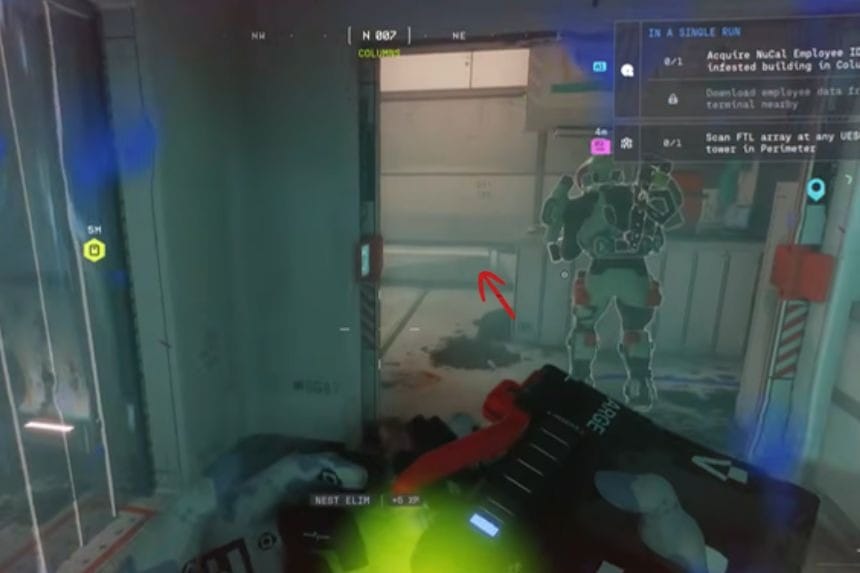
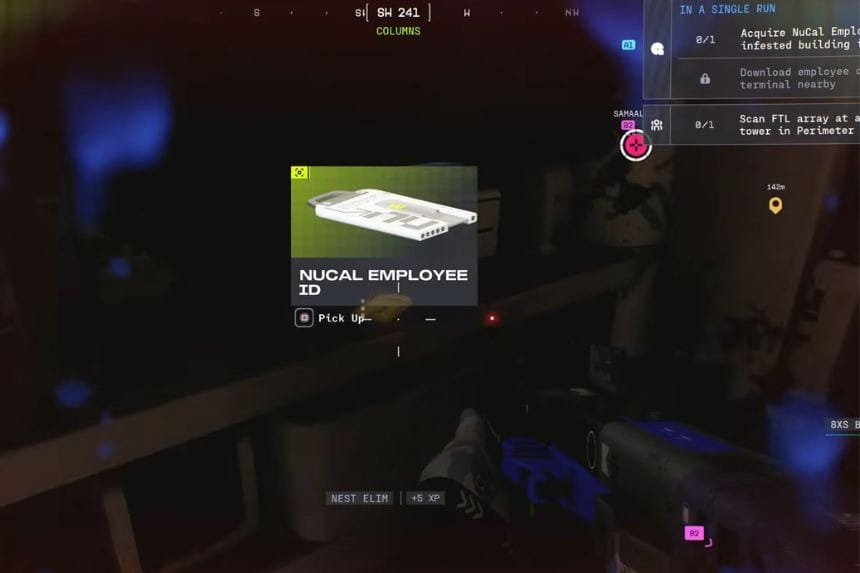
After clearing the building, head to the room at the back. There will be one final cluster to destroy along with any remaining spiders. In this room, you’ll find the Employee ID Card lying on the desk to your left.
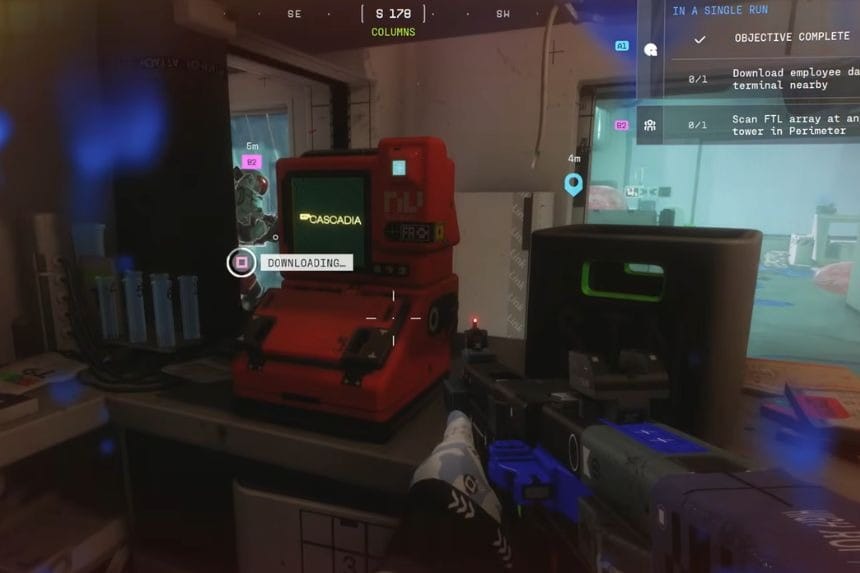
Pick up the card and bring it to the nearby control panel. Make sure the area is clear before interacting with it, since the terminal takes about 10 seconds to process.
Once the data finishes downloading, the quest and bounty will be completed.