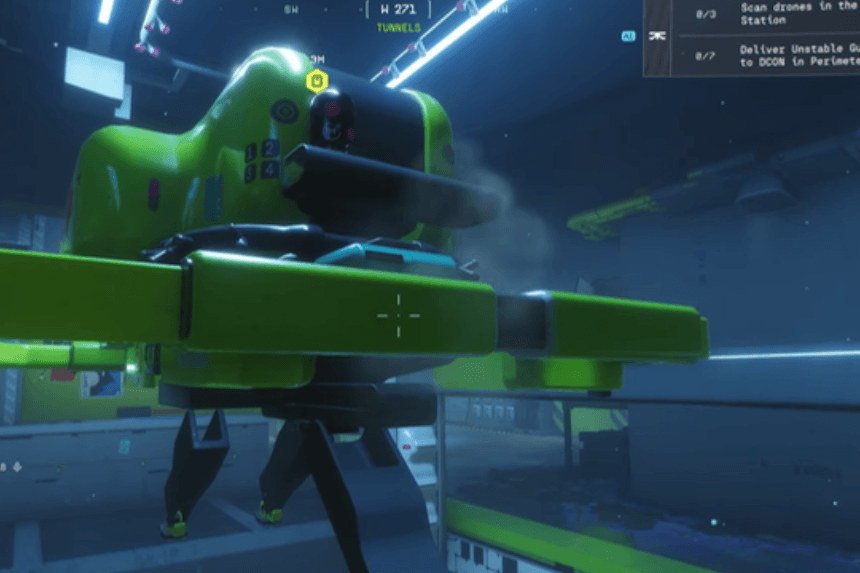
At first, it can be challenging to find your way through the tunnels under the station, and locating the Drones is often not as easy as it looks. This guide describes in detail how to get to each drone, as well as the best routes through these tunnels and where to find the Drones you need to scan.
Finding the Underground Tunnels
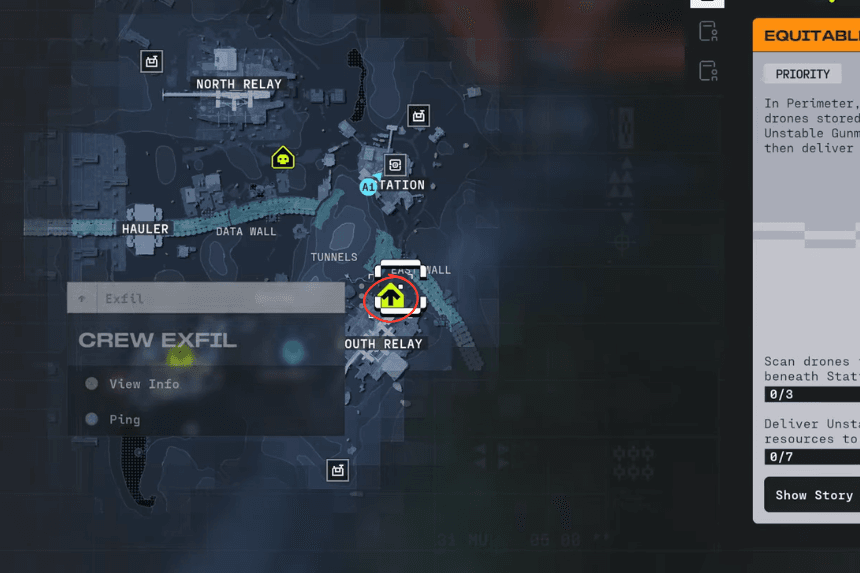
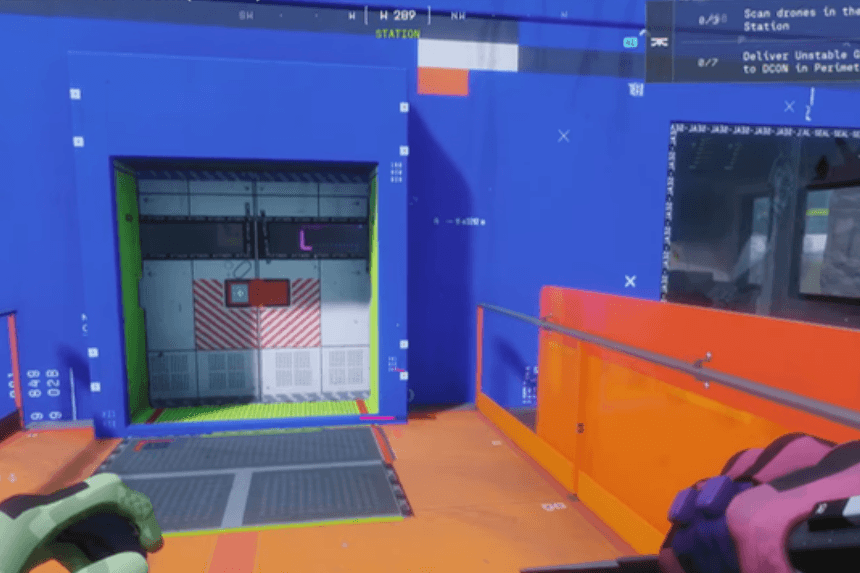
The first step is finding the tunnels that lie underground under the station. You will not find these tunnels at the outer edges or even in clear outer regions; however, they are very large warehouse-style buildings painted bright orange, located directly in the heart of this area. You should be able to see it from a distance.
Continue through the warehouse to the farthest point. There are several routes and methods to enter the tunnel below, meaning that how you access the tunnel system will likely vary based on your route to the warehouse. There will also be several enemies and various types of loot; however, if you’re only trying to access the tunnel system, you can safely skip most of these enemies and loot items.
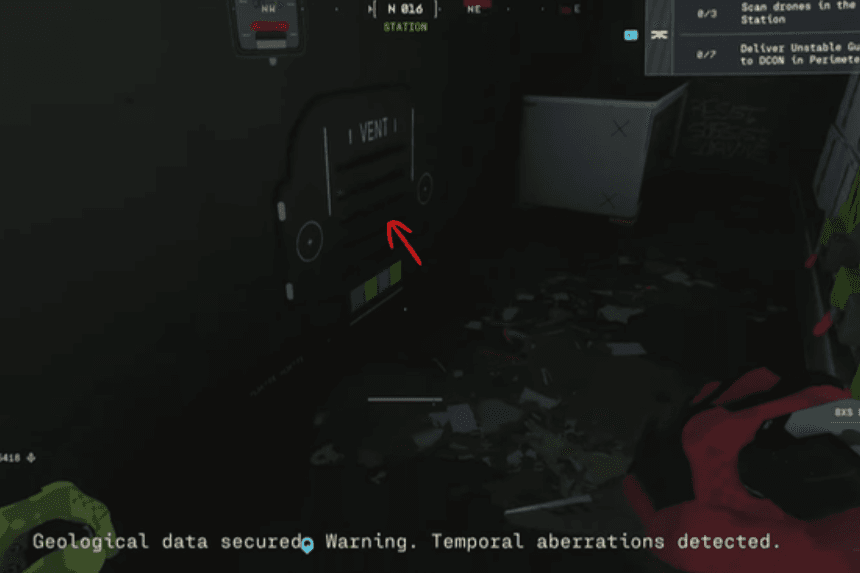
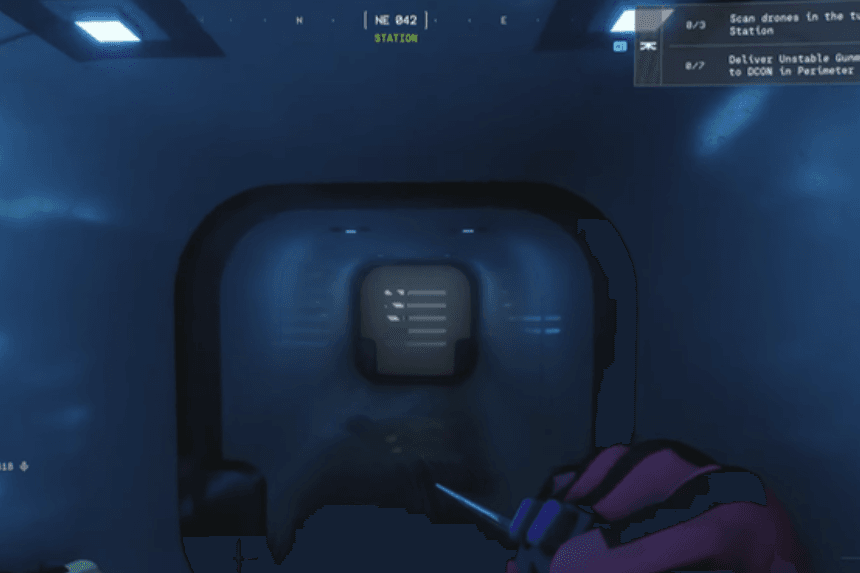
At some point, you will come across vents that go underground. If you go into a vent, and it doesn’t take you to a big open room, it is probably not the right vent. Some of the routes could take you back outside, too, giving you another way into the tunnels.
Entering the Warehouse and Locating the Drones
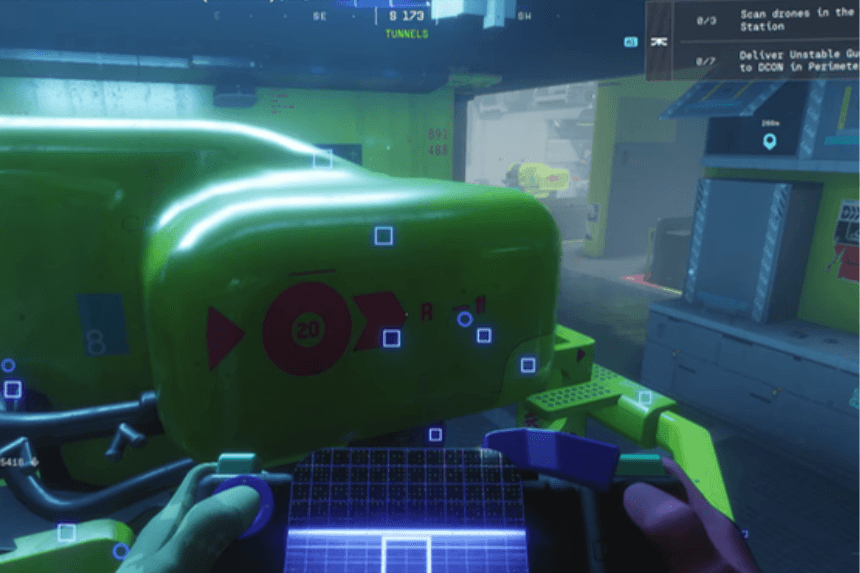
As soon as you get inside the warehouse that connects with the tunnel system, you’ll come across some drones. These drones are stationary rather than flying; therefore, it can be a bit confusing if you are looking for a moving target. The first thing you’ll see is the giant green drone that is very easy to find. After scanning the first drone, finding the remaining ones becomes easier because they are all located within the same range or nearby rooms in the area.
Scanning All Drone Locations
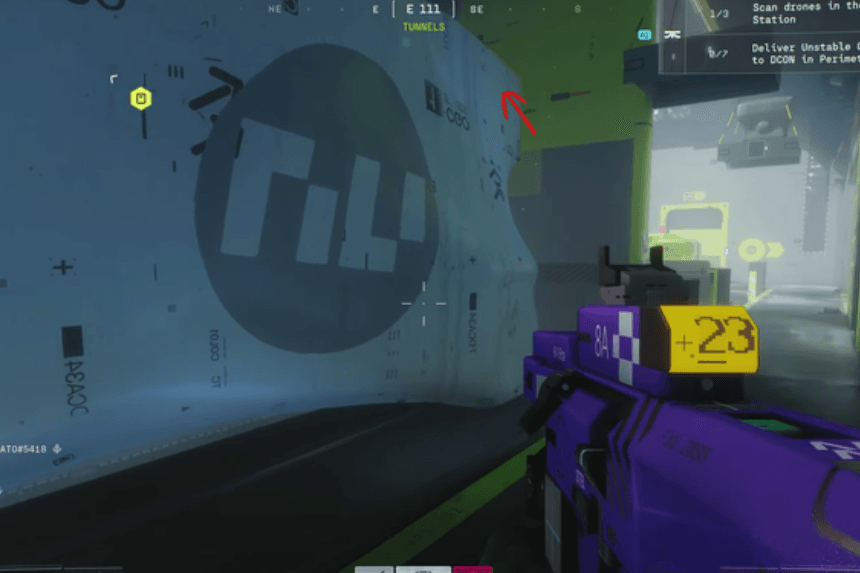
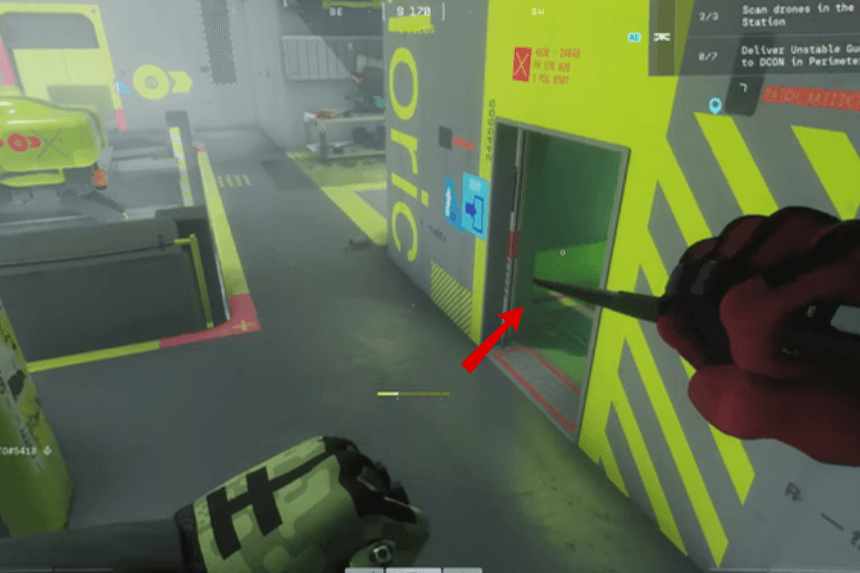
Placed at an upper altitude, one of the drones is a little hard to access. To scan this particular drone you will first need to climb up on the white storage container located behind the first drone. You may need to equip your combat knife to assist you in climbing up. On console, you will do this by holding down the Triangle or through accessing the controls menu for your platform.
The second drone is located at this elevated position, and the next (third) drone is located in the room on the right side. Once you complete a scan of all three drones your objective will be accomplished.