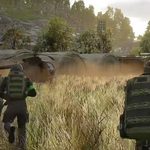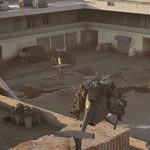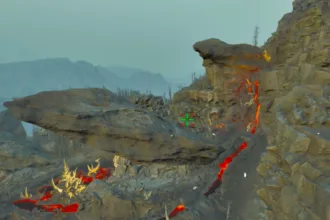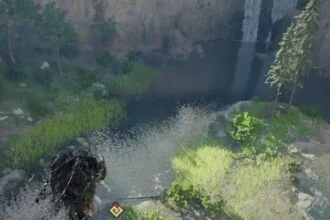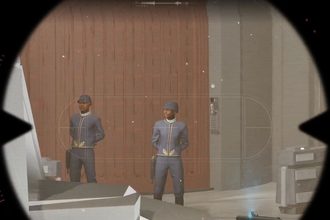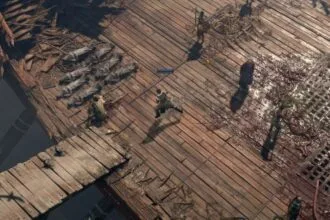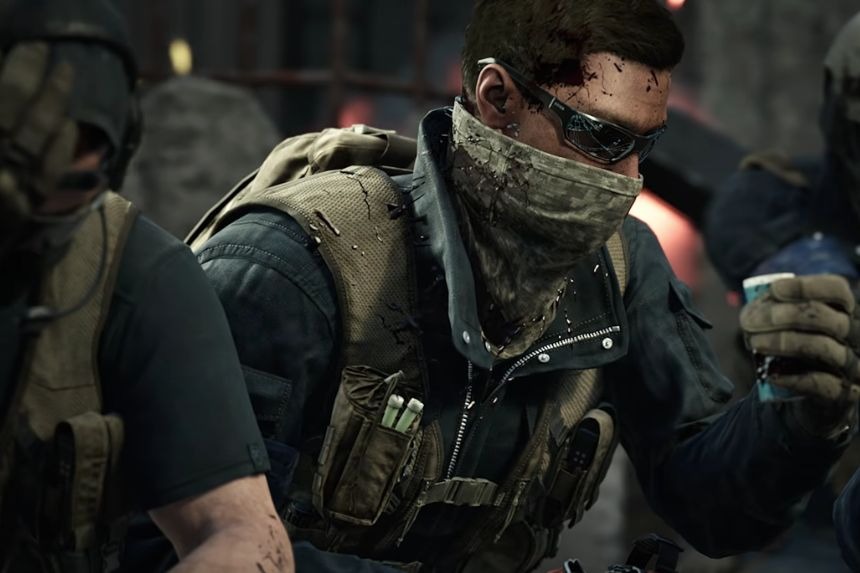
The towers are strategic areas that can provide a good vantage point for your team to gain dominance and take control of the hot zone. The towers can be captured to push the hot zone towards your team’s location. There are a few things that you have to do before activating them. In this guide, we will tell you how to capture towers in War Dogs.
What are Towers
Towers are the neutral standpoints in Wardogs that determine whether the hot zone will be pulled towards your team or not. These Towers spawn within Control Zones that don’t belong to any team, hence why it is important that you should work on obtaining as many towers under your control as possible.
Each gameplay might have anywhere between 4-7 towers, and you and your team need to capture all towers to get a code. With this code, you can input it into the control console of your own tower to gain control of the hot zone. The fastest team wins, so you can’t skip this step at all.
How to Capture Towers
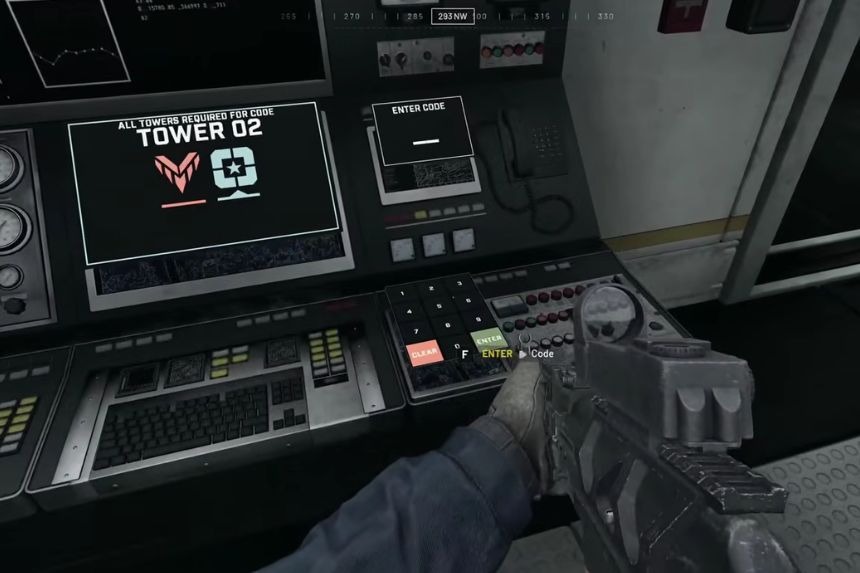
The capture of a tower is not easy; you must defeat all the enemies surrounding the tower, obtain the code, and then use the code to activate your own tower’s drill rig.
After getting rid of all the enemies camping out around the tower, the console in the tower goes into a quick cooldown before you can access it and get the code. When the cooling-down process is done, go to the tower and climb to the second floor of the tower.
Then look at the computer terminal in order to begin the process of capturing the tower. After capturing the tower, a number will appear on the screen; remember the code. Then, it is required to capture all the towers within the control zone. Having done that, one needs to go to the terminal and locate the keypad next to it. Enter the code obtained previously in the keypad.
As soon as all the towers have been captured and the code has been correctly entered, the hot zone magnet is activated, and it brings the hot zone closer to the tower controlled by your team. It will remain in that position for some time and eventually get back to the usual spot. You can look at the map and see the positions of the towers and their owners, as well as how much time is left until they can be taken again.
How to Use Towers
In addition, towers can be helpful because of their high position and the ability to see what is happening in the surrounding environment. In this way, you can detect any enemy units far away and attack them, remaining in a good defensive position at the same time.
Placing the hot zone on the tower also allows you to get extra gold in your game. As soon as you understand where the hot zone will move next, it would be reasonable to build a defensive camp near this tower so that you can be safe while controlling the zone.