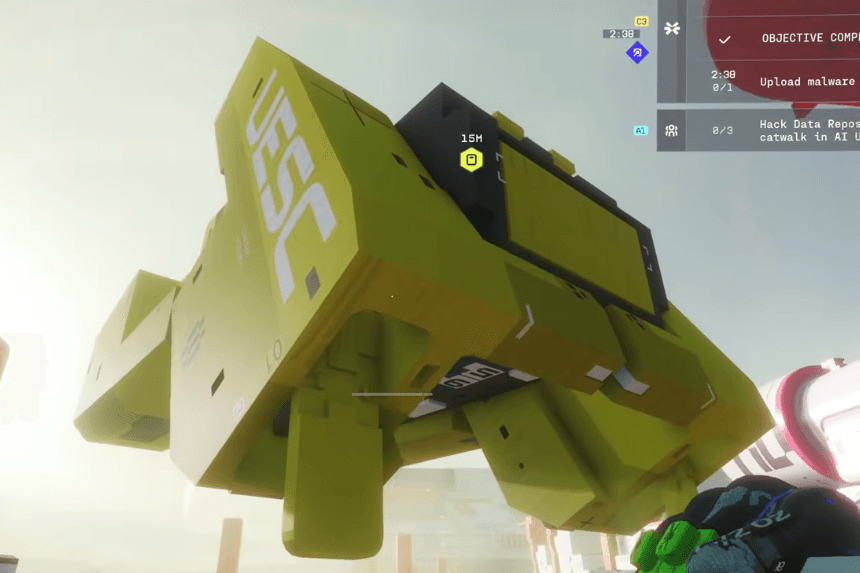
If you are struggling to complete the Download Malware from Terminal in the West Gate priority contract in Marathon, knowing the correct locations makes the objective much easier. You will need to find the terminal inside the Westgate Gatehouse, download the malware, and then finish the final step at Canal before safely exfilling.
Find the Terminal in Westgate Gatehouse
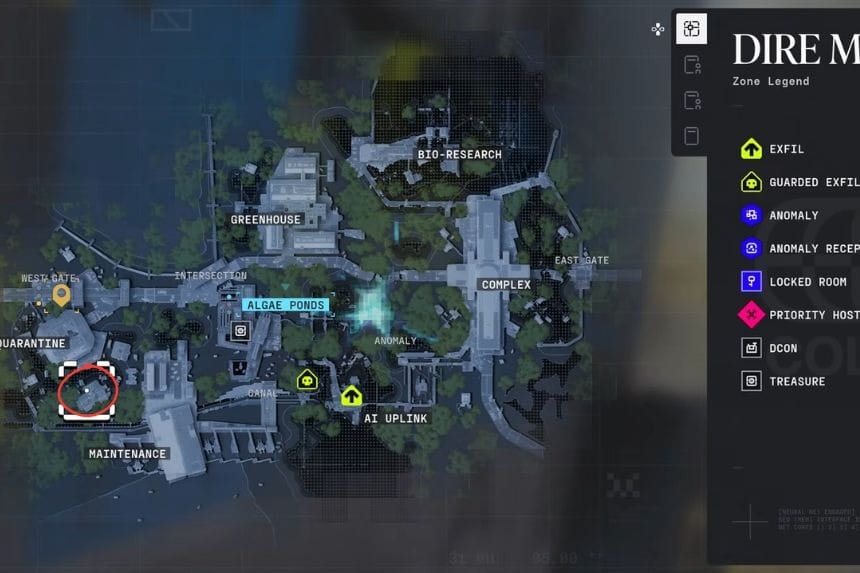
The West Gate house is located on the far west edge of the map. It is a small location, so be careful when checking the map; this name will have smaller printed text than others. You’ll find two gatehouse towers connected by a bridge and marked with numbers 1 and 2. You’ll have to check both towers to find the terminal, as it could be in either building.
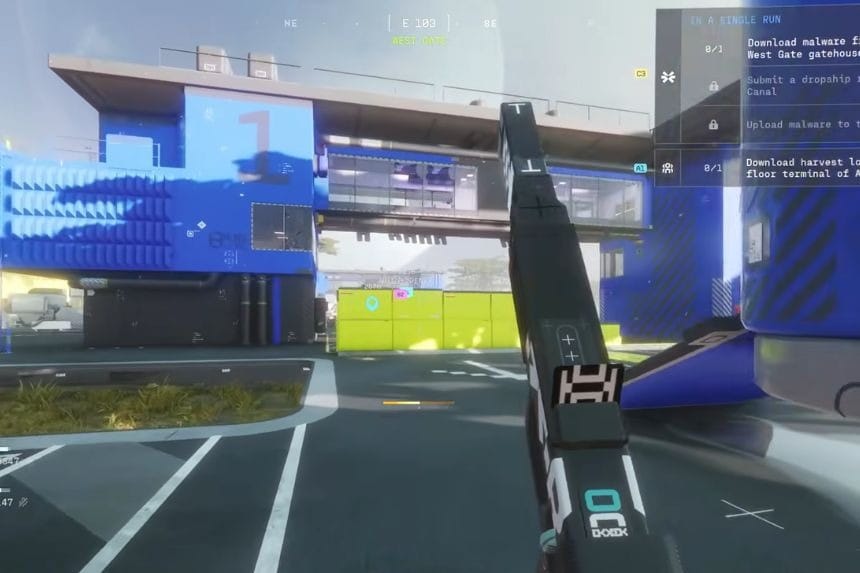
During one of the runs, the right building was numbered 1 and had a red barrier inside the main entrance to the building. The building where you find the terminal keeps changing, so there’s nothing fixed.
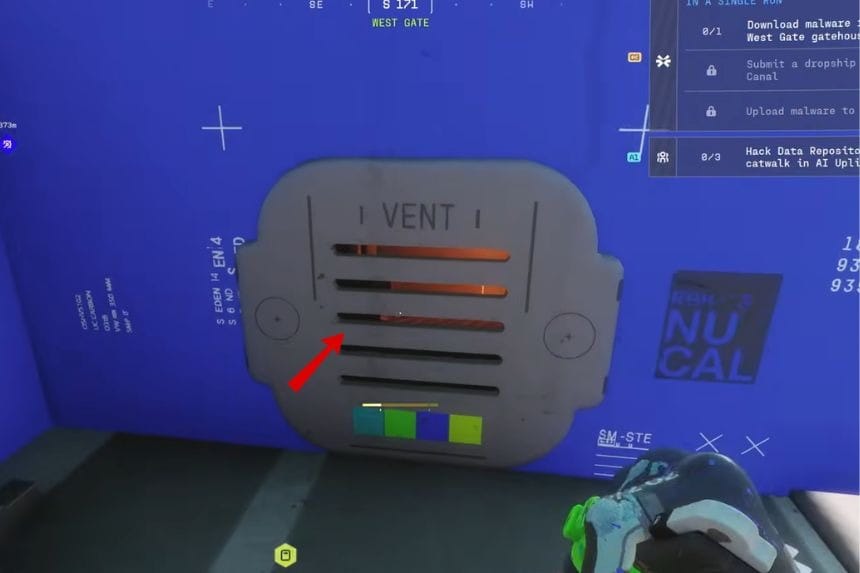
There are multiple options for entering the building. One of which is if you broke the window and jumped through it, or there is an alternate path, such as climbing up onto the roof and using the vent to get in.
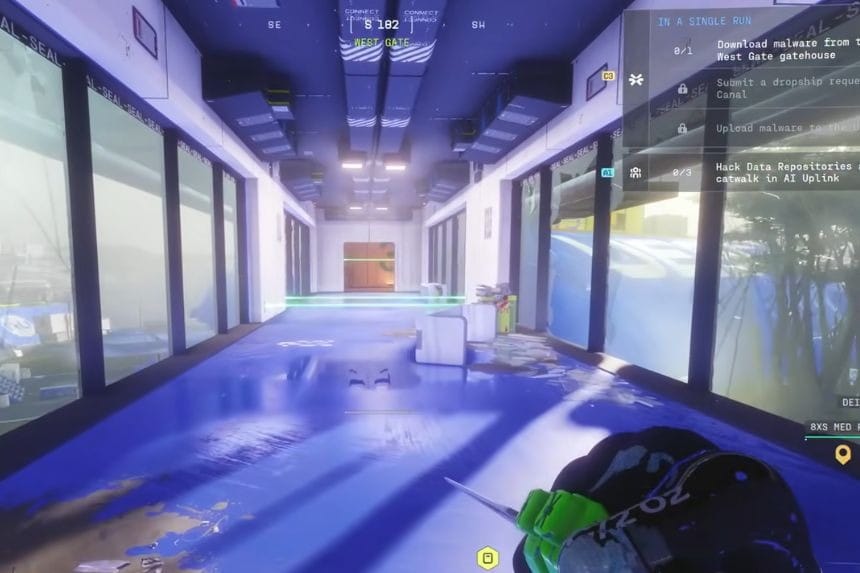
While at the gatehouse, you won’t see the objective marker until you are right next to the terminal. The building contains three floors on each side with a bridge connecting them. There are also numerous laser traps located inside the building, and if you set off any of these traps, it will cause your UV to become inoperable for approximately 20 seconds, making it much more difficult to find the objective.
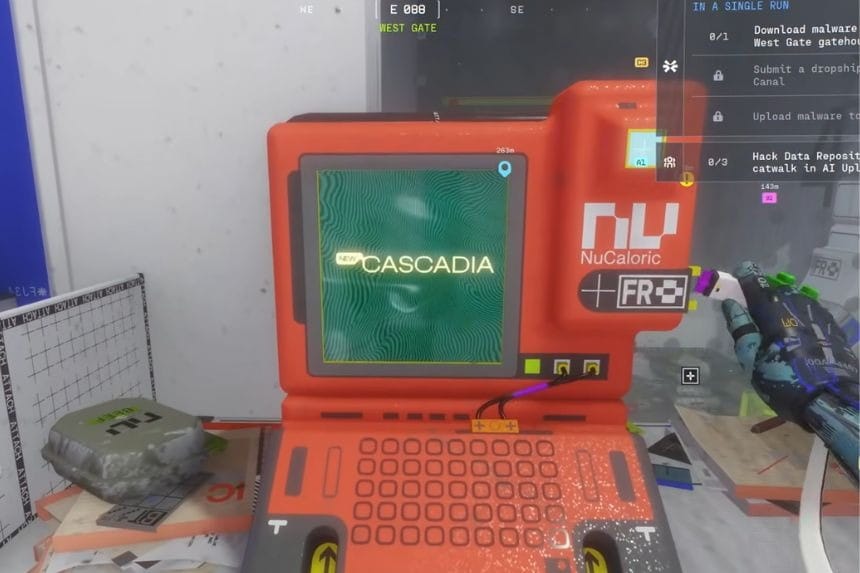
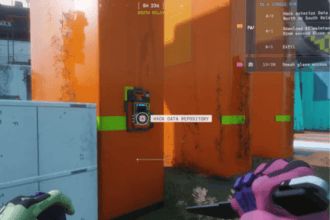
You’ll find a terminal underneath on level 1 (bottom floor of building). When you arrive at the bottom level, look for a room that has a computer terminal in it, and interact with it so that you can download the malware.
Request the Dropship at Canal
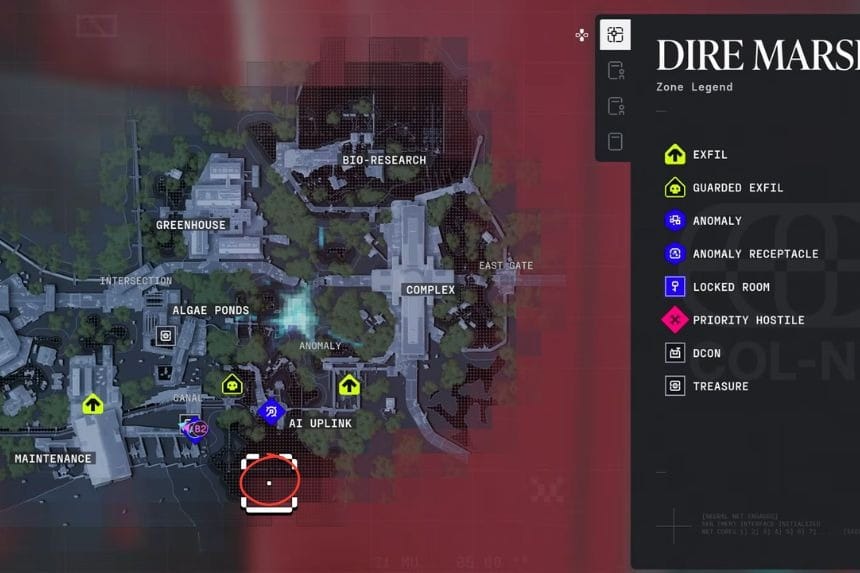
Once you’ve downloaded the malware, the next step is to move to the Canal area with no exfil. The target location is between Maintenance and AI Uplink, next to a bridge and a set of docks that point outwards. Move through this area until you find a section with small platforms and a deck with red border markings on the buildings.
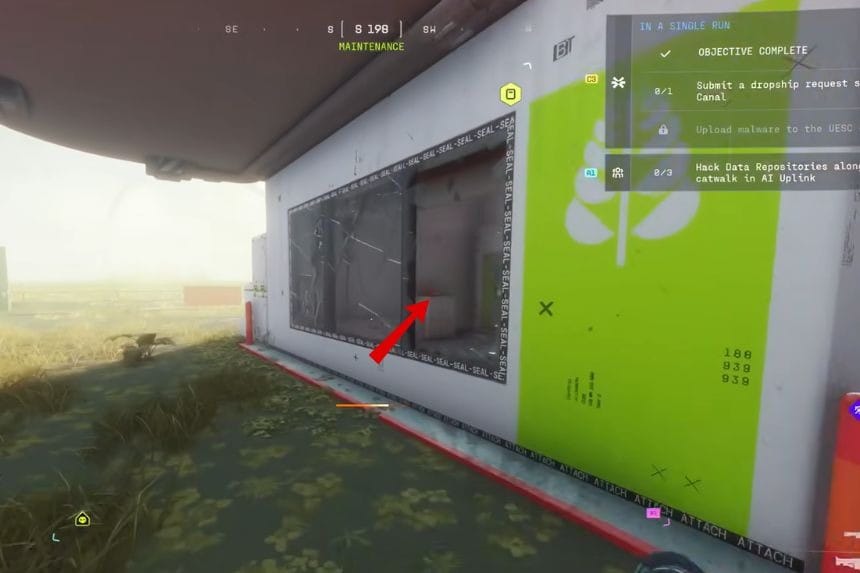
On the far left side of this area, you will find the interaction point to request a dropship. Keep in mind that calling in a dropship may draw attention from enemies that are nearby, so be ready.
Upload the Malware on the Dropship
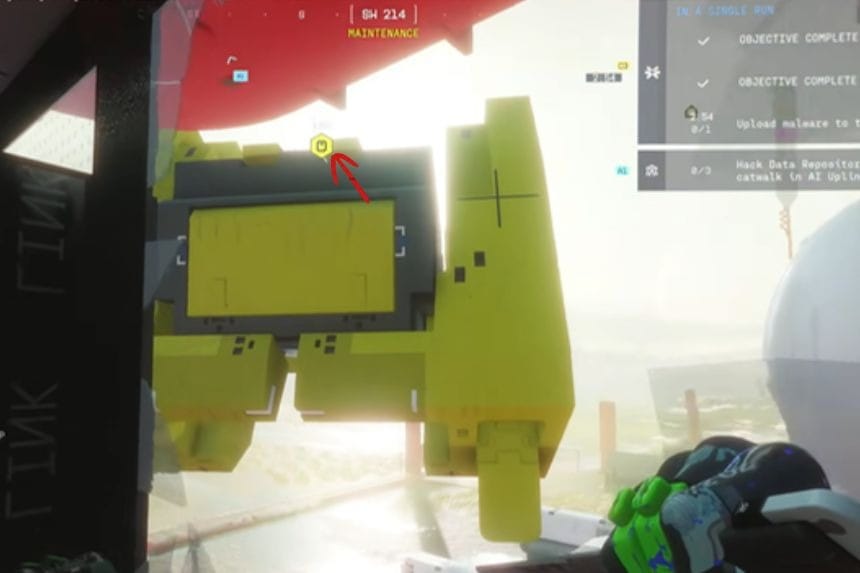
Once the dropship arrives, you will have three minutes to complete the objective. Instead of defending the area, climb on top of the dropship. There, you will find an interaction point where you can upload the malware. After the upload finishes, the contract will be completed, and you can exfil successfully.