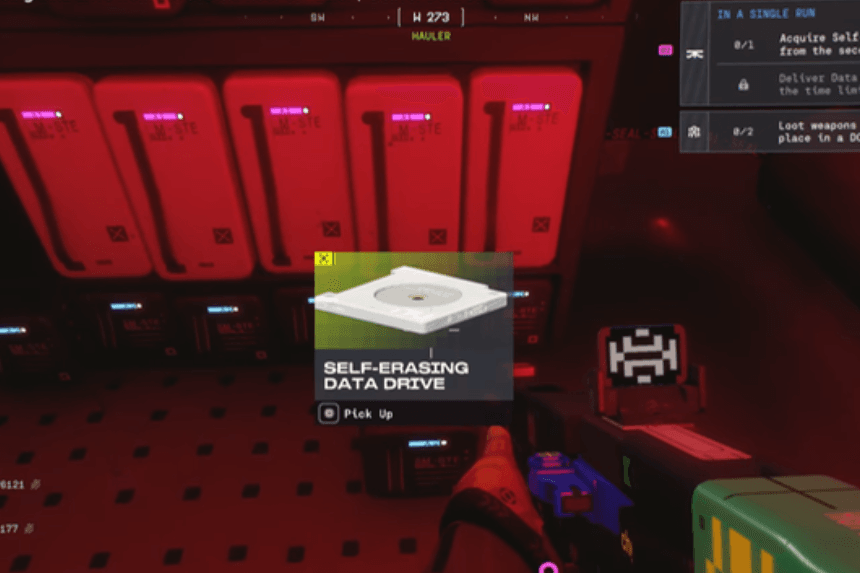
Marathon’s Self-Erasing Data Drive mission is a challenging part of the game where you must find and navigate around the Hauler and pick up a Self-Erasing Data Drive from the second floor. This guide will help you discover how to find the Hauler, enter the server room, deliver the data drive to a DCON before time runs out, and use your team or game console to maximize your interactions with others.
Finding the Hauler and Reaching the Server Room
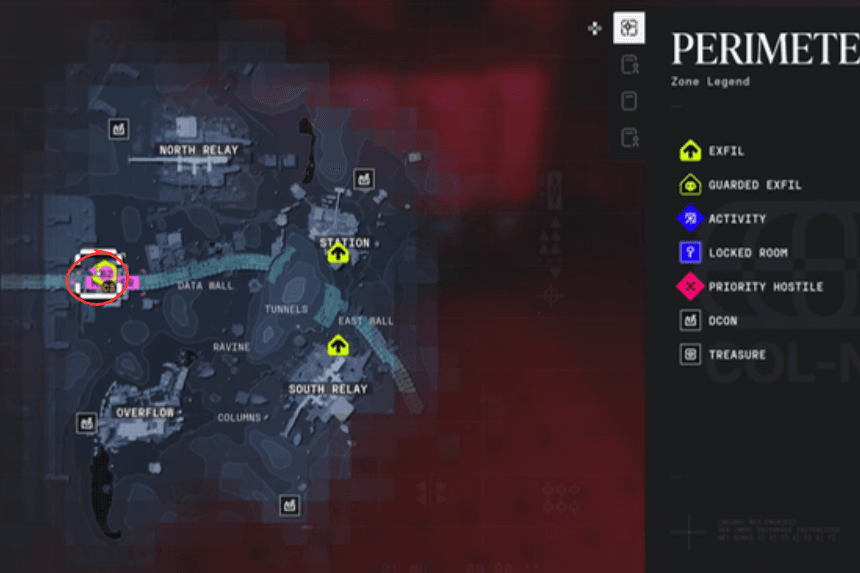
The Self-Erasing Data Drive can be found on the second level of the Hauler, right below the “A” on the map. You may have visited it for other quests.
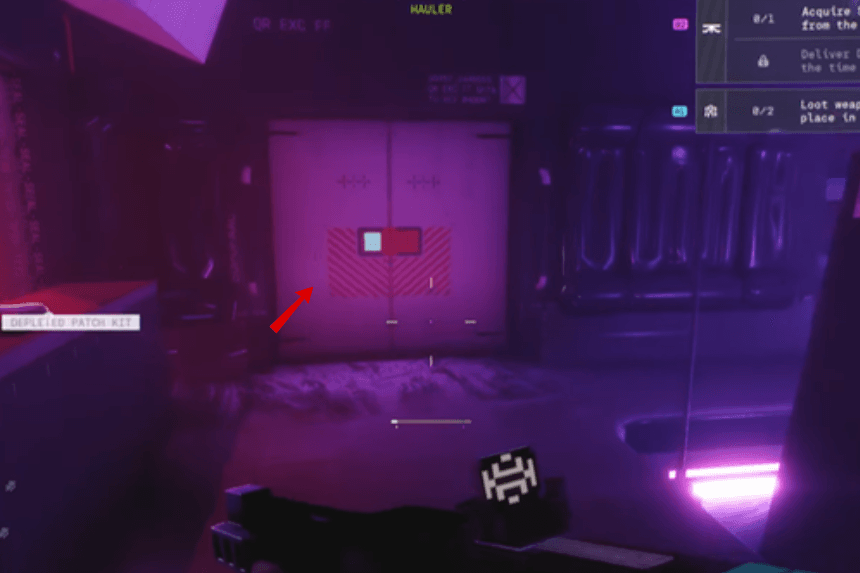
Once you arrive at the Hauler, eliminate all enemies. Take advantage of multiple entry points to access the second floor; however, the complexity of these pathways might cause some confusion with navigation. Once you have reached the second floor, find the server room at the north end of the building, facing the western side.
Acquiring and Delivering the Data Drive
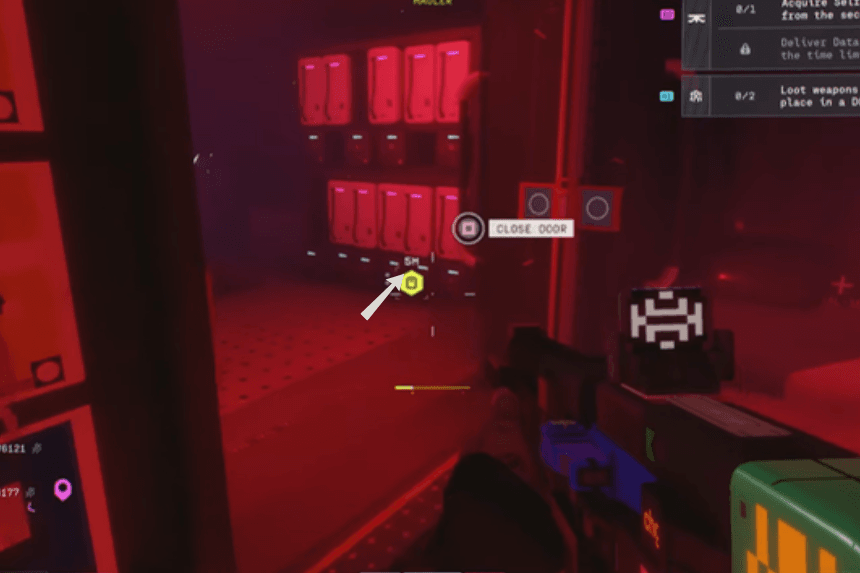
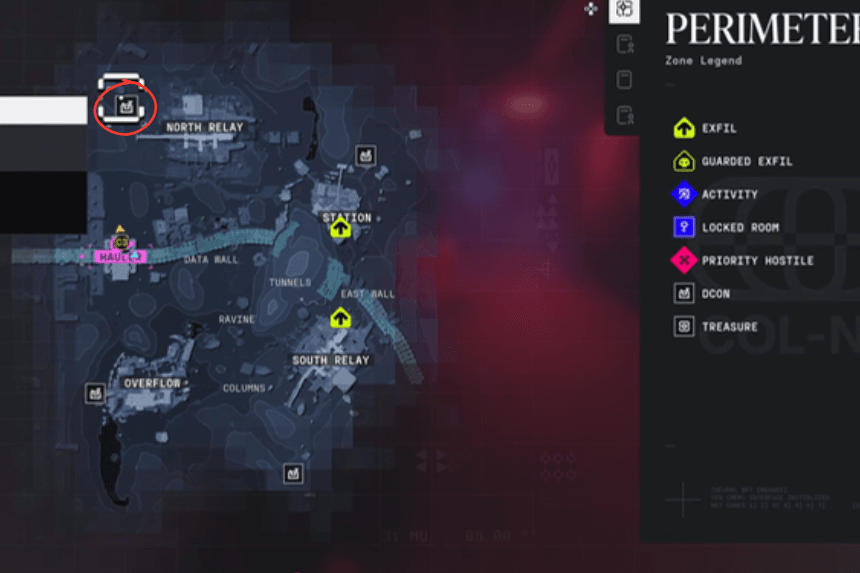
You must retrieve and transport the Self-Erasing Data Drive located in the server room within five minutes to the nearest DCON, which will be located somewhere close enough on the map to reach without fighting enemies. Remember, you must avoid interception to successfully deliver the drive.
Team and Console Considerations
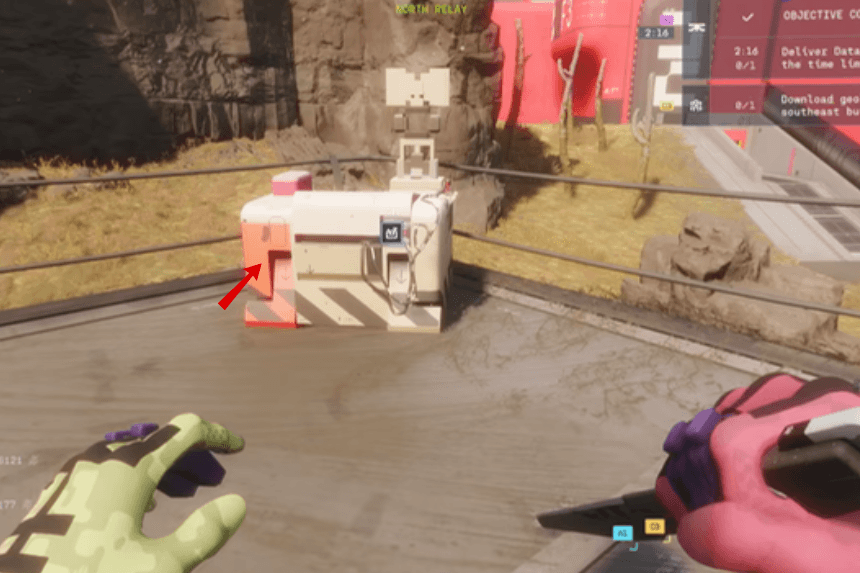
Only one member of the team is able to use the DCON at a time. If playing with a group, you should consider passing all items to one teammate to ensure no issues occur while using the DCON.
When using the DCON on a console, use L2 to select the item and then press L2 again to drop it in the box. Pressing the wrong button may drop the item on the floor. On PC, the drag and drop is easier to do. Allow the item box to complete its animation before it teleports away; the quest completes once the box disappears.