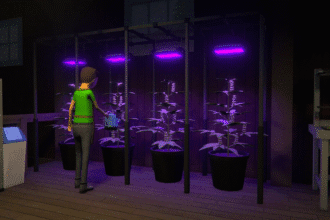
As your empire grows in Schedule 1, you’ll eventually run into a common issue: equipment overflow. While it’s great to expand production with new stations and tools, having too much gear lying around can clutter your safehouses and warehouses, slowing down efficiency. In earlier versions of the game, players had no choice but to discard unwanted items or stash them away, essentially wasting money.
Due to a recent patch, however, there’s now a way to make some cash back — selling old equipment at the Pawn Shop. In this tutorial, we will walk you through selling items, finding the shop, and how to unlock the feature if it’s not already on in your version of the game.
Selling Equipment at the Pawn Shop
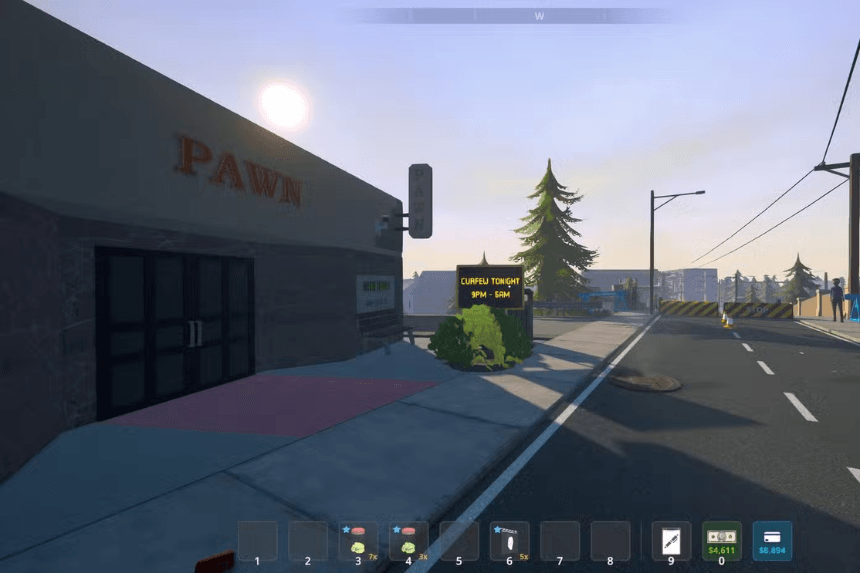
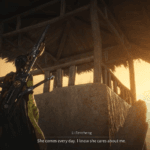
The Pawn Shop is located in front of the Warehouse and beside the Motel. Just enter once it is accessible and speak with the shop clerk. You will have two choices:
- Make a Deal: This is functional like with any other NPC, where you can try to make the clerk a customer for your wares.
- Sell Equipment: This is where you sell redundant or old tools and stations.
Keep in mind, you can’t pawn off drugs — it’s only for equipment. You’ll get a different payout based on what you’re selling, but don’t expect big payoffs; the store only pays out a little. It’s still a heck of a lot better than junking things out and provides you with a small and regular way of clearing space and earning extra cash, though.
What to Do if the Pawn Shop Is Not Available
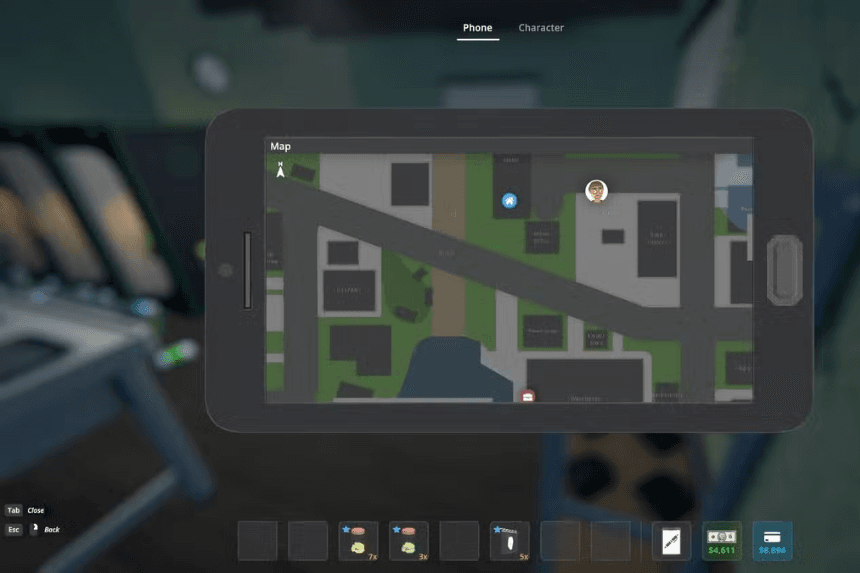
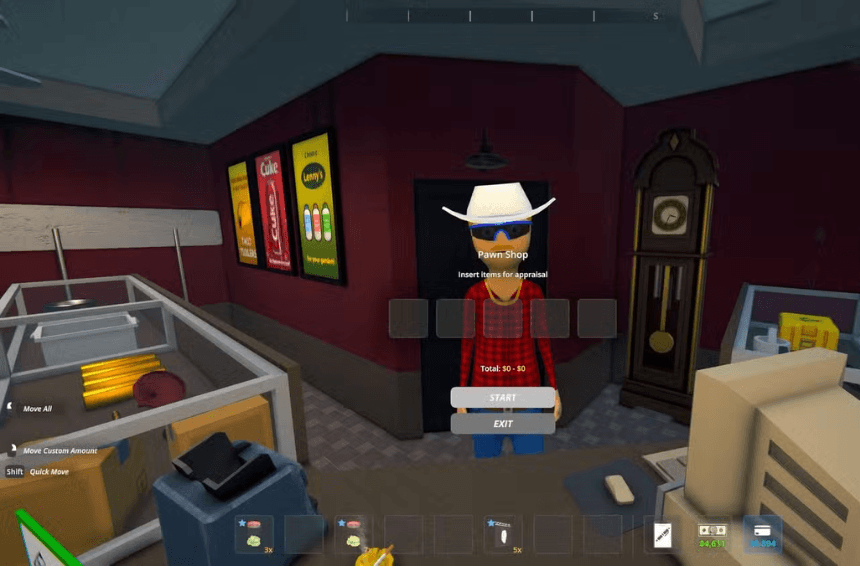
If you cannot spot the Pawn Shop in your Schedule 1 copy, it is likely that you are not playing on the game’s Beta Branch. The Pawn Shop functionality is currently only available through this version, which gives players early access to updates before they roll out for all players.
How to Access the Beta Branch
Enabling the Beta Branch is simple and does not involve you playing a completely new game. The following is how to do it:
- Open Steam and go to your library.
- Right-click Schedule 1 and select Properties.
- Under the left-hand menu, select Betas.
- Under Beta Participation, open the drop-down menu. Select the Beta Branch option (this should be the third option).
Once selected, the game will be automatically bumped up to the Beta version. The Beta has the same save files as the live version, so your game will be saved. But if you are paranoid, you can always create a new save file and not risk corrupting your main playthrough.