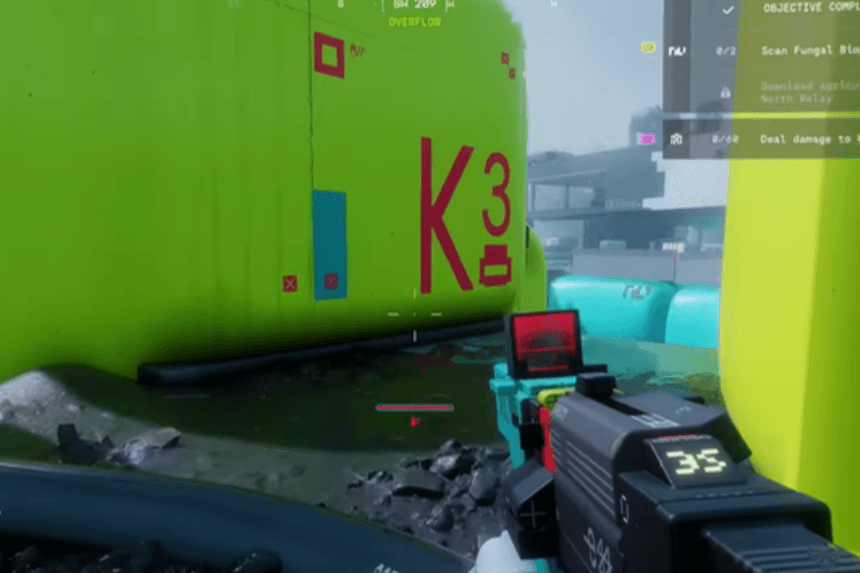
Finding the fungal bioprinters in Overflow can be difficult due to the number of spawn points in that area. This guide will help you find exactly where they are located by showing their precise location on the map along with some tips to help you get there easily. Follow these steps to efficiently complete the scan without getting lost in the warehouse.
Getting to the Overflow Location
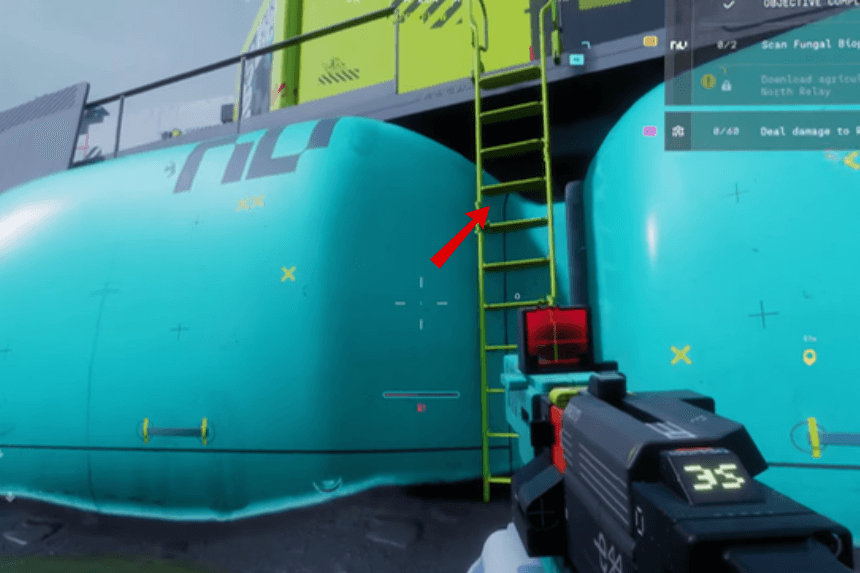
Ensure that the area you are in matches the Overflow location on your map and that it is also showing at the top next to your compass. Once you are in the Overflow area, go inside the warehouse, then go upstairs to find the bioprinter.
Finding the First Bioprinter
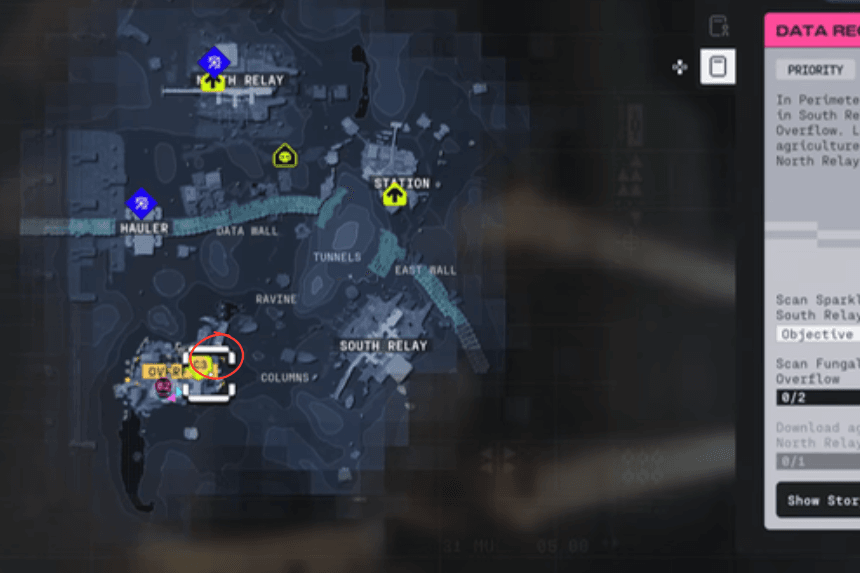
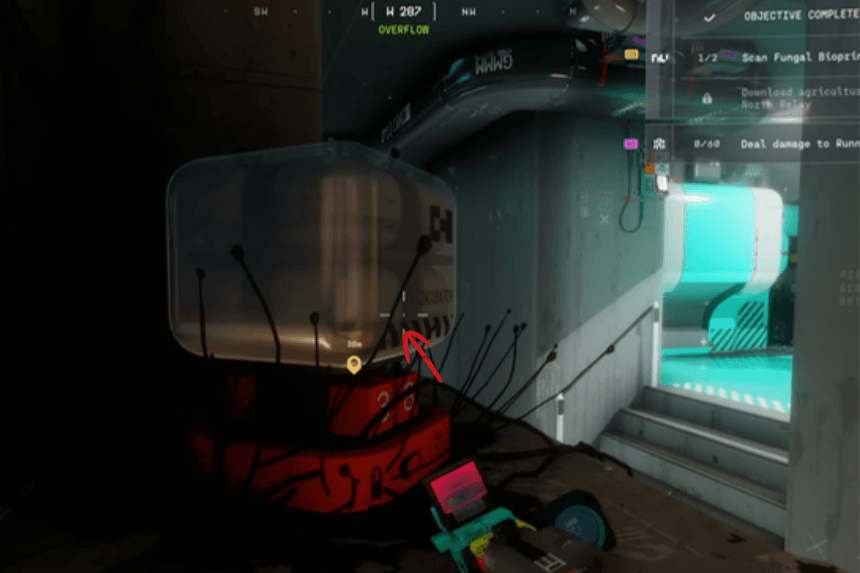
You should find the first bioprinter at the top of a shelf, right on the R of Overflow on your map. If you align yourself to the R, it will lead you to the exact location of the bioprinter. Also, keep in mind that there can be a total of two or three bioprinter spawn points, so if this one doesn’t spawn here, check other nearby locations.
Finding the Second Bioprinter
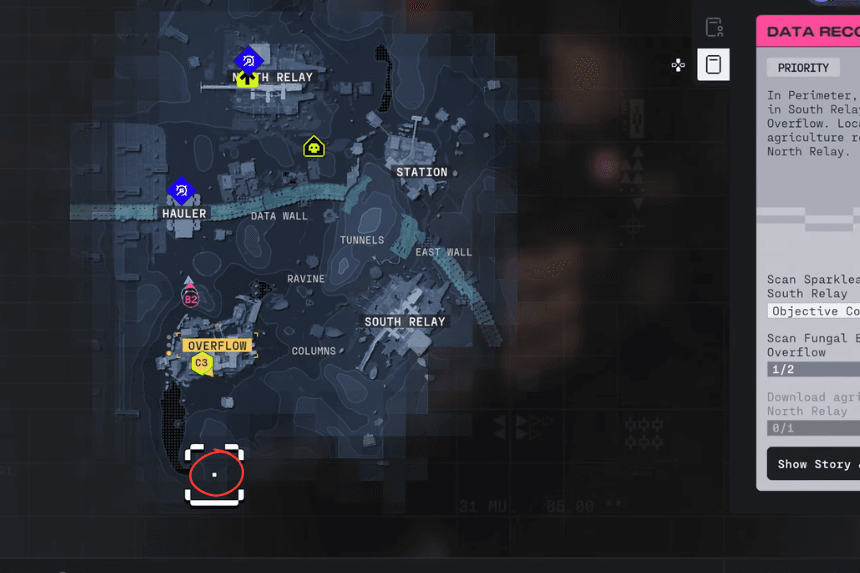
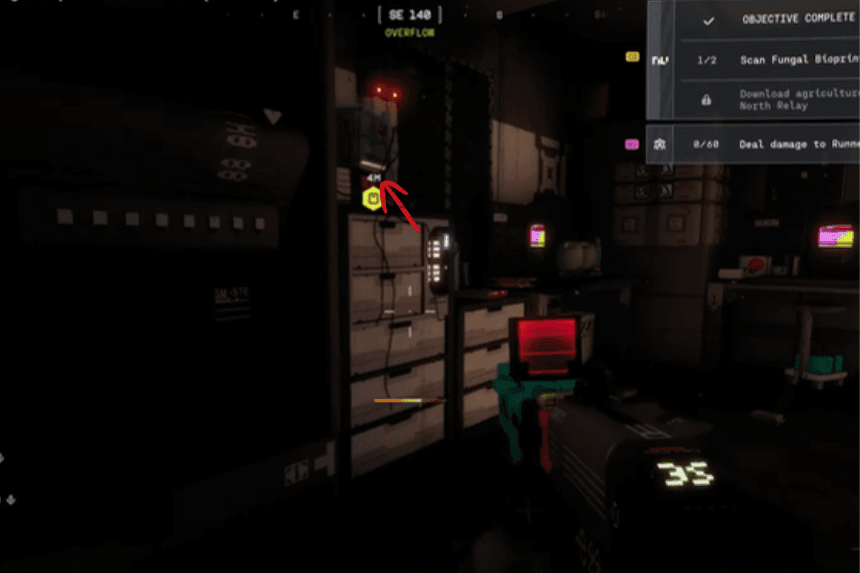
To find the bioprinter’s second location, you will need to locate shipping containers labeled 202. Go upstairs, and you will find the printer just below the V on Overflow on the map. Please remember that spawn point locations are sometimes different, so check the surrounding areas if you don’t find the bioprinter at this location.