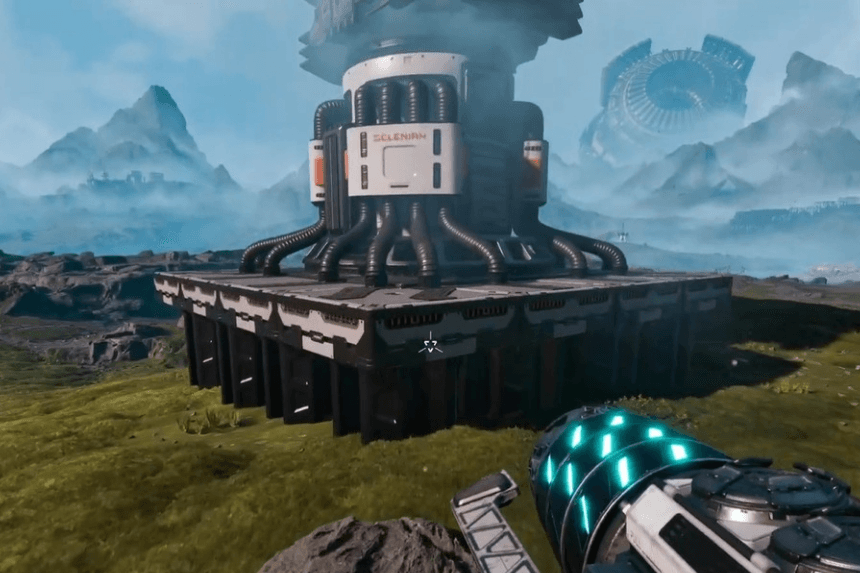
As your base expands in StarRupture, the added complexity of your growing base can result in instances where buildings are placed incorrectly. Not only does this mean that you’ll be wasting time but you will also find how these misplaced structures become confusing for you with time. Fortunately, StarRupture has created a method for players to safely remove any building that has been placed incorrectly. Below are details on how to remove misplaced buildings along with tips for safely and effectively using them.
Using Deconstruction Mode
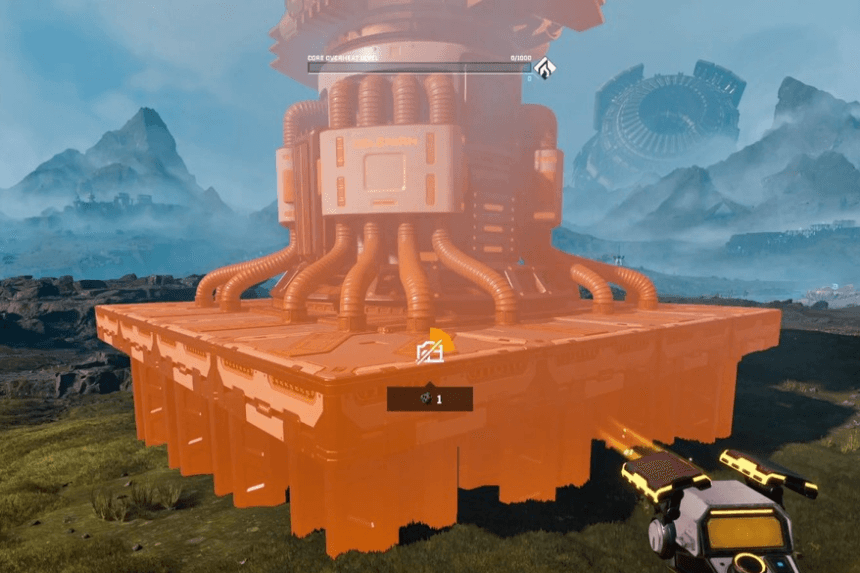
Select “Deconstruction mode” in order to remove any of the structures, building, or rail segments you’ve previously placed. To enter this mode, press the F button.
When you enter Deconstruction Mode, hover over any structure with your cursor and click, then hold down the left mouse button until the circle around the progress indicator is completed. After that, the object will be removed from your base.
There is no loss from doing so. Everything used to construct the building will be returned to your inventory making it possible to test out different designs without the fear of wasting any of your resources.
In the beginning, having a messy base may not seem such an issue, but as the chain grows longer, poor spacing will begin to affect productivity; it is usually more effective to tear down and reconstruct the older portions into better layouts.
Important Limitation to Know
Currently, StarRupture has no options for adjusting or rotating built structures after placing them. If a structure is incorrectly oriented or the alignment of its rail connections does not match, then there is no way to change the position of the structure. The only way to correct these issues is to completely take down the structure and reconstruct it in the new position; hence deconstructing is the only way to fix alignment problems at this time.