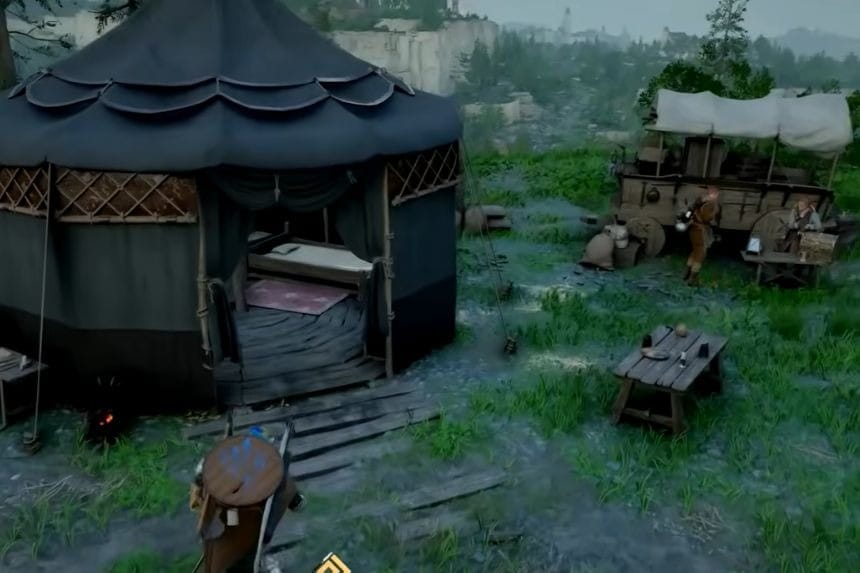
Crimson Desert’s Howling Hill expansion can be a little tricky because there is no proper guidance available in the game. Once you complete the Bustling Hills quest, you will need to manually dispatch your group from the campsite using the function available on the map. With this guide, you will learn how to dispatch your party and keep track of your progress on the Howling Hills Expansion mission easily.
Starting the Bustling Hill Quest
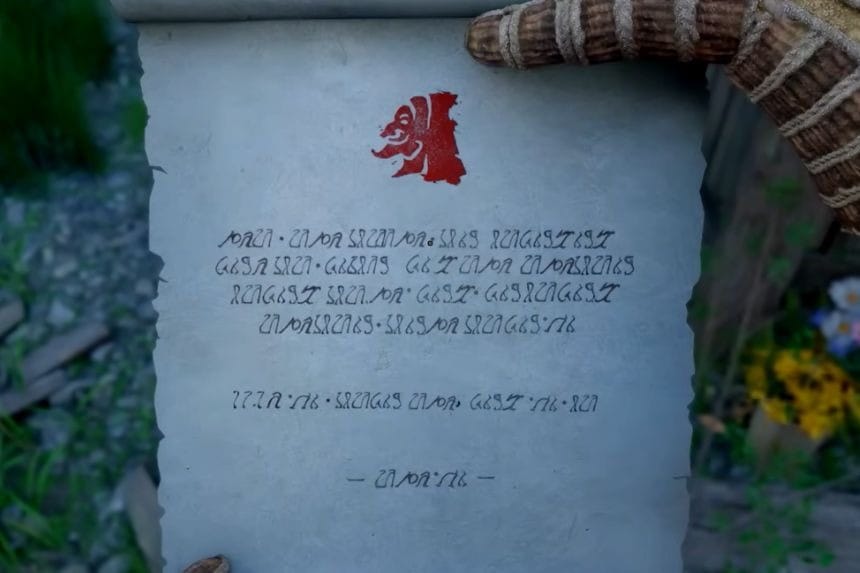
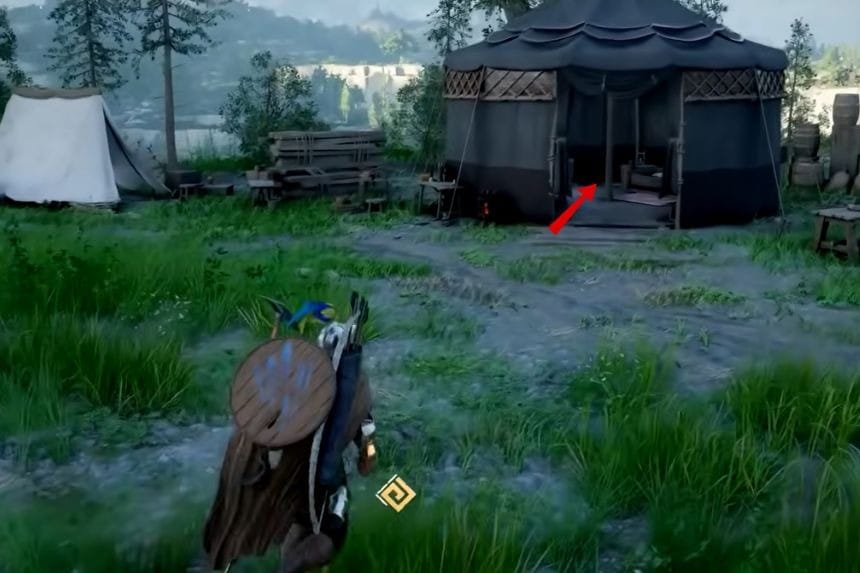
The Bustling Hill Quest starts when you check the letter from the Dragon Totem in the A Gentle Touch Quest; you will receive the Bustling Hill Quest automatically when the Howling Hill expansion mission is sent to your party. You will see a red “X” as a quest marker in the middle of your camp, but there is nothing there to complete the quest, so you’ll have to figure everything out in your own.
Dispatching the Mission
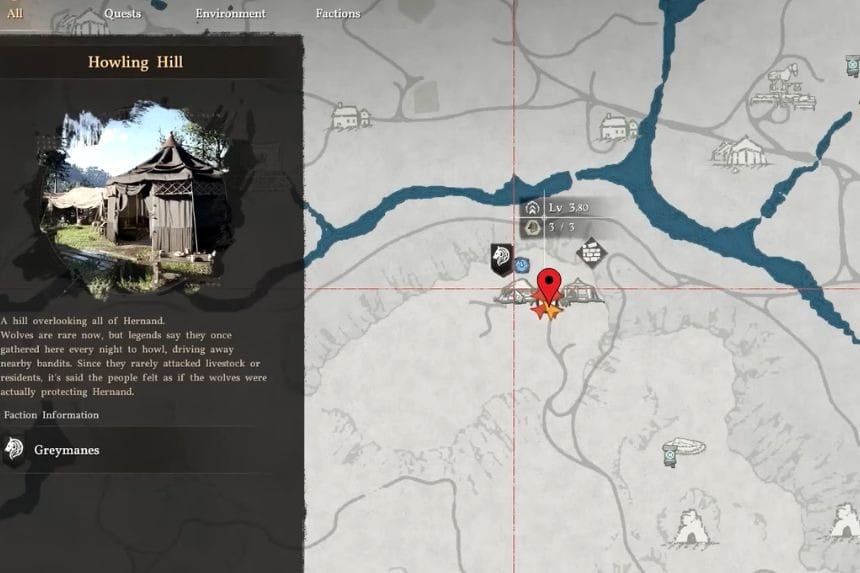
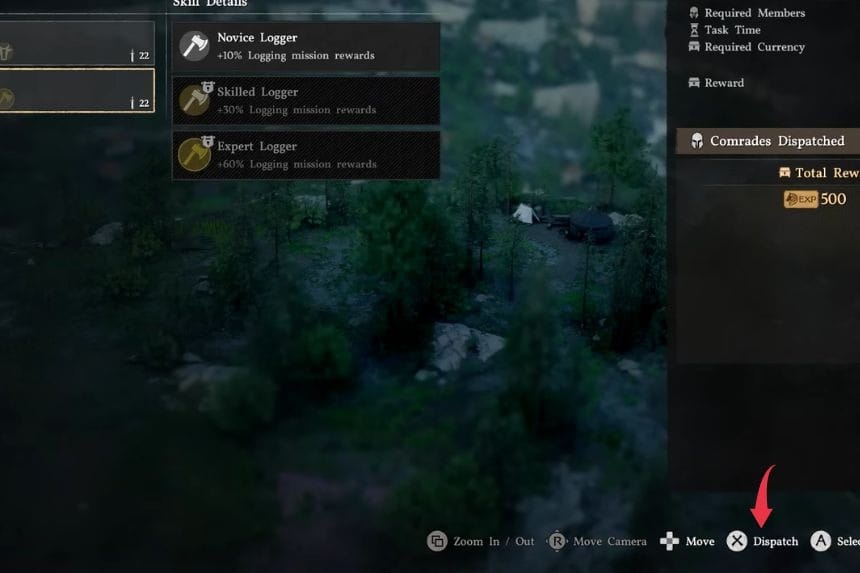
To dispatch, start from your map by hovering over your campsite and it will show that you can use the command at the bottom of the screen that reads “inspect.” On Xbox press Y for this action, on PlayStation press Triangle, and on PC double click to go to the inspect screen. From the inspect screen go to the top left missions tab, select the Howling Hill expansion mission, then dispatch your people using the “dispatch” icon shown at the bottom right corner of your screen.
Waiting for Completion
It takes 17 hours of play time to complete the mission. While the mission is waiting, you’re free to work on bounties or other side quests. You can also choose to sleep for 12 hours which will leave 5 hours left to play. Once your timer has expired, you get a notification that Howling Hill has been expanded, meaning that you have completed this main mission.