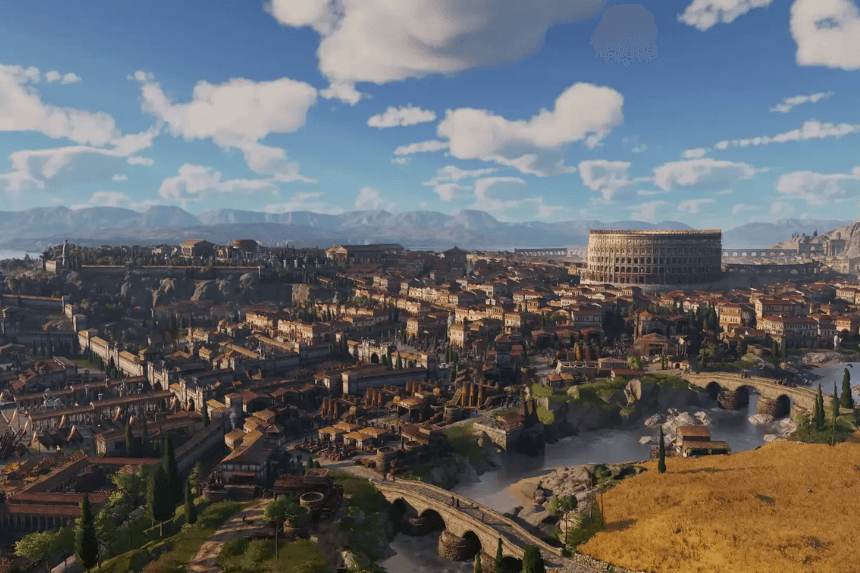
As your cities grow in Anno 117: Pax Romana, you will inevitably reach the point where you’ll need resources your main island can’t provide. That’s when inter-island logistics, and later, inter-provincial logistics, became a necessity. You can haul goods manually for a while, but once your economy expands, setting up trade routes becomes the only sane way to keep everything running smoothly.
In this guide, you’ll learn how to reach Albion, unlock the second province, and start shipping goods back and forth. Here’s everything you need.
Also Read: Anno 117: Pax Romana – How to Complete A Beast of Lore Quest
How to Unlock Albion
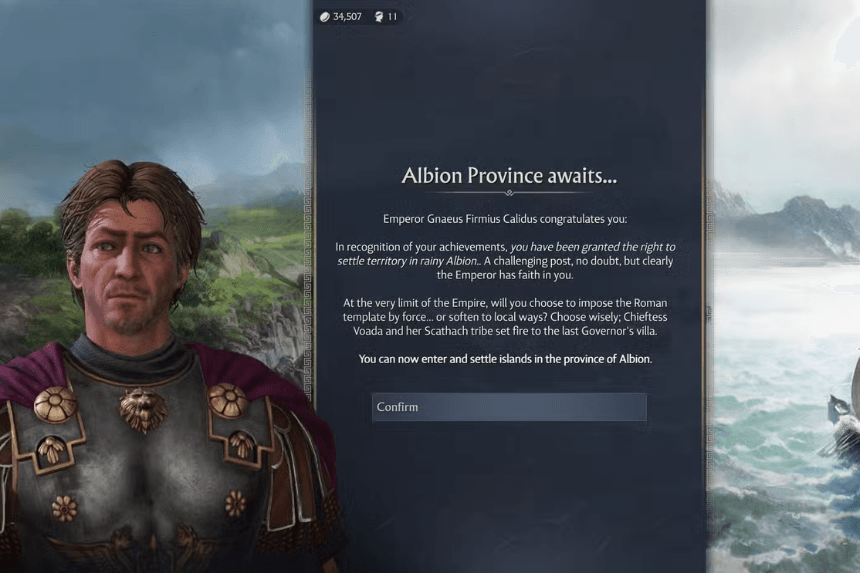
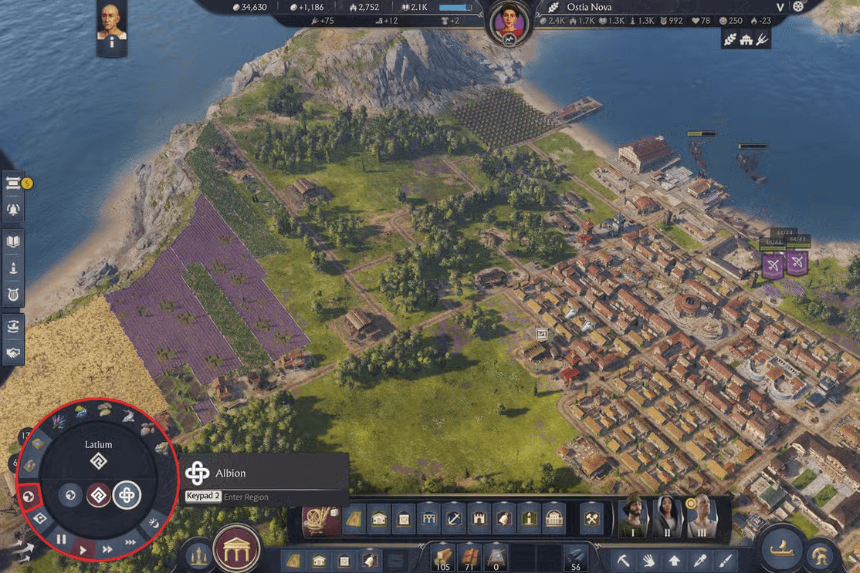
There are two ways to access Albion, depending on the game mode you’re playing.
Campaign
Simply play through the story. When Calidus replaces Lucius as emperor, you’re exiled to Albion, and the region becomes available automatically.
Endless Sandbox
In sandbox mode, Albion stays locked until you get to Tier III in Latium, meaning upgrading your Eques residents. Once you hit that milestone, the second province opens up.
Once it’s unlocked, you can switch regions at any time by clicking the earth icon in the circular menu at the bottom left. You can also use World View to see the distance between Albion and Latium and track where your ships are during long-distance routes.
Also Read: Anno 117: Pax Romana – Specialist Guide
How to Trade Between Albion and Latium
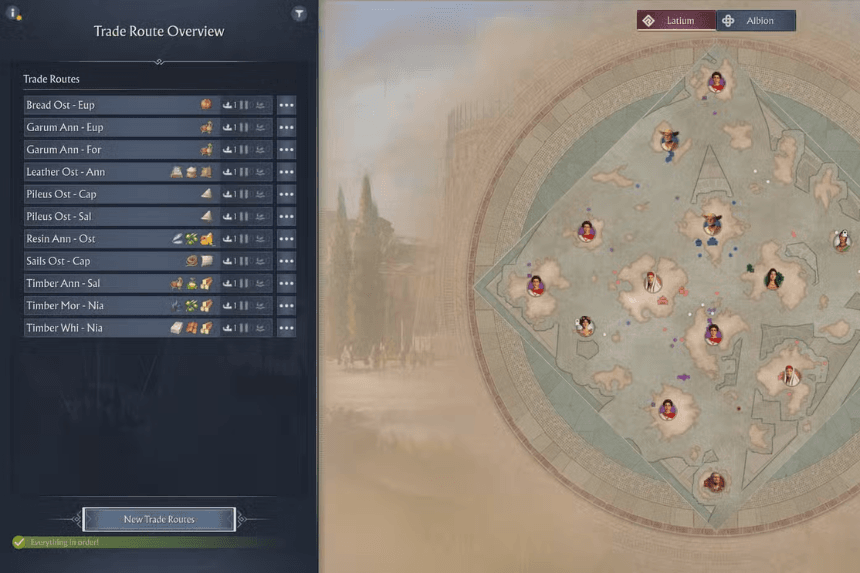
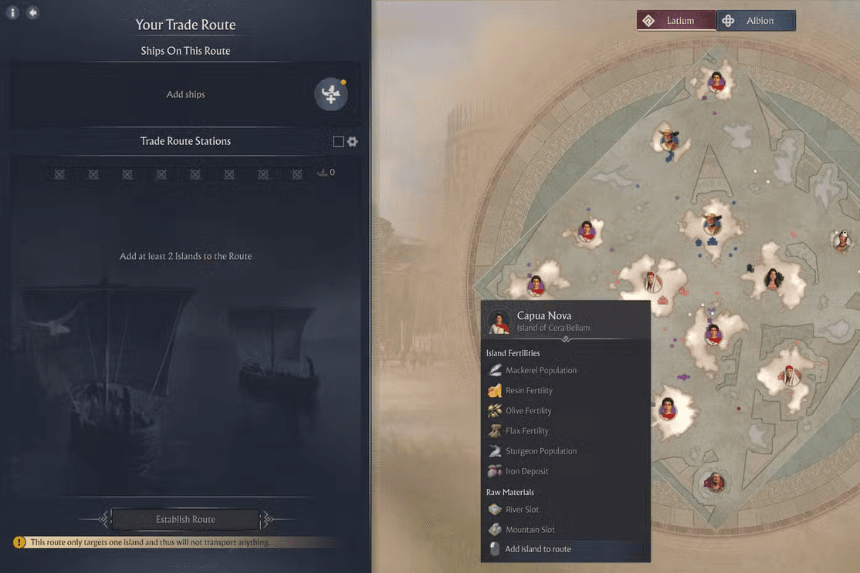


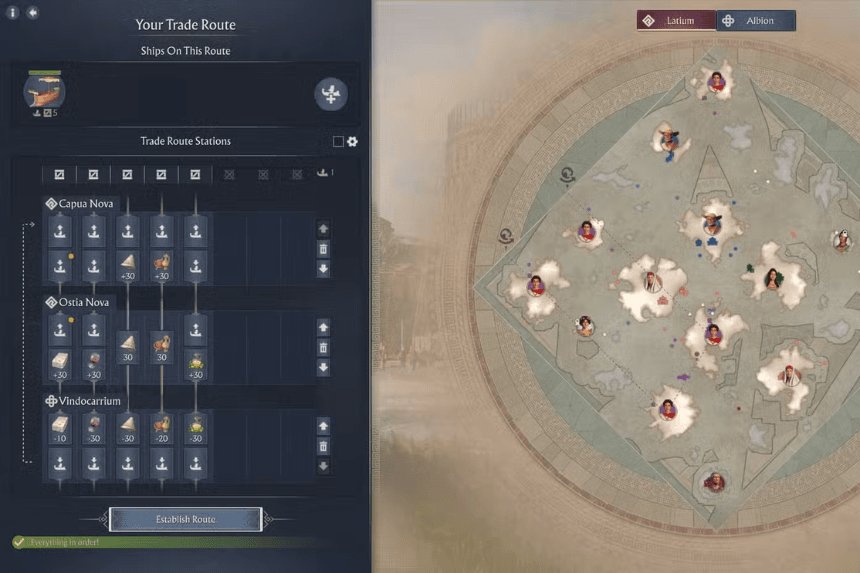
Trading across provinces works the same as normal routes; the only difference is that you’re swapping between two separate maps while choosing your islands.
Here’s the flow:
- Click New Trade Route at the bottom of the screen.
- Pick your first island — the one you want to load goods from.
- Change the province if required, then click to select the second island. You can chain more than two islands if you’re setting up a loop.
- Choose the ship for the job. Civilian ships give you more cargo space, while military ships can survive an ambush.
- Set what you want to load at the first city and what you want to unload at the second.
- Hit Establish Route to lock it in.
If you accidentally move a ship that’s assigned to a route, the game pauses it. You can resume the route from the trade route menu or by tapping the play icon under the ship’s portrait.
Also Read: Anno 117: Pax Romana – A Trading Guide
Making Money Using Trade Routes
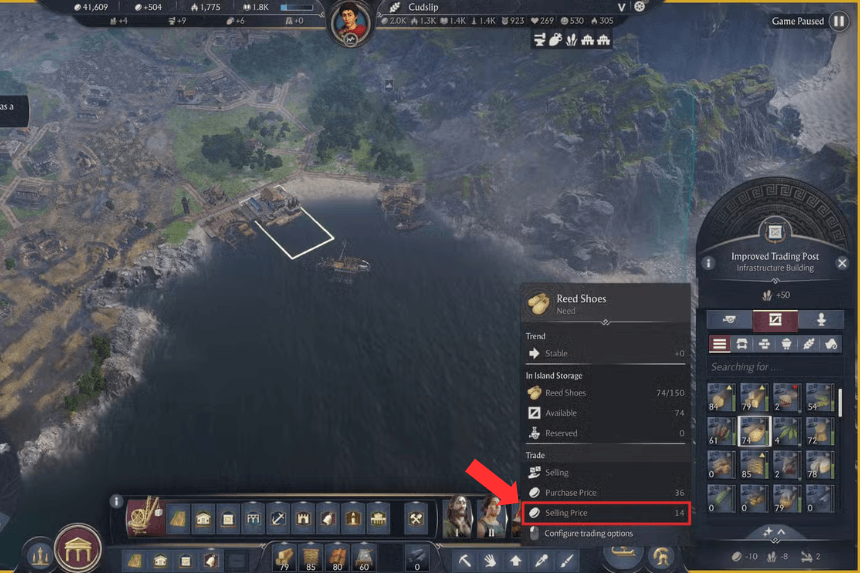
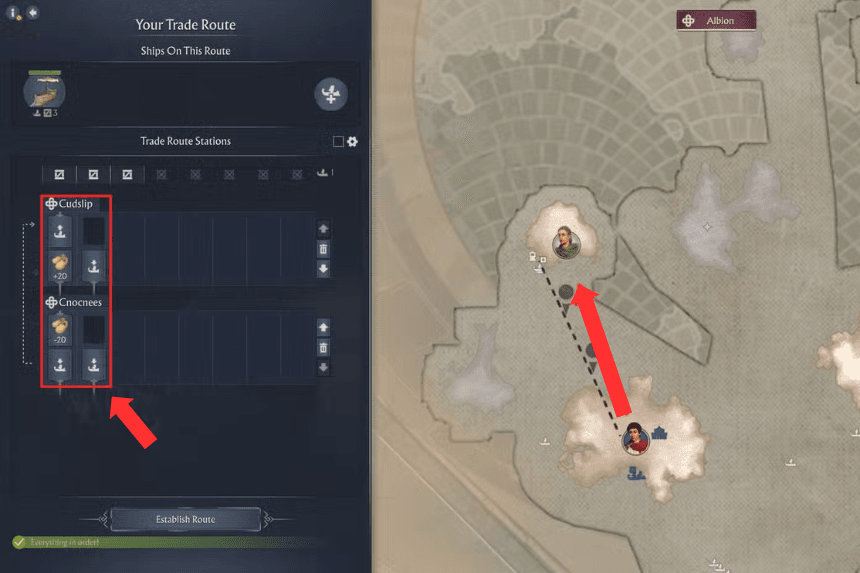
Trade routes aren’t just used to move supplies between your islands. You can also use them to sell goods to NPC cities that pay a premium. For example, Manx’s Harbour will always buy Reed Shoes for 21 Gold, a large amount more than its normal selling price of 14. If you plan on farming money through this method, setting up a dedicated trade route is well worth it.
How to Trade Goods in General
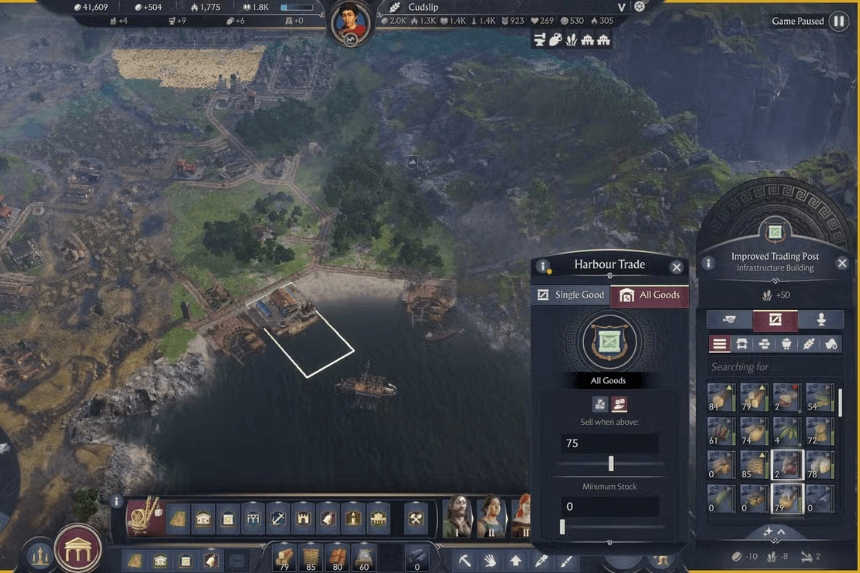
You have three ways to handle trading:
1. Active Trade Routes
Automatically load and unload items between your own islands or NPC cities.
2. Passive Trading
Your Trading Post can auto-sell items once you exceed a certain stock level. For example, set Timber to auto-sell when you have more than 75. NPC traders will come around and buy whatever you’ve marked.
3. Manual Trading
Sail directly to a city which buys something you want to sell. The Procurator’s Harbour is the most flexible since it buys nearly anything. If you wish to cut costs, then assign a captain specialist to your ship — several of them reduce trade fees.