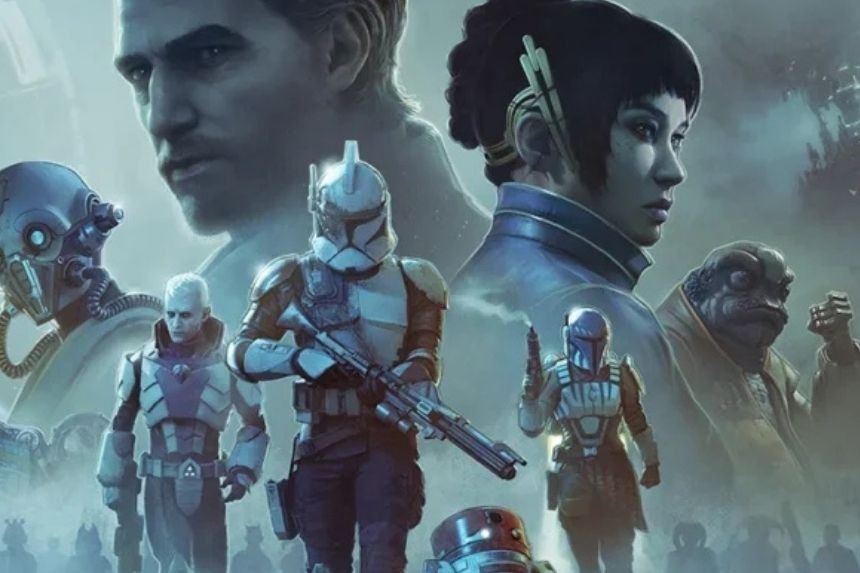
You are unable to recruit Clone Troopers at the start of Star Wars Zero Company, but you can prepare your own troops in advance. To unlock them, you need to complete more of the story, after which they can be hired through The Den. Here, we’ll go through how to create, equip, and hire these troops.
Create a Clone Before Unlocking Recruitment
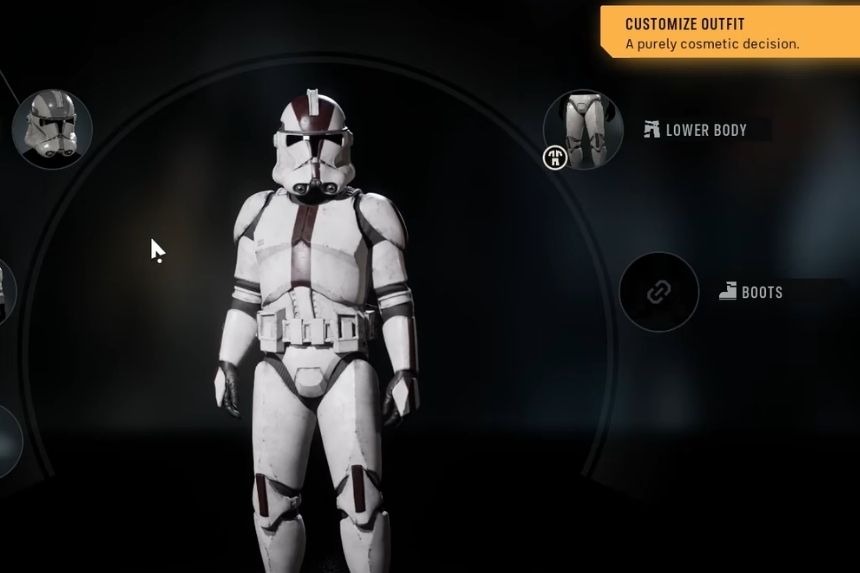
You can make arrangements for your Clone beforehand through the Character Database. Design your own Operator, select Clone as the race, and choose your appearance, voice, Specialization, Talent, and weapon type.
The customization platform allows you to recreate a few notable Clone designs, such as 501st, 87th Sentinel Corps, 181st Armored Division, 41st Elite Corps, 212th Attack Battalion, 442nd Siege Battalion, Shadow Trooper, 13th Battalion, 327th Star Corps, and Bomb Squad Trooper.
After storing your character, do not forget to activate it! The stored but inactive Clone character will not be added to the recruitment pool.
Progress Through the Campaign
Creating a Clone does not unlock recruitment. That feature becomes available through main-story progression, rather than a Den upgrade or Character Database setting.
The unlocking comes somewhere around the middle or end of the campaign, with the available information placing it in the later third of the storyline. There is no known Cycle at which the feature unlocks, so trying to guess the specific Cycles will be pointless.
You can continue your adventure and play through the main story if you have created and activated a Clone, but recruitment will likely take a while.
Recruit Your Custom Clone
After the Clone recruitment unlocks, go to The Den to access the Holotable where the recruitment terminal is located.
Select the custom Clone you want to recruit and use the required amount of Credits to recruit them. If your character does not appear in the first search, then refresh the recruitment pool and search for your character again.
Make sure to have a free roster slot available. If you do not have slots available, you can either upgrade your Crew Quarters to increase your roster size or remove one of the existing Operators.
Why Your Clone Isn’t Showing Up
In case you cannot find the prepared Clone in the recruitment terminal, check for the following conditions:
- You have met the requirements to unlock Clone recruitment.
- The character has been saved and is active.
- The recruitment pool has been refreshed.
- You have enough available credits.
- You have room for new characters in your roster.
The most common source of confusion is creating a Clone before the story has unlocked recruitment. While character creation is possible, it does not mean that the Clone recruitment system is activated.
Can You Recruit Multiple Clones?
Definitely. After you have unlocked recruitment, it is possible to make different Clones for a number of roles varying among their Specializations and also healing, support, ranged damage and frontline combat capabilities.
You can build a roster heavily around Clones, although Hawks remain important to the story, and some missions have character requirements. Besides, some missions require the inclusion of particular characters into the team. Hence you should not expect to create a team of four custom Clones for every mission.
Quick Unlock and Recruitment Steps
- Create: Character Database → Custom Operator → Clone → customize and save.
- Activate: Make sure the Clone is marked active.
- Unlock: Progress through the main story until Clone recruitment becomes available.
- Recruit: Visit The Den → recruitment terminal behind the Holotable → refresh the pool if needed → select your Clone → pay the Credits.
The key point to note here is that making a Clone and unlocking Clone recruitment is not the same thing. It just means you have already set up your units and they can be recruited when you fulfill the story requirements.