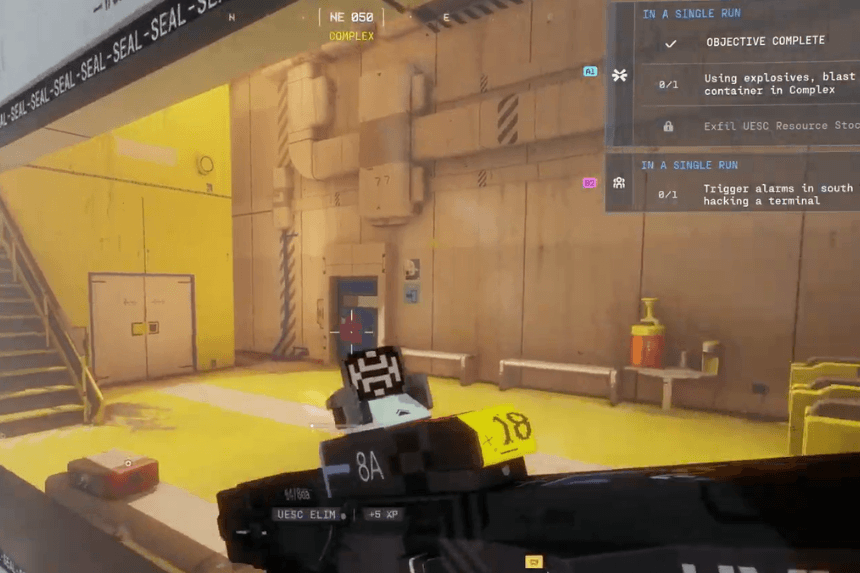
The Protect/Destroy contract in Marathon takes you through Dire Marsh and the Complex as you track down a hidden shipping database and recover a valuable resource. Knowing where to look can make this objective much faster. This guide explains how to find the terminal, locate the stockpile, and extract successfully.
Find the Shipping Database in Intersection
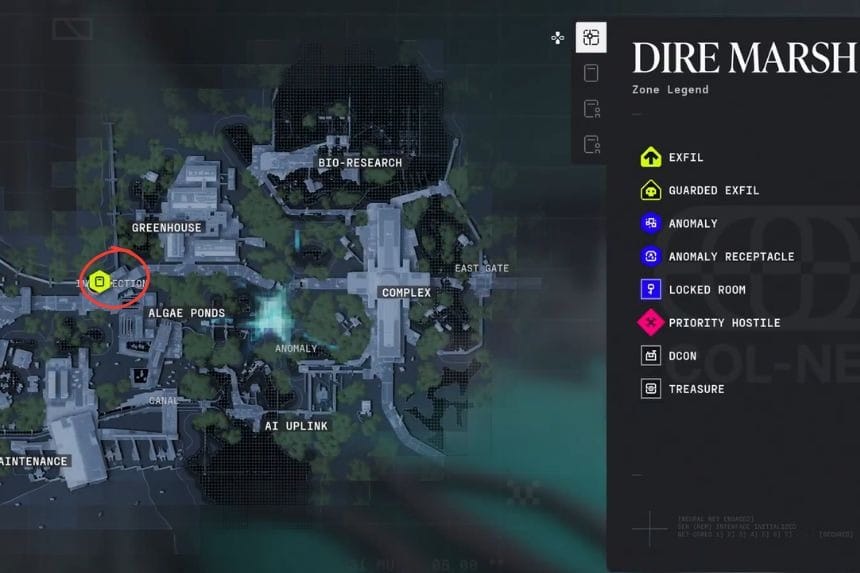
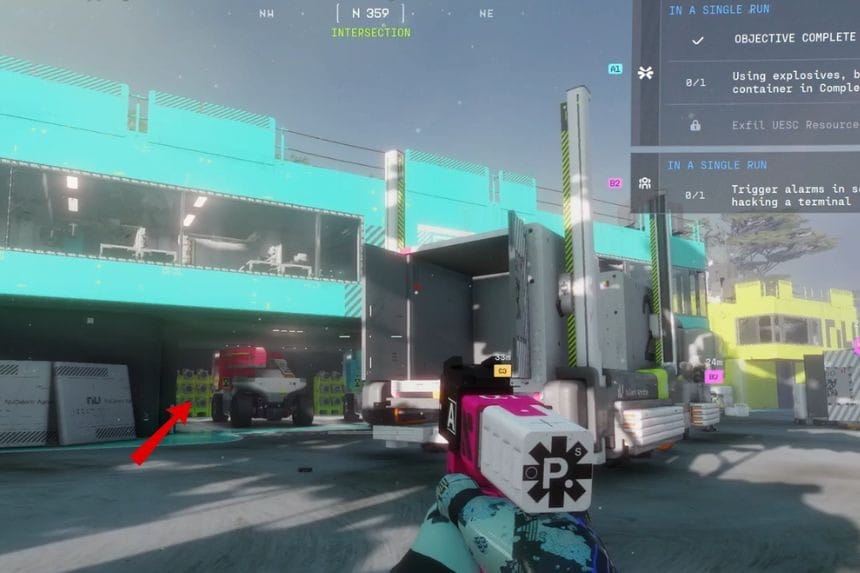
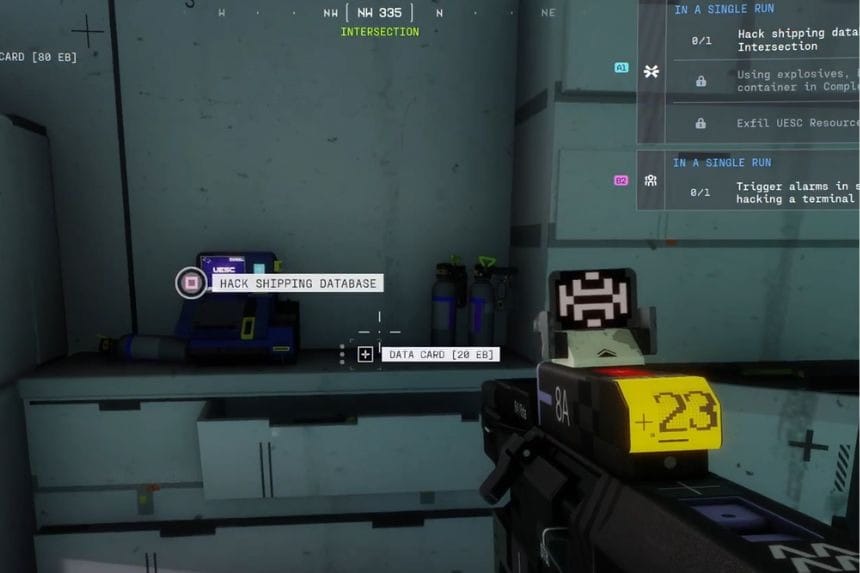
Your journey will commence at Dire Marsh, after selecting the Protect/Destroy contract, and your first objective will be to get to the shipping database located in the Intersection area. The building that contains the terminal is located near the centre of the map. However, this terminal is located underground.
To find this terminal, you will need to enter a blue garage-like structure and look for the crates outside a blue room. Inside the room, you will find a staircase that will take you to the area where the terminal is located. Go upstairs and activate the terminal to progress the contract.
Head to the Complex Warehouse
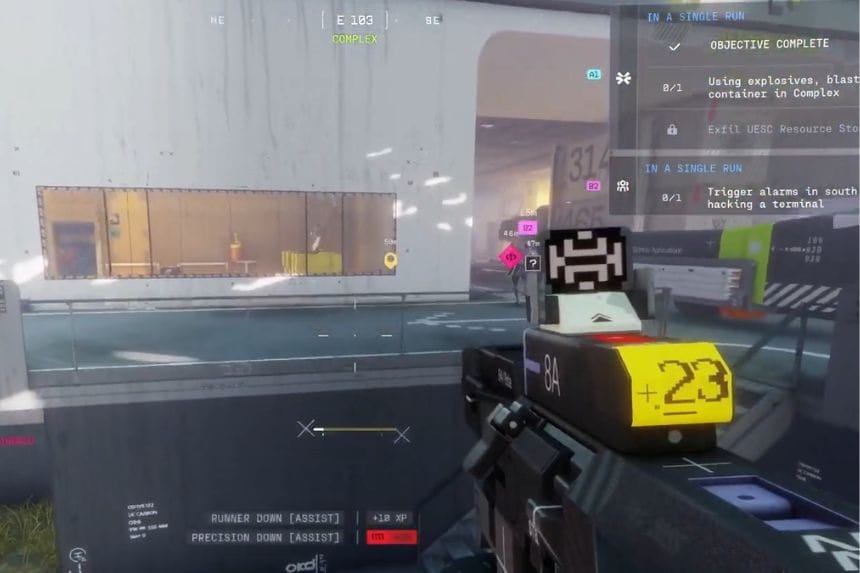
Once the terminal is activated, you should proceed to the Complex. There are multiple ways to access this Complex, but your end goal is to find the main warehouse building located at the centre of the Complex.
As you make your way through the Complex, keep an eye out for other teams in the vicinity. The objective you’re looking for is on the southeast side of the interior Complex, near a truck.
Open the Door and Extract the Item
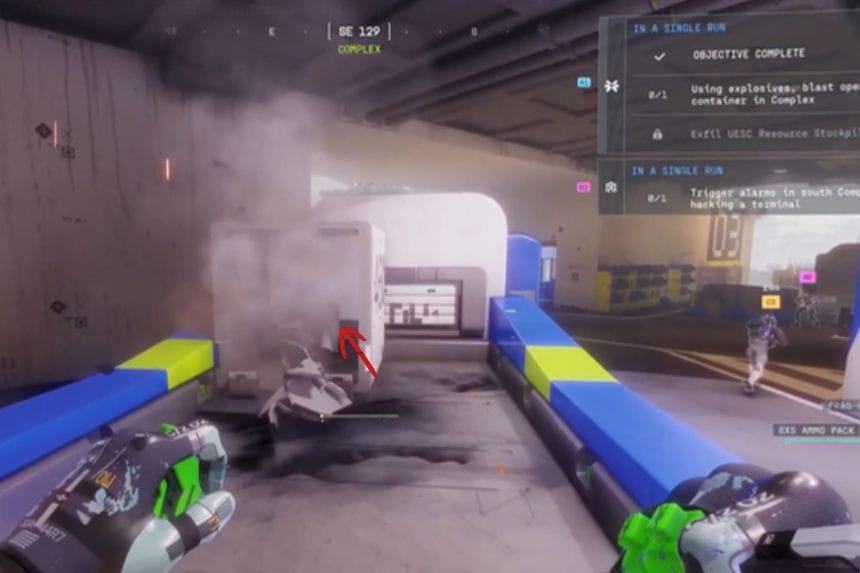
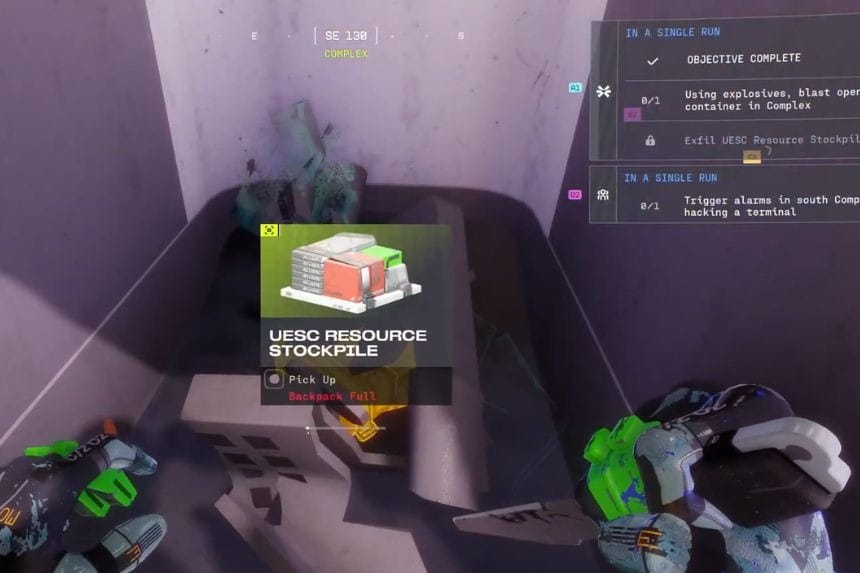
Once you reach the location, you’ll need to use explosives to blast open the door. This step is specified in the mission objective.
Once you open the door, you will find the UESC Resource Stockpile needed to fulfill the contract. Ensure you have four available inventory slots before picking up the UESC Resource Stockpile. After you have collected the item, extract successfully to complete the mission.